
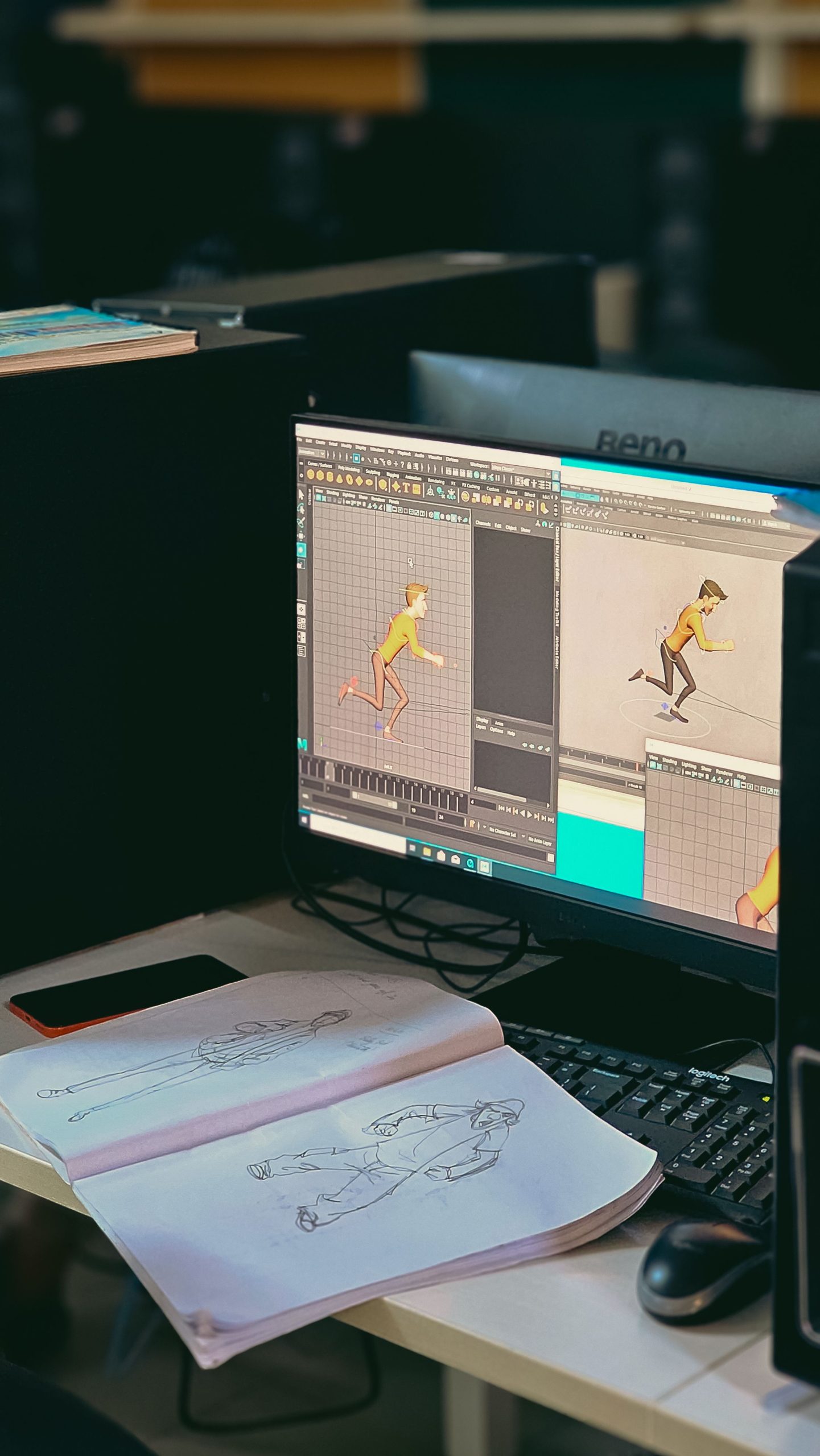
In-Depth Guide to Animation Software Features: Bringing Creativity to Life
Animation has become a vital medium in entertainment, advertising, education, and beyond. Whether creating simple 2D animations or complex 3D models, the right animation software can empower artists and studios to produce stunning visuals efficiently. This blog explores essential animation software features, highlights popular tools like the Adobe Animate app and Maya 3D animation app, and explains how integrating animation workflows with custom CRM development can streamline project management and client relations.
What is Animation Software?
Animation software refers to computer programs that enable users to create moving images, ranging from traditional frame-by-frame 2D animations to sophisticated 3D models and environments. These tools provide artists with digital canvases, timelines, and effects to craft engaging stories and visuals.
Essential Animation Software Features
Understanding key features helps animators select software that fits their creative and technical needs.
1. User-Friendly Interface
An intuitive interface with customizable workspaces allows users to focus on creativity without being bogged down by complex controls.
2. Drawing and Design Tools
Robust drawing tools, including brushes, pencils, shapes, and vector editing, enable precise creation of characters and backgrounds.
3. Frame-by-Frame Animation
Support for traditional frame-by-frame animation allows animators to craft detailed, hand-drawn sequences.
4. Timeline and Keyframe Management
A timeline with easy keyframe insertion and editing simplifies the animation process and allows fine control over motion.
5. Layering System
Multiple layers for characters, backgrounds, and effects enable complex compositions and easier editing without affecting other elements.
6. Rigging and Bone Systems
For character animation, rigging tools create skeletal structures that allow smooth and realistic movement without redrawing.
7. 3D Modeling and Animation
For 3D projects, features include polygon modeling, sculpting, rigging, texturing, and rendering capabilities.
8. Effects and Filters
Built-in visual effects, lighting, shadows, and particle systems enhance animations with realism or stylistic flair.
9. Export and Format Support
Wide export options ensure animations can be output for web, video, games, or broadcast in various formats and resolutions.
10. Collaboration and Integration
Support for cloud collaboration, version control, and integration with other creative software streamlines team workflows.
Exploring the Adobe Animate App
Adobe Animate is a leading 2D animation software favored by professionals and educators alike.
Key Features of Adobe Animate App
- Vector-Based Drawing Tools: Create scalable, sharp artwork suitable for web and mobile.
- Classic Frame-by-Frame & Tweening Animation: Combine traditional and modern animation techniques.
- Rich Multimedia Support: Embed audio, video, and interactive components.
- HTML5 Canvas Export: Publish animations optimized for browsers and devices.
- Asset Warp Tool: Easily manipulate shapes and characters for fluid motion.
- Integration with Adobe Creative Cloud: Seamlessly work with Photoshop, Illustrator, and After Effects.
- Responsive Design Capabilities: Adapt animations for multiple screen sizes.
Why Choose Adobe Animate?
Its versatility and integration with the Adobe ecosystem make it ideal for web animations, interactive content, and educational projects.
Overview of Maya 3D Animation App
Autodesk Maya is an industry-standard 3D animation software used extensively in film, games, and visual effects.
Key Features of Maya 3D Animation App
- Advanced 3D Modeling: Tools for polygon, NURBS, and subdivision surface modeling.
- Character Rigging and Skinning: Create complex skeletal systems for realistic movement.
- Animation Layers and Graph Editor: Fine-tune motion with precise control over keyframes and curves.
- Dynamics and Effects: Simulate particles, fluids, cloth, and hair for lifelike environments.
- High-Quality Rendering: Support for Arnold renderer and third-party engines.
- Scripting and Customization: Extend functionality with MEL and Python scripting.
- Collaboration Tools: Share scenes and assets across teams efficiently.
Why Maya Stands Out
Maya’s comprehensive toolset and customization options make it the go-to choice for high-end 3D productions.
How Custom CRM Development Supports Animation Studios
Animation projects often involve multiple stakeholders, tight deadlines, and complex asset management. Integrating animation workflows with custom CRM development enhances operational efficiency.
Benefits of Custom CRM in Animation
- Project Management: Track timelines, milestones, and deliverables in one centralized system.
- Client Communication: Manage feedback, approvals, and communications seamlessly.
- Resource Allocation: Monitor team workloads and assign tasks efficiently.
- Asset Management Integration: Link CRM with digital asset management for version control.
- Billing and Contract Management: Automate invoicing and contract tracking.
- Analytics and Reporting: Gain insights into project profitability and client satisfaction.
Custom CRM solutions can be tailored to your studio’s unique workflows and integrated with animation software, improving productivity and client relationships. Learn more at custom CRM development.
Choosing the Right Animation Software for Your Needs
Consider these factors when selecting animation software:
- Type of Animation: 2D or 3D, frame-by-frame or rigged.
- Skill Level: Beginner-friendly or advanced professional tools.
- Project Scope: Simple web animations or full-length feature films.
- Budget Constraints: Free, subscription-based, or perpetual licenses.
- Platform Compatibility: Windows, Mac, or cloud-based solutions.
- Integration Needs: Compatibility with other creative tools.
- Support and Community: Access to tutorials, forums, and customer service.
Best Practices for Using Animation Software Effectively
- Plan Your Animation: Storyboard and script before starting.
- Leverage Templates and Assets: Use pre-made assets to speed up production.
- Master Shortcuts and Tools: Improve efficiency with software shortcuts.
- Regularly Save and Back Up Work: Prevent data loss.
- Collaborate and Review: Use collaboration features for feedback and quality control.
- Stay Updated: Keep software updated for new features and security.
Emerging Trends in Animation Software Features
The animation industry is embracing new technologies such as:
- Real-Time Rendering: Instant previews reduce wait times.
- AI-Assisted Animation: Automate inbetweening and lip-syncing.
- Virtual Reality (VR) and Augmented Reality (AR): New storytelling platforms.
- Cloud-Based Collaboration: Remote teams working seamlessly.
- Procedural Animation: Algorithm-driven effects and movements.
Adapting to these trends will keep your animations fresh and competitive.
Conclusion
Mastering animation software features is essential for bringing creative visions to life efficiently and professionally. Tools like the Adobe Animate app offer versatile 2D animation capabilities, while the Maya 3D animation app provides powerful solutions for complex 3D projects.
Integrating your animation processes with custom CRM development streamlines project management, enhances client communication, and optimizes resource use.
Invest in the right software and tailored CRM solutions to elevate your animation workflow and produce captivating content that stands out in today’s multimedia landscape.
You can explore our other blogs as well for more insights on creative and production software:



