
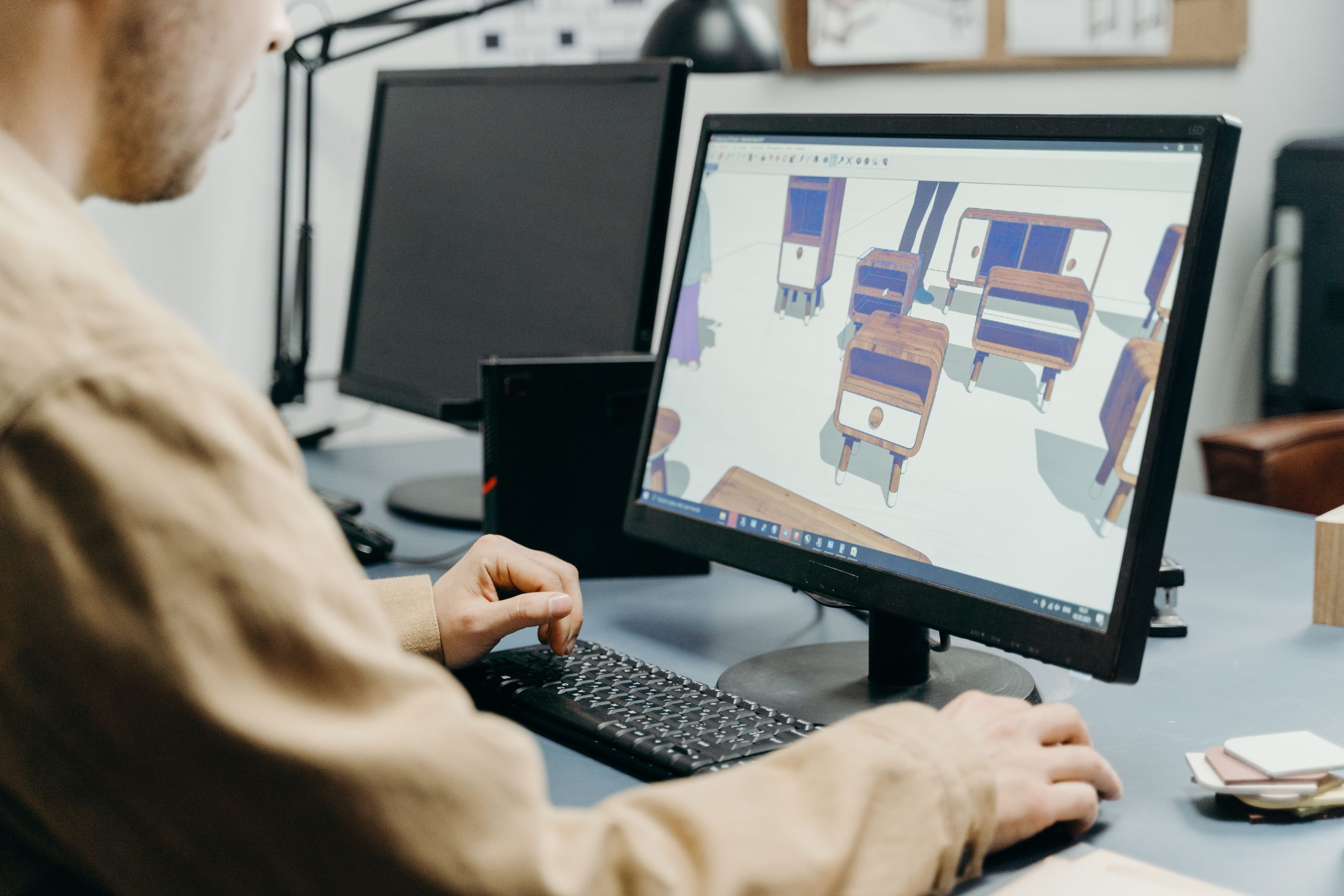
Best 3D Modeling Software: Unlocking Creativity and Innovation
In the world of digital design, 3D modeling has become an essential tool for artists, engineers, architects, and hobbyists alike. Whether you are creating intricate animations, designing prototypes for 3D printing, or visualizing architectural plans, choosing the best 3D modeling software can significantly impact your efficiency and creativity. This blog explores the best 3D modeling software available, including the best free 3D modeling software and free 3D printing software, helping you make an informed decision.
What is 3D Modeling Software?
3D modeling software allows users to create three-dimensional digital representations of objects. These models can be used in various fields such as animation, manufacturing, architecture, and gaming. The software provides tools to sculpt, shape, and texture objects, enabling users to bring their ideas to life in a virtual environment.
Why Choosing the Best 3D Modeling Software Matters
Selecting the right 3D modeling software affects not only the quality of your designs but also your workflow and project timelines. The best software offers intuitive interfaces, robust toolsets, and compatibility with other platforms such as 3D printers. Whether you are a beginner or a professional, the right application can make the difference between frustration and smooth creation.
Key Features to Look For in the Best 3D Modeling Software
When evaluating 3D modeling software, consider these critical features to ensure the tool meets your needs:
- User Interface and Ease of Use: An intuitive interface reduces the learning curve.
- Modeling Capabilities: Support for various modeling techniques like polygonal, NURBS, and sculpting.
- Rendering Quality: Ability to produce photorealistic images and animations.
- Compatibility: Export and import options that work with other design and printing software.
- Animation and Simulation: Tools to animate models or simulate real-world physics.
- Support for 3D Printing: Integration with free 3D printing software for seamless prototype creation.
- Customization and Extensibility: Availability of plugins and scripting for extended functionality.
- Community and Support: Active user communities, tutorials, and reliable customer support.
Assessing these features will help you select software that aligns with your project requirements.
You can also have a qquick look at Best CAM Software: Discovering the Best CAM Software: Your Ultimate Guide to Top Picks and Free Options
Best 3D Modeling Software Options
Several 3D modeling software applications stand out for their features, usability, and popularity across industries. Here are some of the best 3D modeling software tools available:
1. Blender
Blender is a powerful open-source 3D modeling software that offers a comprehensive suite of tools for modeling, sculpting, animation, and rendering. It is widely regarded for its versatility and active community support. Blender supports free 3D printing software workflows, making it ideal for hobbyists and professionals alike.
2. Autodesk Maya
Autodesk Maya is a professional-grade software used extensively in film, television, and game development. It offers advanced modeling, animation, and simulation features. While it is a premium product, its robust toolset justifies the investment for serious creators.
3. Tinkercad
Tinkercad is a browser-based free 3D modeling software, perfect for beginners and educators. It provides simple tools for creating models that are compatible with 3D printing. Tinkercad’s ease of use and accessibility make it a popular choice for learning the basics.
4. SketchUp
SketchUp is known for its user-friendly interface and strong architectural modeling capabilities. It offers a free version alongside professional plans. SketchUp supports various plugins and integrates well with 3D printing platforms.
5. Fusion 360
Fusion 360 by Autodesk combines 3D modeling, CAD, CAM, and CAE in one cloud-based platform. It is popular among engineers and product designers, offering collaborative features and compatibility with 3D printing workflows.
6. FreeCAD
FreeCAD is an open-source parametric 3D modeling software focused on engineering and product design. It is highly customizable and supports free 3D printing software integration, making it ideal for technical projects.
Best Free 3D Modeling Software
For those starting or on a budget, several free 3D modeling software options provide impressive capabilities without cost:
- Blender: Comprehensive and professional-grade features.
- Tinkercad: Simple, browser-based modeling.
- FreeCAD: Parametric design with engineering focus.
- SketchUp Free: Accessible, easy-to-use interface.
- Meshmixer: Specialized in 3D printing and mesh editing.
These free tools offer great opportunities to learn and create without a financial commitment.
You can also have a quick look at Best Animation Software: The Ultimate Guide to the Best Animation Software
Free 3D Printing Software to Complement Your Modeling Tools
3D printing requires software to prepare and convert 3D models into a format your printer can understand. Free 3D printing software often includes slicing tools that convert models into layers for printing. Popular free options include:
- Ultimaker Cura: User-friendly slicing software supporting numerous 3D printers.
- PrusaSlicer: Developed by Prusa Research, it offers advanced features and printer compatibility.
- Slic3r: An open-source slicer with customizable settings.
- MatterControl: Combines design and slicing functionalities for streamlined workflow.
Using these with your 3D modeling software ensures smooth transition from design to physical object.
How to Choose the Best 3D Modeling Software for Your Projects
Choosing the right software depends on your skill level, project goals, and budget. Here are some tips:
- Beginner Friendly: Look for free, easy-to-learn software like Tinkercad or SketchUp Free.
- Professional Use: Consider Autodesk Maya or Fusion 360 for advanced features and industry standards.
- 3D Printing Focus: Ensure compatibility with free 3D printing software like Cura or PrusaSlicer.
- Customization Needs: Open-source options like Blender and FreeCAD offer flexibility through plugins and scripting.
- Community Support: Active forums and tutorials can accelerate learning.
Testing several options and exploring trial versions can help you identify the best fit.
You can also have a quick look at Best Data Visualization Tools: Top Data Visualization Tools: Unlocking the Power of Visual Data
Integrating 3D Modeling with Custom CRM Development
For businesses leveraging 3D modeling in product design and manufacturing, integrating these workflows with custom CRM development can enhance operational efficiency. A custom CRM system tailored to your business processes can include modules for managing design projects, tracking client interactions, and coordinating manufacturing workflows.
Custom CRM development enables seamless data flow between your 3D modeling team and sales or customer support, improving communication and reducing errors. This integration fosters better project management, timely delivery, and customer satisfaction.
Organizations looking to optimize their design-to-production pipeline should consider exploring custom CRM development services. Learn more about how these tailored solutions can transform your business by visiting custom CRM development.
Tips for Maximizing Your 3D Modeling Software Experience
To get the most from your 3D modeling software, consider these best practices:
- Regularly Update Software: Keep your tools updated for new features and bug fixes.
- Utilize Tutorials: Take advantage of online tutorials and community forums.
- Practice Consistently: Regular use improves skill and familiarity.
- Experiment with Plugins: Extend functionality with add-ons suited to your needs.
- Optimize Models for Printing: Ensure models are manifold and appropriately scaled for 3D printing.
- Collaborate: Share files and feedback with peers or clients to refine designs.
Following these tips accelerates your learning curve and improves output quality.
The Future of 3D Modeling Software
The future of 3D modeling software is exciting, with emerging technologies such as augmented reality (AR), virtual reality (VR), and artificial intelligence (AI) shaping the landscape. AI-powered tools will assist in automating repetitive tasks and generating design suggestions. Cloud-based platforms will enhance collaboration, allowing teams worldwide to work together seamlessly.
Integration with custom CRM systems will become more common, combining customer data, project management, and design workflows into unified platforms. This convergence will drive innovation and efficiency across industries.
Conclusion
Choosing the best 3D modeling software is a vital step for anyone involved in digital design, whether for professional projects or personal creativity. With options ranging from powerful free software like Blender to industry-leading tools like Autodesk Maya, there is a solution for every need and skill level. Complementing your modeling with free 3D printing software ensures your designs can become tangible creations.
For businesses, integrating 3D modeling workflows with custom CRM development offers a strategic advantage, streamlining operations and enhancing client relationships. Discover how custom CRM development can elevate your business by visiting custom CRM development.
Embrace the possibilities of 3D modeling today and transform your ideas into reality.



