
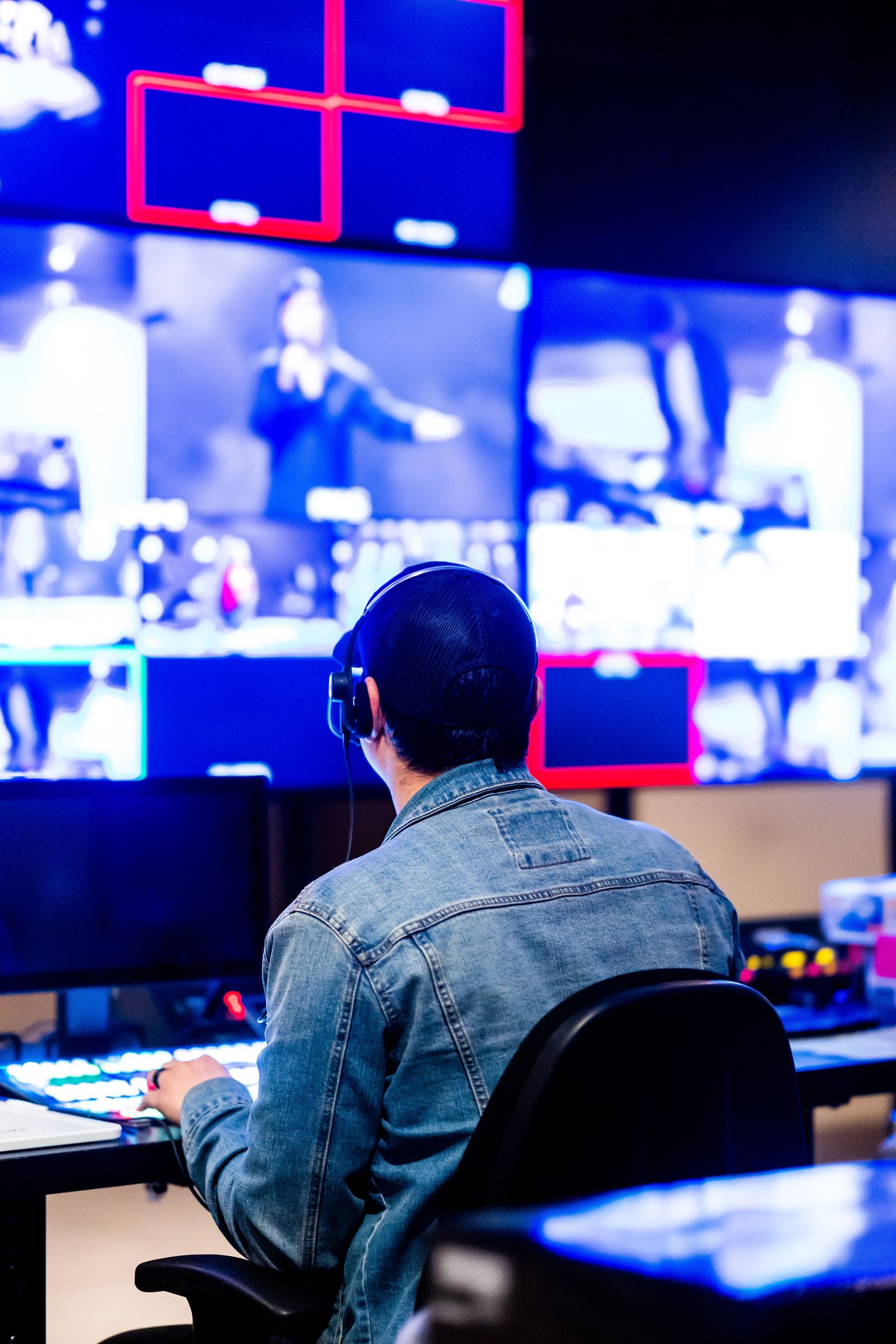
Streaming Software Features: Your Guide to Live Stream Facebook & YouTube App
In today’s digital age, live streaming has become a cornerstone of online communication, entertainment, and marketing. Whether you’re a content creator, a business owner, or simply someone who loves sharing moments in real time, understanding streaming software features is essential. This blog will dive into the key functionalities that make streaming software so powerful, focusing on Facebook Live stream app and YouTube Live stream app. Plus, we’ll touch on how integrating custom CRM development can elevate your streaming and audience engagement to the next level.
Why Streaming Software Features Matter
Streaming software acts as the bridge between you and your audience, enabling real-time video broadcasting with interactive capabilities. The right software empowers you to create professional, engaging live streams without requiring a full production studio. Let’s explore why features in streaming software are crucial:
- Enhanced Audience Engagement: Features like live chat, reactions, and polls keep viewers involved and interactive.
- Multi-Platform Streaming: Stream simultaneously to Facebook, YouTube, Twitch, and more, broadening your reach.
- Customization Options: Add overlays, graphics, and transitions to maintain brand consistency and professionalism.
- Analytics and Insights: Real-time data on viewer counts, demographics, and behavior help tailor content for better results.
- Reliability and Quality: Features that optimize connection stability and video quality ensure a smooth viewing experience.
Exploring Key Streaming Software Features
Streaming software today is packed with a variety of features tailored to different needs. Here are some of the most important features to look for:
1. User-Friendly Interface
A simple, intuitive interface makes it easy for beginners to start streaming without a steep learning curve. Drag-and-drop functionality and preset layouts help streamline setup.
2. Customizable Overlays and Scenes
Overlays are graphic layers placed over your video feed logos, social media handles, subscriber counts, or donation alerts. Scenes allow you to switch between different layouts seamlessly during a live broadcast.
3. Multi-Platform Streaming
Streaming to multiple platforms at once saves time and expands your audience. This feature is particularly useful for creators wanting to broadcast on Facebook Live and YouTube Live simultaneously.
4. Chat Integration
Chat windows embedded into the streaming dashboard allow you to monitor and respond to viewer comments in real time, boosting interaction and community building.
5. Recording and Replay Options
Record your stream locally or in the cloud to repurpose content or share highlights. Some software also offers instant replay features for dynamic content.
6. Stream Quality Controls
Adjust resolution, bitrate, and frame rates to balance video quality with bandwidth capabilities, ensuring smooth streaming even on varying internet speeds.
7. Audio Mixing
Integrated audio controls let you balance game sounds, microphone input, music, and other audio sources for a professional sound experience.
Facebook Live Stream App: Connecting with Your Community
Facebook Live has become a staple for personal broadcasters, businesses, and influencers alike. The Facebook Live stream app offers powerful features designed to maximize engagement and ease of use.
Top Features of Facebook Live Stream App
- One-Click Streaming: Start broadcasting live with a simple tap on your mobile device.
- Interactive Reactions: Viewers can react instantly with emojis, boosting engagement and feedback.
- Live Comments: Real-time comment display encourages direct interaction between streamers and viewers.
- Guest Streaming: Invite friends or collaborators to join your live broadcast, creating dynamic content.
- Customizable Privacy Settings: Control who sees your stream public, friends, or selected groups.
These features make the Facebook Live stream app a versatile tool for everything from casual hangouts to product launches and live events.
Live Stream YouTube App: Professional Streaming Made Easy
YouTube Live is known for its vast audience and monetization opportunities. The live stream YouTube app offers a range of features suited for creators aiming to build a professional presence.
Key Features of Live Stream YouTube App
- High-Quality Streaming: Supports up to 4K resolution for crystal-clear video.
- Stream Scheduling: Plan streams ahead with scheduled start times to build anticipation.
- Super Chat and Memberships: Monetize your streams through viewer donations and memberships.
- Stream Analytics: Detailed insights into viewer demographics, watch time, and engagement metrics.
- Stream Health Monitoring: Real-time alerts on stream stability and quality.
With these features, the live stream YouTube app is ideal for creators who want to grow their channel and engage with a global audience.
Custom CRM Development: Enhancing Your Streaming Experience
While streaming software features are crucial, integrating them with a powerful backend system can transform your workflow. This is where custom CRM development comes into play.
A custom CRM (Customer Relationship Management) system tailored to your streaming business can help you manage your audience data, track interactions, and automate marketing efforts more efficiently. Imagine having a centralized platform that connects your live stream data from Facebook Live or YouTube Live with your customer profiles, enabling personalized communication and better retention.
Benefits of integrating custom CRM development with your streaming strategy include:
- Audience Segmentation: Target viewers with tailored messages based on their engagement history.
- Automated Follow-Ups: Send thank-you notes, promotional offers, or reminders automatically.
- Streamlined Communication: Manage messages from multiple platforms in one place.
- Data-Driven Insights: Use CRM analytics to understand viewer preferences and optimize content.
By combining streaming software features with custom CRM development, you create a seamless ecosystem that enhances viewer experience and business growth.
Choosing the Right Streaming Software for You
With so many streaming options and features, how do you decide which software is best? Consider the following:
- Your Goals: Are you streaming for fun, building a brand, or running a business?
- Platform Compatibility: Does it support Facebook Live stream app, live stream YouTube app, or both?
- Ease of Use: How comfortable are you with technology? Look for intuitive interfaces if you’re a beginner.
- Budget: Some software offers free basic features, while advanced options may require subscriptions.
- Customization Needs: Do you want to add overlays, multi-scene setups, or special effects?
Popular streaming software options to explore include OBS Studio, Streamlabs, XSplit, and Restream, each offering different strengths depending on your needs.
Tips for a Successful Live Stream
Beyond software, here are some practical tips to make your live streams engaging and professional:
- Test Your Setup: Check audio, video, and internet connection before going live.
- Plan Your Content: Outline key points or segments to keep the stream flowing smoothly.
- Interact with Viewers: Acknowledge comments and questions to build community.
- Promote in Advance: Use social media and CRM tools to announce your stream and attract viewers.
- Keep It Authentic: Be yourself, and don’t be afraid to show your personality.
Final Thoughts
Streaming software features have revolutionized how we connect and communicate online. Whether you’re using the Facebook Live stream app, the live stream YouTube app, or both, the right tools empower you to create engaging, interactive, and professional broadcasts. Taking your streaming to the next level with custom CRM development can further enhance your relationship with your audience and streamline your operations.
Explore the possibilities, experiment with features, and most importantly, have fun sharing your unique voice with the world. Stay tuned for more insights into digital tools and strategies that help you thrive in the online space!
You can explore our other blogs as well for more insights on streaming and virtual communication software:



