
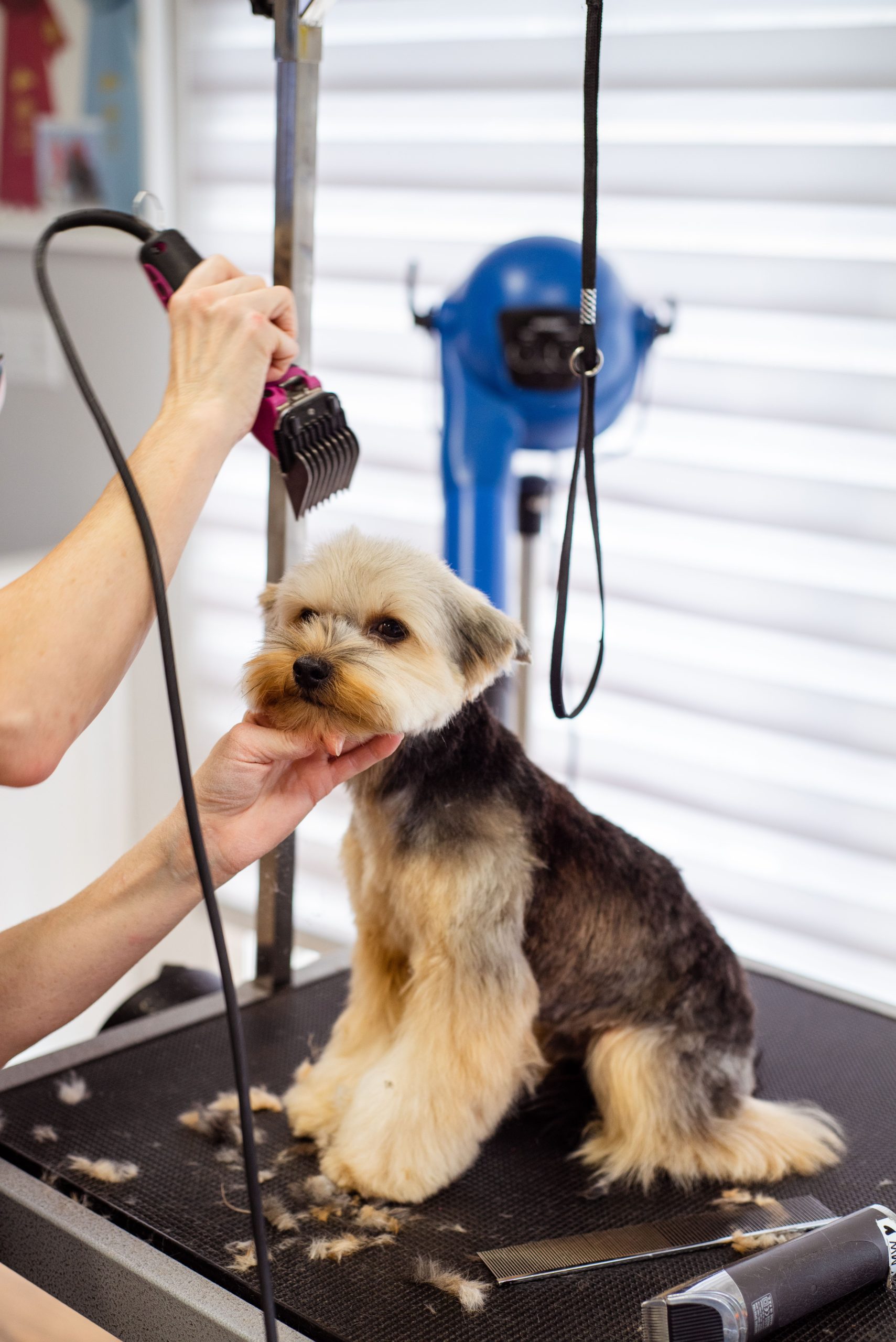
Dog Grooming Software: 9 Features That Make Salon Operations Easier
Dog grooming software helps grooming businesses manage appointments, pet information, staff schedules, payments, customer communication, and daily salon tasks from one system. Instead of relying on paper notes, spreadsheets, phone calls, and separate apps, groomers can organize key operations in a central platform. For busy salons, the right dog grooming software can make scheduling easier, reduce administrative work, and create a smoother experience for both staff and pet owners.
In this guide, we’ll explore nine important features to look for, how dog grooming salon software works in practice, the benefits and limitations to consider, and practical tips for choosing a system that fits your business.
What Is Dog Grooming Software?
Dog grooming software is a business management system designed for professional groomers and pet grooming salons. It brings common tasks such as appointment scheduling, customer management, pet profiles, service tracking, payments, reminders, and reporting into one place.
For example, when a customer books a grooming appointment, the software can store the owner’s contact details, the dog’s information, the requested service, the assigned groomer, and the appointment time. Staff can then access those details without searching through paper files or different systems.
Good software should also support the actual workflow of a grooming salon. That means it should account for service duration, groomer availability, repeat appointments, special handling instructions, and customer preferences.
Why Do Grooming Salons Need Specialized Software?
Grooming salons manage more than simple appointments. Each visit can involve a specific breed, coat type, service package, grooming preference, behavioral note, and health-related observation. Therefore, a basic calendar may not provide enough context for daily operations.
Professional grooming also requires careful attention to pet safety. The American Kennel Club’s professional grooming standards cover areas such as pet intake, safety, humane handling, sanitation, equipment, and behavioral management. AKC professional dog grooming standards provide useful guidance for businesses building their operational procedures.
As a result, dog grooming salon software can help turn those processes into repeatable workflows. Staff can capture important information during intake, keep records accessible, and follow consistent procedures during each visit.
9 Key Features of Dog Grooming Software
1. Online Appointment Scheduling
Scheduling sits at the center of most grooming businesses. A suitable system should allow staff to create, change, cancel, and manage appointments without maintaining multiple calendars.
Online booking can also let customers request appointments outside normal business hours. The system can display available time slots based on groomer availability, service duration, and operating hours.
For example, a full grooming package may require more time than a nail trim. The scheduling system should account for that difference instead of treating every appointment as the same length.
Businesses that want a deeper look at scheduling workflows can also review this guide to appointment scheduling software.
2. Detailed Pet Profiles
A pet profile gives groomers a central place to store information about each dog. Depending on the business workflow, records can include the dog’s name, breed, age, coat type, grooming history, preferred services, owner details, and special instructions.
Staff can also record notes that help them prepare for future visits. For instance, a profile might mention that a dog becomes nervous around dryers or needs additional handling during nail trimming.
These records reduce the need to ask customers the same questions at every appointment. More importantly, they help the team provide a more consistent service.
3. Service and Package Management
Grooming businesses often offer several services, such as baths, haircuts, brushing, nail trims, ear cleaning, teeth cleaning, de-shedding, and breed-specific grooming packages.
Dog grooming software can organize these services into a structured catalog. Each service can include a price, estimated duration, assigned staff type, and other relevant details.
Packages can make the workflow even simpler. For example, a salon could create a standard grooming package that combines bathing, drying, brushing, trimming, and nail care. Staff can select the package instead of manually adding each service.
This approach also makes pricing more consistent and reduces errors during checkout.
4. Groomer and Staff Scheduling
Managing customer appointments becomes harder when several groomers work different shifts. A software system can provide a shared view of staff availability and assigned appointments.
Managers can use this information to avoid double-booking and balance workloads. They can also see which groomer handles a specific appointment and identify open periods during the day.
Furthermore, staff scheduling becomes easier when the system connects employee availability with customer bookings. This gives managers a clearer view of the salon’s capacity before accepting additional appointments.
5. Automated Appointment Reminders
Missed appointments can disrupt a grooming salon’s schedule. Automated reminders can help customers remember upcoming visits without requiring staff to call every person manually.
Depending on the system, reminders may work through email, text messages, or other supported communication channels. A reminder can include the appointment date, time, service, and relevant preparation instructions.
For recurring customers, the system can also make it easier to schedule the next visit before the current appointment ends. That creates a more consistent booking process and helps customers maintain their preferred grooming routine.
6. Customer Communication and Notifications
Grooming businesses often communicate with customers before, during, and after appointments. They may need to confirm a service, notify an owner that a dog is ready for pickup, answer questions, or discuss changes to an appointment.
A centralized communication workflow keeps those interactions easier to manage. Instead of searching through different channels, staff can keep customer communication connected to the relevant client or appointment.
This also makes it easier to maintain consistent service standards. Businesses interested in broader communication workflows can explore customer communication software.
7. Digital Intake and Safety Records
Intake information can be important for both operational consistency and pet safety. A grooming business may need to record owner contact information, veterinarian details, vaccination information, behavioral concerns, grooming preferences, and other relevant notes.
The AKC’s national professional dog grooming educational standards specifically include intake information such as owner and veterinarian contacts, vaccination or titer information, pet details, and current medical or behavioral concerns. The AKC grooming standards document provides further detail on these areas.
Software can turn intake into a repeatable digital process. Staff can collect information during booking or check-in and keep it attached to the pet’s profile.
Software can help organize grooming records, but it does not replace professional judgment. Groomers should follow appropriate safety procedures and refer health concerns to a veterinarian when necessary.
8. Billing, Payments, and Invoices
Payment processing is another important part of salon management. Dog grooming software can connect services and packages to customer invoices, making checkout faster and more consistent.
For example, the system can calculate the total for a grooming package and additional services before generating the final invoice. Some platforms may also support deposits, discounts, payment tracking, receipts, and different payment methods.
Accurate billing helps reduce manual calculations and gives owners a clearer view of revenue. In addition, digital transaction records can make financial reporting easier.
9. Reports and Business Insights
Once appointments, services, payments, and customer activity move into one system, the business can use that information for reporting.
Useful reports may cover appointment volume, revenue, service popularity, customer activity, cancellations, staff workloads, and repeat bookings. Managers can then identify patterns that are difficult to see in a paper-based workflow.
For example, if a particular grooming package consistently generates bookings, the owner may decide to promote it more prominently. Similarly, unusually high cancellation activity during certain periods may encourage the business to review its reminder process.
Dog Grooming Software vs. General Scheduling Tools
A general scheduling tool can handle basic appointment times. However, dog grooming salon software usually needs to manage much more information around each booking.
| Capability | General Scheduling Tool | Dog Grooming Software |
|---|---|---|
| Appointment booking | Usually available | Built around grooming services and workflows |
| Pet profiles | Limited or unavailable | Detailed pet records |
| Grooming history | Usually limited | Can connect history to pet records |
| Service packages | Basic | Designed for multiple grooming services |
| Staff scheduling | General calendar features | Connected to appointments and salon capacity |
| Pet-specific notes | Limited | Centralized with the pet profile |
| Business reporting | Varies | Focused on salon operations |
Therefore, the right choice depends on how much operational detail the business needs. A small groomer with a simple schedule may only need basic booking tools. On the other hand, a growing salon with multiple groomers, recurring clients, and several service types may benefit from a specialized system.
How Dog Grooming Salon Software Works in Practice
Consider a customer who wants to book a full grooming session for a Golden Retriever.
- The customer selects an available appointment online.
- The salon records the dog and owner information in the customer database.
- The booking connects to the appropriate grooming service and estimated duration.
- The assigned groomer can review the dog’s previous notes before the appointment.
- The system sends an appointment reminder before the visit.
- Staff update the grooming record after completing the service.
- The customer receives the final invoice and completes payment.
- The salon can schedule the next appointment and retain the updated grooming history.
This workflow reduces repeated data entry and keeps important information connected. As a result, staff spend less time moving information between systems and more time serving customers and their pets.
Benefits of Using Dog Grooming Software
Centralized calendars help staff see appointments, availability, and assigned groomers in one place.
Online booking, reminders, clear invoices, and accessible pet records can make each interaction smoother.
Detailed profiles give groomers access to relevant preferences, service history, and handling notes.
Automation can reduce repetitive tasks such as reminders, appointment updates, and manual record keeping.
Centralized operational data makes it easier to review bookings, services, revenue, and customer activity.
What Should You Consider Before Choosing a System?
Not every grooming business needs the same feature set. Before choosing dog grooming software, start with the problems you want the system to solve.
First, review your booking process. Determine whether you need online booking, recurring appointments, deposits, cancellation management, and automated reminders. Next, consider how much pet information your staff need during check-in and grooming.
Then, evaluate staff management. If you operate with multiple groomers, the software should make availability and assignments easy to understand. Payment processing, reporting, customer communication, and integrations should also match your current workflow.
Finally, consider usability. A system with many features may still create problems if employees find it difficult to use. Ask whether staff can learn the system quickly and whether customers can book without unnecessary steps.
Map your current booking-to-checkout workflow before comparing software. This makes it easier to identify essential features and avoid paying for tools your salon will rarely use.
When Custom Dog Grooming Software Makes Sense
Off-the-shelf software can cover common grooming needs. However, some businesses operate differently enough to require a more tailored workflow.
For example, a multi-location grooming company may need centralized reporting across locations while allowing each branch to manage its own staff and appointments. Another business may need custom integrations with an existing accounting platform, payment system, website, customer database, or marketing workflow.
In those situations, custom CRM development can help connect customer management with the specific processes the business already uses. The goal should not be to add complexity. Instead, the software should fit the actual workflow and remove unnecessary manual steps.
Common Mistakes to Avoid
Choosing Based Only on Price
A low subscription cost does not always mean lower overall cost. If staff must still use spreadsheets, separate calendars, or manual messaging tools, the business may continue carrying administrative work.
Ignoring Pet Records
Appointments alone do not capture the full grooming relationship. Pet-specific notes and service history can help staff prepare for repeat visits and deliver a more consistent experience.
Overlooking Staff Workflow
Software should work for the people using it every day. If groomers cannot quickly find appointment details or update records, the system may create friction instead of removing it.
Skipping Safety Procedures
Technology should support salon processes, not replace them. Professional grooming requires appropriate handling, sanitation, equipment checks, and attention to pet behavior and health concerns.
Is Dog Grooming Software Worth It?
Dog grooming software can be useful when appointment volume, customer records, staff coordination, payments, and communication become difficult to manage manually. The greatest value comes from connecting these activities rather than treating each task as a separate process.
For a small independent groomer, a simple scheduling system may be enough. However, a growing salon with several groomers, recurring customers, multiple services, and detailed pet records may benefit from a dedicated platform.
The key is to match the software to the business. Start with the workflow, identify repetitive tasks, and then choose features that directly solve those problems.
Frequently Asked Questions
“`
What does dog grooming software do?
Dog grooming software helps salons manage appointments, pet profiles, customer records, grooming services, staff schedules, payments, reminders, communication, and reports from one system.
What is dog grooming salon software?
Dog grooming salon software is a specialized business management platform for grooming businesses. It combines scheduling and customer management with pet-specific records, service management, billing, and salon workflows.
Can dog grooming software manage multiple groomers?
Yes. Many grooming platforms provide staff calendars, appointment assignments, availability management, and workload visibility. The exact capabilities depend on the software.
Can grooming software store pet information?
Yes. Specialized systems can store pet and owner information, grooming history, service preferences, behavioral notes, and other details relevant to the salon’s workflow.
Can dog grooming software send appointment reminders?
Many platforms support automated appointment reminders through channels such as email or text messaging. Check the specific platform to confirm which communication options it provides.
“`
Final Thoughts
Dog grooming software can bring scheduling, pet records, staff coordination, billing, communication, and reporting into one organized workflow. As a result, salons can reduce manual administration while giving staff faster access to the information they need.
The right system depends on the size and workflow of the business. Before choosing a platform, compare its scheduling, pet management, service, communication, payment, reporting, and customization capabilities against your actual daily operations.
Build software around how your business works
If your grooming business needs a workflow that standard salon software cannot support, custom development can help connect customer management, scheduling, pet records, payments, and other business processes in one tailored system.



