
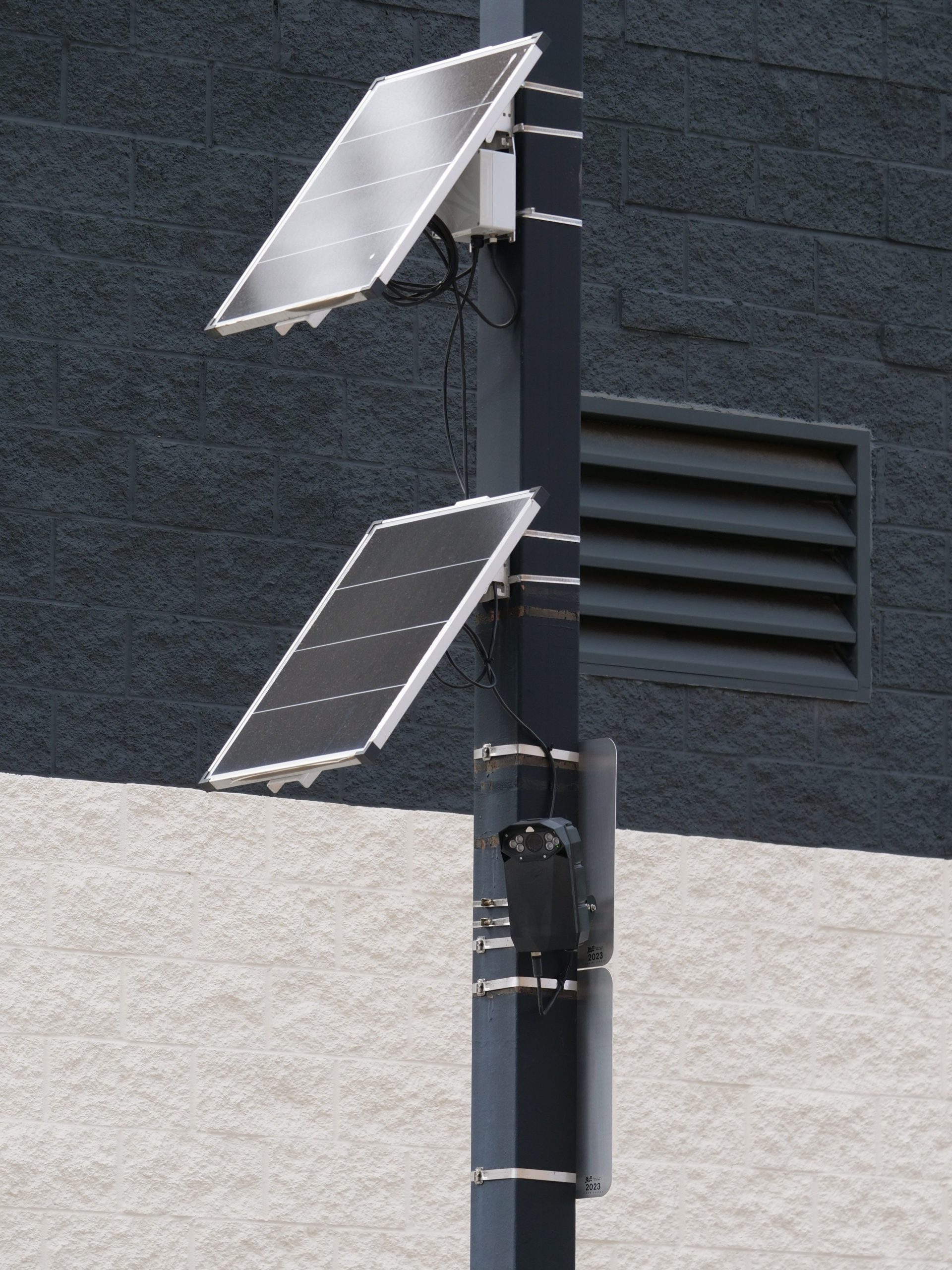
Solar Panel Monitoring App: 9 Features for Smarter Solar Performance
A solar panel monitoring app helps homeowners, installers, and solar businesses track system performance without relying on manual checks. It can show energy production, system status, alerts, historical trends, and other useful data from a phone or web-connected device. As a result, users can spot performance changes sooner and make better maintenance decisions.
However, not every solar panel app offers the same level of visibility. The right solution should make solar data easy to understand while also helping users identify problems, compare production, and respond to issues. In this guide, we will explore nine important features, how solar monitoring works, what to consider when choosing an app, and when a custom solution makes sense.
What Is a Solar Panel Monitoring App?
A solar panel monitoring app is software that collects and displays information about a photovoltaic (PV) system. Depending on the system and monitoring equipment, the app can show energy production, power output, system availability, inverter status, alerts, and historical performance.
In practice, the app connects to data from inverters, meters, sensors, or other monitoring equipment. The data then moves to a monitoring platform, where the software processes it and presents useful information through dashboards, charts, notifications, and reports.
The U.S. Department of Energy explains that PV monitoring platforms can collect measurements such as power, voltage, current, and environmental data. These platforms can also provide performance analysis, reports, alarms, and maintenance tracking. The Department of Energy’s guidance on PV monitoring platforms provides more detail on these capabilities.
A good solar panel monitoring app does more than display today’s energy output. It turns system data into information that helps users understand performance and act when something changes.
How Does a Solar Panel Monitoring App Work?
The basic process starts with the solar installation. Solar panels generate electricity, while the inverter converts the generated DC electricity into usable AC electricity. Monitoring equipment can then collect information about production and system conditions.
Next, the monitoring system sends that information to software. Depending on the setup, the data may travel through an internet connection, cellular connection, local network, or another communication method.
Finally, the solar panel app presents the information to the user. Instead of reading raw measurements, the user can view charts, production totals, alerts, and performance trends in a more understandable format.
This setup allows remote visibility. Therefore, an installer or solar business can monitor systems without visiting every site simply to check whether the equipment is producing power.
9 Key Features of a Solar Panel Monitoring App
1. Real-Time Energy Production Tracking
Energy production tracking is one of the most important features of a solar monitoring app. Users should be able to see how much power the system is generating and how production changes throughout the day.
A useful dashboard can display current power output alongside daily, weekly, monthly, and yearly production. This makes it easier to understand normal operating patterns.
For example, a homeowner may notice that production usually rises during the middle of the day. If output suddenly drops while sunlight remains available, the change may deserve further investigation.
For larger solar businesses, production tracking can also provide a central view of multiple installations.
2. Performance History and Trend Analysis
Current output tells only part of the story. Historical data helps users understand how a system performs over time.
A solar panel monitoring app should allow users to compare production across different periods. Useful views may include daily, monthly, and annual charts. Some systems can also compare actual production with expected production.
This matters because weather, season, shading, equipment age, and other conditions can affect solar output. The Department of Energy recommends monitoring performance over time and reviewing indicators such as performance ratio and availability. Its PV operations and maintenance guidance explains why ongoing performance tracking matters.
3. System Health Monitoring
Energy production alone does not tell users whether every part of a solar installation is operating normally. System health monitoring adds another layer of visibility.
Depending on the equipment, an app may show inverter status, communication status, voltage, current, temperature, or other available measurements.
For instance, a system may still appear active while one component reports an abnormal condition. By surfacing equipment information in one place, the app can help users and technicians investigate the problem sooner.
4. Automated Alerts and Notifications
Users should not have to open the app repeatedly to discover every problem. Automated alerts can notify them when the system reports an important fault or unusual condition.
Notifications may cover events such as an inverter fault, communication failure, system shutdown, or significant production change. The exact alerts depend on the monitoring hardware and software.
More importantly, alerts can connect monitoring with action. Instead of discovering an issue during a routine monthly review, a technician may receive a notification and begin checking the system sooner.
Use alerts for meaningful events rather than every minor fluctuation. Too many notifications can make important warnings easier to overlook.
5. Mobile-Friendly Dashboard
A solar panel app should make important information easy to access from a smartphone. Users may want to check production while away from home, while technicians may need system information while working at another location.
A clear dashboard should prioritize the information users need most. Current production, system status, recent alerts, and performance trends should remain easy to find.
At the same time, the interface should avoid overwhelming users with technical measurements. Advanced data can remain available for technicians without making the main dashboard difficult for homeowners to understand.
6. Multi-Site Monitoring
Multi-site monitoring becomes particularly useful for solar installers, operations teams, and businesses that manage several installations.
Instead of logging into separate systems for every site, users can view multiple installations through one platform when the underlying system supports centralized monitoring.
For example, an operations manager could review a portfolio of commercial solar systems, identify sites with alerts, and then focus attention on the installations that need investigation.
This approach can also make reporting easier because teams can organize information by customer, location, project, or system.
7. Maintenance and Issue Tracking
Monitoring becomes more useful when it connects directly to maintenance work. An app can help users record issues, assign tasks, document service activity, and track progress when those capabilities exist.
For example, an alert could prompt a technician to inspect an inverter. The team could then create a maintenance task, record the inspection, add notes, and close the issue after completing the work.
This creates a clearer link between system performance and field service. Instead of keeping monitoring data in one place and maintenance records somewhere else, businesses can work toward a more connected workflow.
For teams handling electrical service work, electrical work order software can also support the broader process of organizing service jobs, assignments, and work status.
8. Reports and Performance Summaries
Reports help turn large amounts of monitoring data into information that people can review and share.
A solar panel monitoring app may provide production summaries, system performance reports, alert histories, or other operational information. Reports can help installers explain system performance to customers and help operations teams review multiple sites.
For example, a monthly report might summarize total energy production and highlight significant system events. Meanwhile, a detailed operational report could help a technician investigate recurring issues.
The best reporting approach depends on the audience. Homeowners may want simple production summaries, while solar companies may need more detailed operational data.
9. Integration With Business Systems
Monitoring data becomes even more valuable when it can connect with other business systems. A solar company may need to associate a monitoring record with a customer, installation, service agreement, project, or maintenance history.
For example, a customer record could contain the site’s monitoring information alongside contact details and service history. When an alert appears, the team could identify the customer and review previous service activity without searching through unrelated systems.
This type of integration can reduce duplicate data entry and create a more connected workflow. Solar companies that need broader customer and sales management can also use solar CRM software to organize leads, customer records, and sales activities alongside their operational processes.
What Data Should a Solar Monitoring App Track?
The exact data available depends on the monitoring hardware, inverter, sensors, and software platform. However, a useful monitoring solution may track several categories of information.
| Data category | What it helps users understand |
|---|---|
| Energy production | How much electricity the system generates |
| Power output | Current or recorded production levels |
| Voltage and current | Electrical operating conditions |
| Inverter status | Whether the inverter reports normal operation or an issue |
| System availability | How consistently the system remains operational |
| Environmental data | Conditions such as sunlight and temperature when sensors or external data provide them |
| Historical performance | How production changes over days, months, and years |
The Department of Energy notes that monitoring platforms can use electrical measurements as well as environmental information such as sunlight, ambient temperature, and PV module temperature. Therefore, businesses should select data points based on what they actually need to monitor rather than collecting every possible measurement without a clear purpose.
Solar Panel Monitoring App vs. Basic Solar App
The terms solar panel monitoring app and solar panel app can describe different types of software. A monitoring app focuses specifically on system performance and operational information, while a broader solar app may support other activities such as system design, calculations, education, sales, or project management.
| Capability | Monitoring-focused app | General solar app |
|---|---|---|
| Live system data | Core capability | May or may not include it |
| Performance history | Usually important | Depends on the purpose |
| Fault alerts | Commonly important | Not always included |
| Maintenance workflows | Useful for business-focused platforms | Depends on the app |
| Design tools | Usually secondary | May be a primary feature |
Therefore, users should define the problem first. If the goal is to track an existing installation, monitoring capabilities should take priority over unrelated solar tools.
Benefits of Using a Solar Panel Monitoring App
A well-designed monitoring solution can improve visibility across the solar system lifecycle.
- Faster issue awareness: Alerts can highlight faults or unusual conditions without requiring constant manual checks.
- Better performance visibility: Historical data helps users understand production patterns and changes.
- Remote access: Users can review system information without being physically present at the installation.
- More organized maintenance: Monitoring information can support investigation and service workflows.
- Clearer customer communication: Solar companies can use reports and performance data when discussing system operation with customers.
- Centralized management: Multi-site capabilities can help teams monitor several installations from one interface.
More importantly, monitoring can support proactive operations. The goal is not simply to collect data. Instead, the goal is to use that data to understand system behavior and decide when action makes sense.
What to Consider Before Choosing a Solar Panel Monitoring App
Feature lists can make two apps look similar even when their practical capabilities differ. Therefore, evaluate the complete monitoring workflow before selecting a solution.
Compatibility
Check whether the app supports the inverter, meter, sensors, and communication equipment used by the solar installation. Compatibility should come before interface preferences.
Data Quality and History
Ask what data the platform collects, how often it updates, and how long it keeps historical records. Reliable historical information becomes increasingly useful when investigating long-term performance.
Alert Configuration
Review which alerts the platform supports and whether users can configure notification rules. The right balance helps teams respond to meaningful problems without creating unnecessary noise.
Scalability
A homeowner with one installation has different needs from an installer managing hundreds of systems. Businesses should consider whether the platform can support additional sites, users, roles, and data as operations grow.
Security and Access Control
Monitoring platforms can contain operational data and account information. Therefore, businesses should review authentication, permissions, data protection, backups, and vendor security practices before deployment.
NREL’s best practices for photovoltaic operation and maintenance also highlight operational continuity, data backup, security, third-party access, and the use of open standards as important considerations for monitoring systems.
Common Mistakes to Avoid
Even a feature-rich solar monitoring app can provide limited value when businesses configure or use it poorly.
- Tracking data without clear goals: Decide which performance questions the monitoring system should answer.
- Ignoring alerts: An alert system only helps when someone reviews and acts on important notifications.
- Looking only at daily output: Short-term production can vary because of weather and other conditions. Review trends and relevant performance indicators instead.
- Separating monitoring from maintenance: When possible, connect performance issues with service workflows so problems do not disappear into a separate system.
- Choosing a platform without checking compatibility: Confirm hardware and communication support before committing to a monitoring solution.
- Overcomplicating the dashboard: Give users the most important information first and keep advanced measurements available when needed.
Solar output naturally changes with sunlight, weather, season, and other operating conditions. A monitoring alert does not automatically prove that a component has failed. Use the available data and appropriate technical checks to identify the cause.
When Should a Solar Business Consider a Custom Monitoring App?
Off-the-shelf monitoring platforms can work well when their features match the needs of a solar installation. However, growing solar businesses may eventually need workflows that standard apps do not support.
A custom solution may make sense when a company needs monitoring data connected directly to its customer database, sales pipeline, service operations, technician schedules, billing system, or other internal tools.
For example, a solar company could build a workflow where an equipment alert identifies the affected customer, creates a service task, assigns a technician, and records the repair history. The exact workflow depends on the company’s operations and the systems it already uses.
Custom development also allows a business to define its dashboard around its actual KPIs rather than adapting its processes to a generic interface. However, custom development requires planning for data integrations, security, maintenance, hosting, and long-term support.
Final Thoughts
A solar panel monitoring app gives users a practical way to understand what their solar system is doing without relying on manual checks. The most useful solutions combine product



