
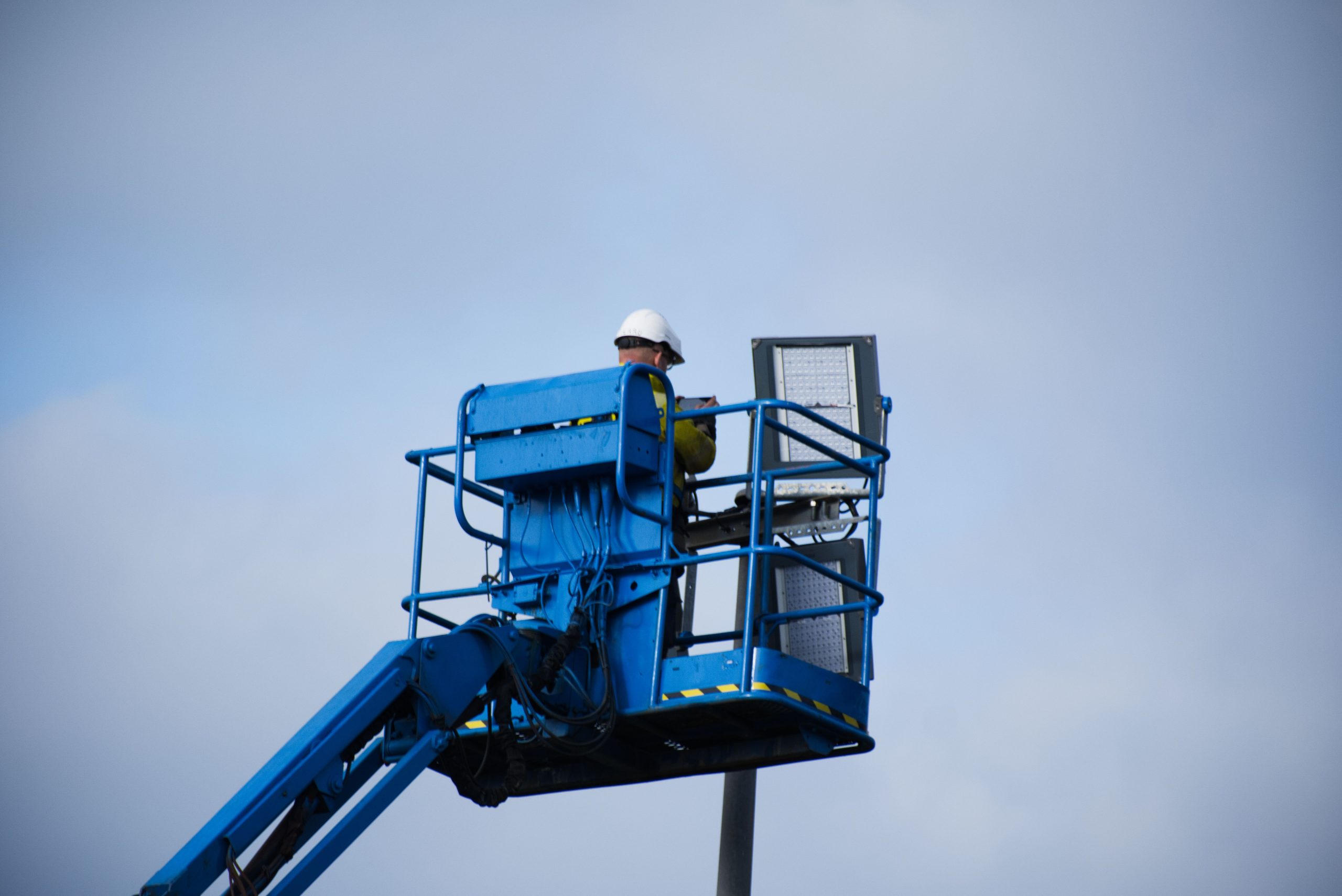
Crane Inspection Software: 9 Features for Safer, Smarter Inspections
Crane inspection software can help crane operators, inspectors, contractors, and equipment managers organize inspections, document defects, assign corrective work, and keep inspection records in one place. Instead of relying on paper checklists, scattered spreadsheets, or disconnected photos, teams can use a crane inspection app to capture field information as work happens.
In this guide, we will cover nine practical features that make crane inspection software useful, explain how digital inspections support compliance and maintenance, compare mobile and desktop workflows, and highlight key factors to consider before choosing or building a solution.
What Is Crane Inspection Software?
Crane inspection software is a digital system that helps teams plan, perform, document, and manage crane inspections. It can store equipment details, inspection checklists, photos, notes, defects, corrective actions, and reports in a central system.
A crane inspection app extends this workflow to mobile devices. An inspector can open an assigned inspection, check crane components, add notes, capture photos, record defects, and submit the report from the worksite. As a result, office teams can access inspection information without waiting for paper forms to reach them.
The exact inspection process depends on the crane type, work environment, manufacturer instructions, and applicable regulations. For example, OSHA’s construction crane standard includes shift, monthly, annual, post-assembly, modified-equipment, and other inspection requirements. The standard also specifies documentation requirements for certain inspections. OSHA crane inspection requirements provide the detailed regulatory reference.
Crane inspection software does not replace qualified inspectors or safety procedures. Instead, it gives those professionals better tools to complete, document, track, and review their work.
9 Key Features of Crane Inspection Software
1. Digital Inspection Checklists
Digital checklists give inspectors a consistent structure for every inspection. Instead of carrying printed forms, inspectors can open the correct checklist from a phone or tablet.
Teams can create checklists for different crane types, inspection frequencies, equipment models, or work environments. The system can also include required fields so inspectors do not accidentally skip important items.
For example, a checklist might cover hooks, latches, wire rope, hydraulic lines, controls, tires, outriggers, electrical components, safety devices, and ground conditions. OSHA’s requirements for shift inspections include several of these areas, although businesses should always match their workflows to the rules and manufacturer requirements that apply to their equipment.
2. Mobile Inspection Workflows
A mobile workflow allows inspectors to complete inspections where the crane operates. This matters when equipment moves between construction sites, industrial facilities, yards, and other locations.
With a crane inspection app, an inspector can select the crane, open the assigned checklist, enter findings, attach photos, and submit the inspection from the field. Meanwhile, supervisors can review completed work without waiting for manual data entry.
A strong mobile workflow should also keep the interface simple. Inspectors often work outdoors, wear gloves, or operate in environments where typing long notes is inconvenient. Large buttons, clear fields, quick photo capture, and simple navigation can make the process easier.
3. Equipment and Asset Management
Inspection records become more useful when they connect to individual crane assets. Instead of storing reports as isolated documents, software can create a digital history for each crane.
An equipment profile might include:
- Crane identification and asset number
- Crane type and model
- Manufacturer information
- Inspection history
- Previous defects
- Repair records
- Assigned location or project
- Upcoming inspection dates
This history helps supervisors understand what happened to a specific asset over time. It can also make follow-up work easier because the team can review previous findings before starting another inspection.
4. Photo and Evidence Capture
Photos can give inspection reports useful visual context. An inspector can photograph a damaged component, worn wire rope, fluid leak, structural issue, or other condition and attach the image directly to the inspection record.
Good software should connect each photo to the correct crane and inspection item. Otherwise, a large collection of images can become difficult to organize.
Annotations can provide additional value when the system supports them. For instance, an inspector could mark the location of a crack or highlight a damaged component before submitting the report.
5. Defect and Corrective Action Tracking
Finding a defect is only one part of the inspection process. Teams also need a clear way to decide what happens next.
Crane inspection software can turn inspection findings into corrective actions. A supervisor can assign a task to a responsible person, add a due date, set a priority, and track the status until the issue reaches resolution.
For example, an inspector may find excessive wear during a routine inspection. Instead of leaving that note inside a report, the system can create a maintenance task linked to the crane and the original inspection finding.
As a result, teams can separate completed inspections from unresolved issues and get a clearer view of open safety or maintenance work.
6. Automated Inspection Scheduling
Inspection schedules can become difficult to manage when a company operates many cranes across different locations. A digital system can help teams organize upcoming inspections based on equipment, inspection type, location, and due date.
For example, managers can create recurring schedules for routine inspections and separate schedules for more detailed inspections. The software can then display upcoming work and overdue inspections in one place.
However, scheduling rules should reflect the requirements that apply to the specific equipment. OSHA, for example, requires certain inspections at different intervals and also requires additional inspections in situations such as repairs, modifications, severe service, and equipment that has not been used for an extended period.
7. Inspection Reports and Document Management
Inspection reports should turn field data into information that supervisors, managers, clients, and other authorized users can understand.
A useful reporting system can include the crane’s details, inspection date, inspector information, checklist results, notes, photos, defects, corrective actions, and sign-off information. It can also organize reports by asset or project.
Digital document management reduces the need to search through filing cabinets or multiple folders. It also creates a more consistent record of inspection activity.
For example, OSHA’s construction crane standard requires documentation for monthly and annual inspections, including the items checked, inspection results, the inspector’s name and signature, and the inspection date. The retention periods also differ by inspection type.
8. Maintenance and Service Integration
Inspection and maintenance often overlap. A defect found during an inspection may require lubrication, adjustment, repair, replacement, or further evaluation.
Therefore, connecting inspection records with maintenance workflows can help teams move from finding an issue to addressing it. Managers can see which crane needs attention, what work remains open, and which inspection produced the original finding.
This approach is similar to the workflow used in generator maintenance software, where scheduled service, equipment records, maintenance tasks, and operational history can work together.
Integration can also reduce duplicate data entry. Instead of entering the same crane information into separate inspection and maintenance systems, teams can maintain a shared equipment record.
9. Dashboards, Alerts, and Inspection Analytics
Managers need more than individual inspection reports when they oversee a large equipment fleet. A dashboard can provide a broader view of inspection activity and unresolved issues.
Useful dashboard information can include:
- Inspections due soon
- Overdue inspections
- Open defects
- High-priority corrective actions
- Inspections completed by team or location
- Crane assets with recurring findings
- Maintenance tasks linked to inspections
Alerts can also help teams respond to important events. For example, the system could notify a supervisor about an overdue inspection or an unresolved corrective action.
Do not build dashboards simply because the software can display data. Focus on metrics that help managers identify overdue work, recurring problems, and actions that need attention.
What Should a Crane Inspection Workflow Look Like?
A practical digital workflow should follow the way inspectors already work rather than forcing them into a complicated process.
- Select the crane: The inspector chooses the correct asset from the equipment list.
- Open the inspection: The system loads the checklist that matches the inspection type.
- Check each item: The inspector records compliant conditions, defects, notes, and measurements where applicable.
- Add evidence: Photos or other supporting information can accompany relevant findings.
- Record corrective action: The inspector or supervisor creates follow-up work when a problem requires attention.
- Review the report: The responsible person reviews the completed inspection and confirms the next action.
- Track resolution: The system keeps the corrective action open until the responsible team completes the required work.
- Maintain the history: The completed inspection remains connected to the crane’s asset record.
This workflow creates a useful link between field inspection, management review, and maintenance. More importantly, it reduces the chance that a finding disappears inside an old paper form or an isolated spreadsheet.
Crane Inspection Software vs. Paper Checklists
Paper forms can work for simple operations, but they become harder to manage as the number of cranes, inspectors, locations, and inspections increases.
| Area | Paper checklist | Digital software |
|---|---|---|
| Field entry | Handwritten | Mobile digital entry |
| Photos | Stored separately or attached manually | Linked to inspection records |
| Defect tracking | Manual follow-up | Tasks and status tracking |
| Inspection history | Manual filing | Searchable asset history |
| Scheduling | Calendar or manual tracking | Digital schedules and reminders |
| Reporting | Manual compilation | Centralized digital reports |
The choice depends on the size and complexity of the operation. However, companies with multiple cranes or distributed inspection teams can benefit from having inspection data in one system.
How a Crane Inspection App Helps Field Inspectors
Field inspectors need tools that support fast and accurate data entry. A crane inspection app can reduce the amount of paperwork they carry and give them direct access to the information they need.
For instance, an inspector arriving at a construction site can open the assigned crane, check its inspection history, complete the current checklist, capture evidence, and submit findings from the same device.
Meanwhile, office staff can review the submitted report without waiting for someone to return with a paper form. This creates a faster connection between field work and management decisions.
Mobile access also matters for teams that work across several sites. A well-designed app can help keep inspection workflows consistent even when inspectors move between projects.
Important Crane Inspection Standards and Requirements
Software should support compliance workflows, but it should not define compliance on its own. Companies must identify the laws, regulations, manufacturer instructions, and industry standards that apply to their equipment and operations.
For example, OSHA’s 29 CFR 1926.1412 covers crane inspections within its construction standard. It describes requirements for different inspection situations, including shift, monthly, annual, post-assembly, modified equipment, repaired equipment, severe service, and equipment that has not been in regular use.
Wire rope also has specific inspection requirements under OSHA’s 1926.1413. The rule addresses visual inspection and lists conditions such as significant distortion, corrosion, heat damage, and certain broken-wire conditions. OSHA’s wire rope inspection requirements provide the detailed reference.
In addition, ASME publishes crane safety standards covering areas such as inspection, testing, maintenance, and operation. ASME B30.5, for example, covers mobile and locomotive cranes and provides guidance for the construction, inspection, testing, maintenance, and operation of those cranes. ASME B30.5 mobile and locomotive crane standard is a useful reference when evaluating applicable industry practices.
Inspection software should support the rules and procedures your organization follows. It should not replace a competent or qualified person’s judgment, manufacturer instructions, required testing, or applicable regulations.
How to Choose Crane Inspection Software
Before selecting a platform, map your current inspection process. Identify how inspectors receive assignments, how they complete checklists, where reports go, how managers review findings, and how maintenance teams handle corrective work.
Then evaluate the software against those requirements. Key questions include:
- Can inspectors complete inspections from phones or tablets?
- Can you create different checklists for different inspection types?
- Can each inspection connect to a specific crane asset?
- Can inspectors attach photos and notes to individual findings?
- Can managers assign and track corrective actions?
- Can the system handle recurring inspection schedules?
- Can users search historical inspection records?
- Can the software generate professional reports?
- Can it work with your existing maintenance or business systems?
- Can administrators control user access and permissions?
Ease of use should also matter. A feature-rich system will not help much if inspectors struggle to complete a basic checklist in the field. Therefore, test the mobile workflow with actual users before making a decision.
When Custom Crane Inspection Software Makes Sense
Off-the-shelf inspection platforms can work well when a company has standard workflows and limited integration needs. However, some organizations have more specific requirements.
A custom system can make sense when a business needs specialized inspection checklists, unique approval workflows, integration with existing maintenance systems, custom reporting, complex asset structures, or organization-specific permissions.
For example, a company managing cranes across multiple projects may want one system that connects equipment records, inspections, corrective actions, maintenance, users, projects, and reporting. In that situation, vehicle and equipment maintenance software concepts can also provide useful ideas for organizing asset history and maintenance workflows.
Similarly, teams with technicians working across multiple sites may benefit from the field-service approach discussed in Sage Field Service Management, particularly when inspection work connects with scheduling, dispatch, and service operations.
The goal should not be to add every possible feature. Instead, build around the actual inspection and maintenance process, then add integrations that remove repeated work or improve visibility.
Common Mistakes to Avoid
Even a good software platform can fail if the workflow behind it is poorly designed. Avoid these common mistakes:
- Using one checklist for every crane: Different equipment and inspection types may require different checks.
- Ignoring mobile usability: Inspectors need a practical field interface, not a desktop screen squeezed onto a phone.
- Storing photos separately: Evidence loses value when teams cannot connect it to the relevant inspection finding.
- Stopping at inspection completion: A defect still needs a clear owner, action, and follow-up process.
- Ignoring manufacturer requirements: Software should accommodate applicable manufacturer procedures rather than replace them.
- Overloading the system: Too many unnecessary fields can slow inspectors and reduce data quality.
- Skipping user testing: Inspectors, supervisors, and maintenance staff should test the workflow before deployment.
Frequently Asked Questions
What does crane inspection software do?
Crane inspection software helps teams schedule inspections, complete digital checklists, capture photos and findings, create reports, track defects, assign correc



