
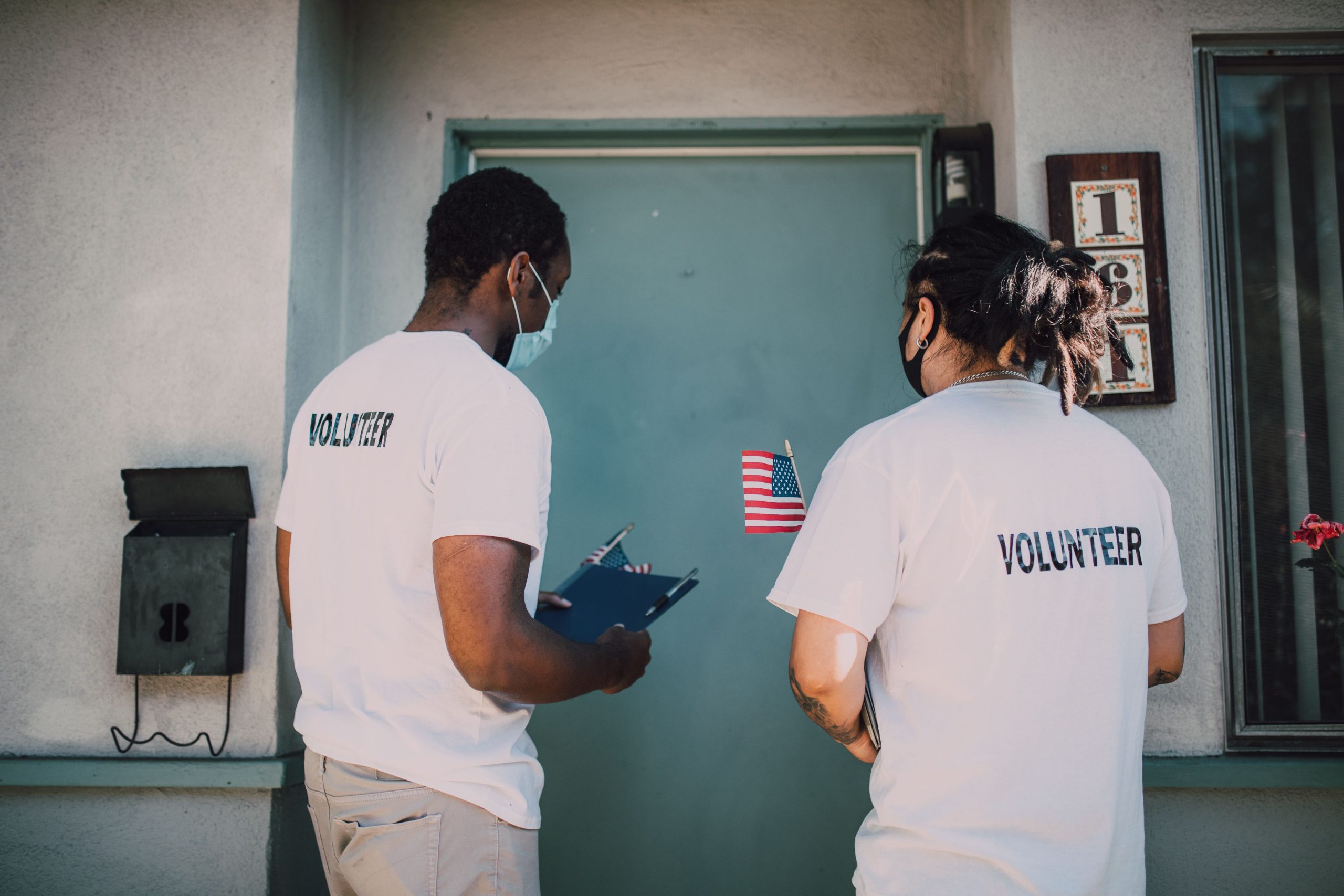
Software for Nonprofits: 9 Essential Features for Smarter Operations
What Is Software for Nonprofits?
Software for nonprofits is a technology solution that helps organizations manage people, programs, donors, volunteers, finances, communication, and daily operations from a more organized system. Instead of relying on spreadsheets, disconnected apps, emails, and paper records, nonprofit teams can use one platform to keep important information accessible and workflows consistent.
For growing organizations, the right software can make routine work easier while giving staff more time to focus on programs and community needs. In addition, nonprofit software can connect administrative tasks with donor management, employee management, scheduling, reporting, and communication.
In this guide, we will cover nine essential features to look for, how nonprofit software supports HR and operations, what to consider before choosing a platform, common implementation mistakes, and when a custom solution may make sense.
Why Do Nonprofits Need Dedicated Software?
Nonprofits often manage several types of information at the same time. A team may need to track employees, volunteers, donors, grants, beneficiaries, events, programs, communications, and internal tasks. When each activity uses a separate tool, staff may spend unnecessary time moving information from one system to another.
Dedicated software for nonprofits brings these workflows into a more connected environment. As a result, teams can reduce duplicate data entry, improve visibility, and create clearer processes for everyday work.
However, nonprofit software should not simply add more technology to an already complicated workflow. The platform should solve specific operational problems and fit the organization’s size, budget, staffing structure, and programs.
The right nonprofit software should simplify work, centralize important information, and support the people and programs behind the organization’s mission.
9 Essential Features of Software for Nonprofits
1. Centralized Contact and Relationship Management
Nonprofits interact with many groups, including donors, volunteers, employees, members, beneficiaries, partners, and community contacts. A centralized contact database gives staff one place to maintain relevant records.
For example, a nonprofit could store contact information, communication history, participation records, assigned staff, and other relevant details in a single profile. Therefore, employees can find information without searching through multiple spreadsheets or email threads.
This feature also supports stronger relationship management. Staff can segment contacts, record interactions, and keep important details available to authorized team members.
2. Donor and Fundraising Management
Fundraising creates a constant flow of information. Teams may need to record donations, donor details, campaigns, pledges, recurring contributions, and communication activities.
Software can organize these records and help staff understand donor activity. For instance, a fundraising team can create donor profiles, track contributions, record interactions, and generate reports based on available data.
Some nonprofit platforms also connect fundraising information with broader relationship management. This approach can reduce duplicate records and make it easier to understand how donors interact with the organization.
3. Employee and HR Management
Human resources plays an important role in nonprofit operations. Even smaller organizations may need to manage employee records, hiring activities, onboarding, leave, performance information, documents, and internal policies.
This is where the search for the best HR software for nonprofits becomes relevant. Rather than choosing a platform simply because it includes many HR features, organizations should look for software that matches their actual workforce processes.
Useful HR capabilities can include employee profiles, document management, time-off tracking, onboarding workflows, performance records, role-based access, and reporting.
NonprofitReady provides nonprofit-focused HR learning resources covering areas such as hiring, performance reviews, succession management, and leadership. These resources can help organizations evaluate their people-management processes before selecting technology. Explore nonprofit HR resources from NonprofitReady.
For U.S. organizations, HR software should also support accurate recordkeeping and help staff organize information needed for employment compliance. The IRS outlines employment tax responsibilities for tax-exempt organizations, including withholding, reporting, and worker classification requirements. Review IRS employment tax requirements for tax-exempt organizations.
4. Volunteer Management
Volunteers can be central to nonprofit programs, events, outreach, and fundraising. Yet managing volunteer availability through email and spreadsheets can become difficult as participation grows.
Nonprofit software can provide volunteer profiles, availability records, schedules, assignments, communication history, and participation tracking. Consequently, coordinators can see who is available and assign people to appropriate activities.
A useful system should also distinguish volunteers from paid employees. This separation helps organizations maintain clearer records while giving coordinators the information they need for daily planning.
5. Employee Scheduling and Task Management
Scheduling becomes more complex when employees and volunteers work across different programs, locations, or shifts. A centralized scheduling system can show assignments and help managers identify coverage gaps.
For organizations with more complex workforce requirements, employee scheduling software can provide useful ideas for organizing shifts, availability, and workforce planning.
In addition, task management can connect schedules with responsibilities. A program coordinator could assign tasks to staff, set deadlines, and monitor progress without relying on separate communication channels.
6. Communication Management
Nonprofits communicate with donors, volunteers, employees, beneficiaries, partners, and community members. Because these groups have different needs, communication records can quickly become difficult to manage.
Software can help teams centralize contact information and communication history. Depending on the platform, organizations may also manage email workflows, notifications, follow-ups, and internal messages.
A dedicated customer communication software approach can also provide useful concepts for managing communication records and improving consistency across stakeholder interactions.
7. Reporting and Data Visibility
Nonprofit leaders need reliable information to monitor programs, fundraising, staffing, and operational activity. However, reports become harder to prepare when data sits in separate systems.
Good nonprofit software should make important information easier to retrieve and analyze. Common reporting areas may include donations, volunteer activity, employee information, program participation, tasks, and communication activity.
For example, a manager could create a report showing volunteer participation during a specific period or review fundraising activity by campaign. Therefore, reporting becomes part of normal operations rather than a time-consuming manual process.
Before choosing a platform, list the reports your team creates every month. Then confirm that the software can produce those reports without complex manual work.
8. Document and Record Management
Nonprofits handle many documents, from employee records and policies to donor information, agreements, grant documents, and program records. Keeping these files organized can become difficult when employees save documents across personal computers, email accounts, and cloud folders.
Software with centralized document management can give authorized users a consistent place to access important files. It can also support permissions so organizations can control who can view or edit sensitive information.
However, document management should include clear retention and access policies. Software does not replace good organizational practices. Instead, it provides a structured environment for applying them.
9. Integrations and Custom Workflows
No nonprofit operates exactly like another. One organization may focus on fundraising, another on community programs, and another on education or humanitarian services. Therefore, software needs can vary considerably.
Integrations can connect nonprofit software with accounting platforms, email services, payment systems, calendars, communication tools, and other applications. This reduces the need to copy information manually between systems.
When standard platforms cannot support a nonprofit’s specific workflow, custom CRM development can provide a way to build workflows around the organization’s existing processes instead of forcing those processes into a rigid system.
What Should the Best HR Software for Nonprofits Include?
The best HR software for nonprofits depends on the organization’s workforce, budget, processes, and compliance requirements. There is no single feature set that fits every nonprofit.
Still, HR software should cover the core activities that consume staff time. A practical evaluation checklist includes:
- Employee profiles and centralized records
- Hiring and onboarding workflows
- Time-off and availability tracking
- Employee document management
- Performance management
- Task and workflow automation
- Role-based access controls
- HR reporting
- Integration with payroll or accounting systems where appropriate
- Mobile or remote access when staff require it
More importantly, organizations should consider whether the software supports both employees and the administrative team. A system that looks powerful but takes too much effort to maintain may create another operational burden.
Nonprofit Software vs. General Business Software
General business software can often handle individual tasks such as accounting, communication, HR, or CRM. Nonprofit software, however, may need to connect several of these functions while supporting nonprofit-specific relationships and programs.
| Area | General Business Software | Nonprofit-Focused Software |
|---|---|---|
| Contacts | Customer and business contacts | Donors, volunteers, members, beneficiaries, and partners |
| HR | Employee management | Employee management plus nonprofit workforce workflows |
| Fundraising | Sales and revenue tracking | Donations, campaigns, pledges, and donor relationships |
| Programs | Projects and tasks | Program activities, participants, volunteers, and outcomes |
| Reporting | Business performance reports | Operational, fundraising, workforce, and program reports |
That difference does not mean a nonprofit must always choose a nonprofit-specific platform. Instead, the organization should compare its actual requirements with what each system can handle.
How to Choose Software for Nonprofits
Choosing software should start with workflow requirements rather than feature lists. First, document how your team currently manages contacts, employees, volunteers, fundraising, programs, documents, and reports.
Next, identify the biggest sources of manual work. For example, your team may spend too much time updating spreadsheets, creating schedules, preparing reports, or searching for documents.
- Define your requirements: Separate essential features from optional ones.
- Map your workflows: Document how information moves between staff members and departments.
- Check integrations: Confirm that the platform works with tools your organization already uses.
- Review permissions: Make sure sensitive employee, donor, and beneficiary information receives appropriate access controls.
- Test reporting: Build sample reports using realistic nonprofit data.
- Evaluate usability: Ask staff who will use the platform every day to test it.
- Calculate total cost: Consider subscriptions, implementation, training, integrations, support, and future expansion.
For U.S. nonprofits with employees, compliance also deserves attention during the evaluation process. The IRS notes that tax-exempt organizations with employees can have federal employment tax responsibilities, while worker classification can affect how payments and reporting obligations work.
Common Mistakes When Implementing Nonprofit Software
Choosing Too Many Features
A platform with dozens of features may look attractive. However, unnecessary functionality can make implementation harder and increase costs. Focus first on the workflows your organization needs to improve.
Ignoring Data Cleanup
Moving inaccurate or duplicate records into a new system creates problems later. Therefore, clean contact, employee, volunteer, and other important records before migration.
Skipping Staff Involvement
Employees and volunteers who use the system should have a role in the evaluation process. Their feedback can reveal workflow problems that management may not see.
Failing to Plan Permissions
Not every user needs access to every record. Create roles and permissions before launch so staff can access the information required for their responsibilities without unnecessary exposure to sensitive data.
Trying to Automate Everything Immediately
Automation can save time, but poor automation can also create confusion. Start with simple, repeatable workflows. Then expand automation after the team understands the system.
When Should a Nonprofit Consider Custom Software?
Off-the-shelf software works well when its workflows match an organization’s needs. However, custom development can become relevant when a nonprofit has specialized processes that standard products cannot handle efficiently.
For example, an organization may need a system that connects donor management, volunteer scheduling, employee workflows, program tracking, case records, and custom reporting in one environment.
Custom software can also make sense when the organization already has established processes that would become less efficient after adopting a rigid platform. In that situation, the key question is not whether custom software has more features. Instead, the question is whether the flexibility solves a meaningful operational problem.
Custom development requires planning, testing, maintenance, and ongoing technical support. A nonprofit should consider those responsibilities alongside the benefits of a tailored system.
Benefits of Using Software for Nonprofits
When a platform matches the organization’s needs, it can improve several areas of daily work.
- Better organization: Staff can access important records from a centralized system.
- Less manual work: Repetitive tasks can move into structured workflows and automation.
- Improved coordination: Employees and volunteers can work from shared schedules and task information.
- Clearer reporting: Managers can retrieve information without rebuilding every report manually.
- Stronger communication: Staff can maintain more consistent records of stakeholder interactions.
- Greater visibility: Leaders can see operational information across different functions.
- Scalability: A suitable platform can support changing programs, teams, and workflows as the organization grows.
These benefits depend on implementation quality. Software alone cannot fix unclear processes, poor data, or inconsistent policies. Instead, technology works best when it supports well-defined workflows.
Frequently Asked Questions
Frequently Asked Questions
What is software for nonprofits used for?
Software for nonprofits can manage contacts, donors, volunteers, employees, programs, documents, communication, scheduling, reporting, and other operational workflows. The exact features depend on the platform.
What should the best HR software for nonprofits include?
Useful capabilities can include employee records, onboarding, document management, time-off tracking, performance management, reporting, permissions, and integrations. Organizations should prioritize features that match their actual HR workflows.
Can nonprofits use regular CRM software?
Yes. A general CRM can work when it supports the organization’s contact, communication, reporting, and workflow requirements. However, nonprofits with specialized donor, volunteer, or program processes may need nonprofit-focused functionality or customization.
How can nonprofit software improve volunteer management?
A nonprofit platform can centralize volunteer profiles, availability, schedules, assignments, communication, and participation records. This can make coordination easier when volunteer activity increases.
Should a small nonprofit invest in custom software?
Not necessarily. Small n



