
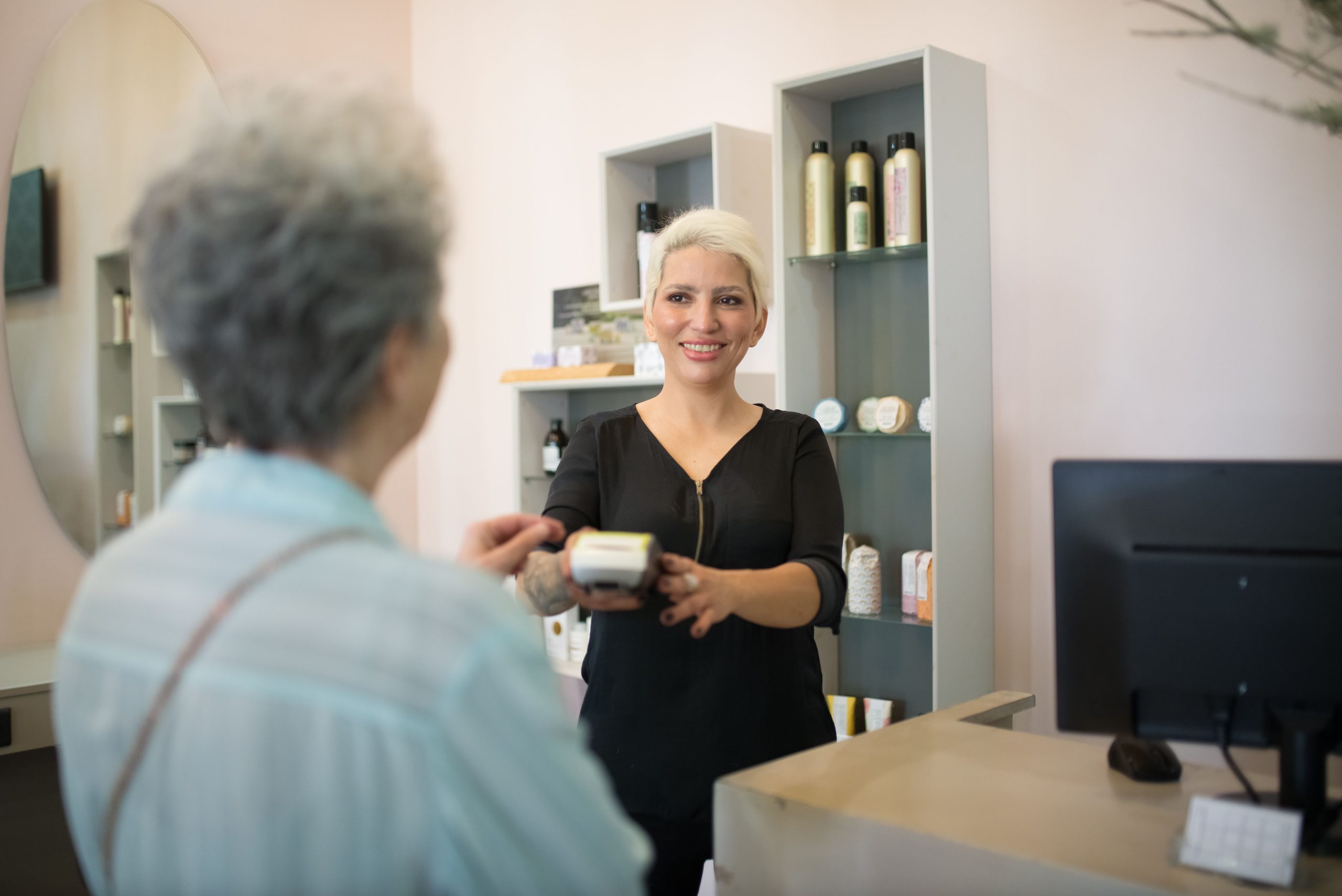
Spa and Salon Management Software: 9 Features That Simplify Daily Operations
Managing a spa or salon involves far more than booking appointments. Teams also need to organize client records, staff schedules, services, payments, inventory, reminders, and daily operations. Spa and salon management software brings these tasks into one system, helping businesses reduce manual work and create a more consistent client experience.
Instead of switching between calendars, spreadsheets, messaging apps, and payment tools, staff can manage key workflows from one platform. In this guide, we will explain how spa and salon management software works, the nine features that matter most, the benefits and limitations to consider, and how to choose a system that fits your business.
What Is Spa and Salon Management Software?
Spa and salon management software is a business platform designed to manage appointments, clients, employees, services, payments, and other daily operations from a central system. Depending on the product, it may also support online booking, reminders, memberships, packages, inventory, reporting, marketing, and customer communication.
For example, a client can book a facial online while the system checks staff availability and the service duration. The appointment then appears on the team’s calendar, and the client can receive an automated reminder before the visit. After the appointment, staff can update the client’s record and process the payment.
In other words, the software connects the steps that normally happen around an appointment instead of treating scheduling as a separate task.
Key takeaway
The most useful spa and salon software does more than fill a calendar. It connects appointments, clients, staff, payments, services, and business data in one workflow.
9 Key Features of Spa and Salon Management Software
1. Online Appointment Booking
Online booking lets clients schedule appointments without calling the front desk. A booking page can display available services, staff members, dates, and time slots based on your business rules.
As a result, clients can book when it suits them, while staff spend less time handling routine scheduling requests. Businesses can also connect booking pages to their website, social media profiles, or other digital channels.
However, booking should do more than display a calendar. Look for software that can account for service duration, staff availability, breaks, working hours, and appointment conflicts.
Businesses that want to understand this area in more detail can also review salon booking software and how it can support appointment-based businesses.
2. Client Profiles and Service History
A centralized client profile helps staff keep useful information in one place. Depending on the system, a profile may include contact details, previous appointments, preferred services, notes, purchase history, and communication preferences.
This information can help staff provide more personalized service. For instance, a stylist can review a client’s previous services before the next appointment instead of asking the same questions again.
Client records can also help management understand customer behavior over time. Therefore, this feature matters not only for service delivery but also for retention and relationship management.
For massage-focused businesses, similar functionality appears in dedicated massage scheduling software, where appointment management and client information often work together.
3. Staff Scheduling and Calendar Management
Staff availability can become difficult to manage when several employees provide different services. A good system gives managers a shared view of appointments, working hours, time off, and service assignments.
For example, a salon may have stylists, colorists, nail technicians, and reception staff working different shifts. The software can help managers assign appointments to the right person and reduce scheduling conflicts.
Moreover, a shared calendar makes changes easier to track. If an employee changes availability, the team can update the schedule instead of maintaining several separate calendars.
4. Automated Appointment Reminders
Reminders help businesses communicate appointment details before a scheduled visit. Depending on the platform, these messages may use email, SMS, or other supported channels.
Typically, reminders include the appointment date, time, service, and other useful instructions. Some systems also support confirmation messages, cancellation policies, or booking deposits.
For example, the Associated Bodywork & Massage Professionals describes scheduling tools that combine online booking with automated appointment and payment reminders. Appointment reminder and scheduling examples from ABMP show how these functions can fit into a broader business workflow.
Still, automation should complement good communication rather than replace it. Businesses should give clients clear ways to contact the team when they need to change an appointment.
5. Service, Package, and Membership Management
Spas and salons often sell more than individual appointments. They may offer treatment packages, memberships, prepaid services, gift cards, or combinations of services.
Management software can organize these offerings and connect them with customer accounts. For example, a client with a five-session facial package should be able to use the appropriate session without staff relying on a spreadsheet to track the balance.
Similarly, membership features can help businesses track recurring benefits, included services, renewal dates, and member activity.
Pro tip
Before choosing software, list every service, package, membership, and pricing rule your business currently uses. Then check whether the system can represent those rules without complicated workarounds.
6. Point-of-Sale and Payment Management
Payment management connects the completed service with the transaction. Depending on the software, businesses may be able to process payments, record sales, issue receipts, manage deposits, and track products or services sold.
This connection reduces the need to enter the same transaction into several systems. It can also make end-of-day reconciliation easier because appointment and payment information stay connected.
Security matters here as well. If a system handles payment card information, businesses should understand how the software and payment provider handle sensitive data. The PCI Security Standards Council’s PCI DSS guidance explains baseline security requirements for entities involved in payment card processing.
Therefore, do not choose a payment feature based only on convenience. Ask vendors what data the platform stores, which payment provider it uses, and how access and security controls work.
7. Inventory and Product Tracking
Many salons and spas sell products such as shampoos, conditioners, skincare items, oils, cosmetics, and other retail products. Treatment rooms may also consume supplies during appointments.
Inventory management helps businesses monitor product quantities, sales, and replenishment needs. For example, if a popular skincare product reaches a low stock level, staff can identify the issue before customers ask for it.
However, inventory requirements vary widely. A small salon with limited retail products may only need basic stock tracking, while a larger spa may need more detailed purchasing and inventory controls.
8. Reports and Business Analytics
Reports turn daily activity into information that managers can use for decisions. Useful reports may cover appointments, revenue, services, staff performance, client activity, product sales, or cancellations.
For instance, a manager might compare which services generate the most bookings and which time slots remain underused. This information can support decisions about staffing, opening hours, promotions, and service offerings.
At the same time, businesses should avoid choosing software simply because it has a large number of reports. Focus on whether the reports answer questions that your team actually asks.
9. Marketing and Customer Communication
Once a business has organized client information, it can use that data to support customer communication. Depending on the platform, marketing tools may include email campaigns, targeted messages, promotions, birthday offers, or follow-up reminders.
For example, a salon could send a reminder to clients who have not booked a follow-up appointment after a particular service. A spa might communicate a new treatment to customers who previously purchased related services.
However, businesses should use customer data carefully. Clear communication preferences, appropriate access controls, and responsible data handling help protect the customer relationship.
How Spa and Salon Management Software Works in Practice
The value of management software becomes clearer when you look at a typical customer journey.
- Booking: The client selects a service, staff member, and available time.
- Confirmation: The system records the appointment and sends the relevant confirmation.
- Reminder: An automated message reminds the client before the visit.
- Service: Staff access the appointment and relevant client information.
- Payment: The business records the transaction after completing the service.
- Follow-up: The business can record notes and send an appropriate follow-up message.
Because these steps share the same system, staff do not need to recreate information at every stage. As a result, the front desk can spend more time helping customers and less time updating separate records.
Benefits of Using Management Software
The right system can improve several parts of daily operations at once.
Less manual administration
Automated booking, reminders, client records, and reports can reduce repetitive data entry.
Better scheduling visibility
Managers can see appointments and staff availability in one place, which makes schedule changes easier to coordinate.
More consistent client service
Centralized profiles give staff access to relevant service history and customer information.
Clearer business reporting
Management can review appointment, sales, service, and customer data without combining multiple spreadsheets.
Easier business growth
A centralized system can provide a stronger operational foundation as a salon or spa adds services, staff, or locations.
Cloud Software vs. Custom Spa and Salon Software
Most small and growing businesses can start by comparing ready-made software products. These platforms usually provide common features such as scheduling, client management, payments, and reporting without requiring a development project.
However, a standard platform may not fit every business. A spa group with several locations, complex memberships, custom pricing, specialized workflows, or integrations with other business systems may need more flexibility.
| Consideration | Ready-made software | Custom software |
|---|---|---|
| Setup | Usually faster | Requires planning and development |
| Features | Predefined feature set | Built around specific workflows |
| Customization | Depends on vendor options | High flexibility |
| Integrations | Limited to supported connections | Can be designed around required systems |
| Best fit | Common salon and spa workflows | Specialized or complex operations |
Therefore, the decision should start with your workflow rather than the software category. If a standard platform covers your important processes, it may provide a practical path forward. If your business depends on workflows that existing platforms cannot support, custom CRM development can be considered as part of a broader customer management strategy.
How to Choose the Right Spa and Salon Management Software
Start by mapping your current workflow. Write down how customers book, how employees receive appointments, how payments work, how staff record client information, and how managers review performance.
Next, separate essential features from optional ones. For example, online booking may be essential for a busy salon, while advanced inventory forecasting may not matter to a business that sells very few products.
Then evaluate each platform against practical questions:
- Does it support your services and appointment rules?
- Can clients book online easily?
- Can staff manage schedules from one calendar?
- Can you maintain useful client profiles?
- Does it support your payment workflow?
- Can it handle packages, memberships, or gift cards if you need them?
- Does it provide the reports you actually need?
- Can it integrate with your website and other tools?
- How does the vendor handle data security and access?
- What happens to your data if you leave the platform?
Finally, test the software with realistic scenarios. Do not judge a platform only from its feature list. Create a sample appointment, change the staff member, reschedule the customer, process a payment, and review the resulting records.
Important
A long feature list does not automatically mean a better fit. The right system should make your actual workflow simpler, not add another layer of administration.
Common Mistakes to Avoid
One common mistake is choosing software based only on price. A cheaper platform can become expensive in practice if staff spend more time working around missing features.
Another mistake is buying too many features at once. If your team mainly needs scheduling, client records, reminders, and payments, start with those workflows instead of paying for tools nobody will use.
Businesses should also avoid ignoring data security. Review user permissions, account security, payment handling, backups, and vendor policies before moving customer information into a new system.
Finally, do not skip staff testing. Employees who use the software every day can quickly identify confusing screens, unnecessary steps, or missing functions that may not appear during a sales demonstration.
Frequently Asked Questions
Frequently Asked Questions
What does spa and salon management software do?
It helps businesses manage appointments, client profiles, staff schedules, services, payments, reporting, and other daily operations from one platform.
Can salon management software support online booking?
Yes. Many platforms provide online booking pages that let customers select services, staff members, dates, and available time slots without calling the business.
Is spa and salon management software useful for small businesses?
Yes. Small businesses can use it to centralize appointments, customer information, reminders, and payments. However, the feature set should match the business’s actual needs.
What should I look for in salon management software?
Focus on online booking, client management, staff scheduling, reminders, payments, service management, reporting, integrations, security, and ease of use.
When should a spa consider custom management software?
A business may consider custom software when its workflows, integrations, pricing rules, locations, memberships, or reporting needs do not fit well within available off-the-shelf platforms.
Conclusion
Spa and salon management software can bring appointments, client information, staff schedules, payments, inventory, reporting, and communication into one connected workflow. The biggest benefit comes from reducing unnecessary manual steps while giving staff better access to the information they need.
Start by identifying the processes that consume the most time or create the most scheduling and administrative problems. Then compare software based on those workflows, not simply the number of features listed on a product page.
For businesses with straightforward needs, an established management platform may provide everything required. On the other hand, organizations with specialized processes or complex integrations can explore custom development when standard software no longer fits the way they operate.
Build software around how your business works
If your spa or salon needs a customer management workflow that goes beyond standard software, a custom solution can connect your processes, customer data, and business systems around your specific requirements.Talk to our team



