
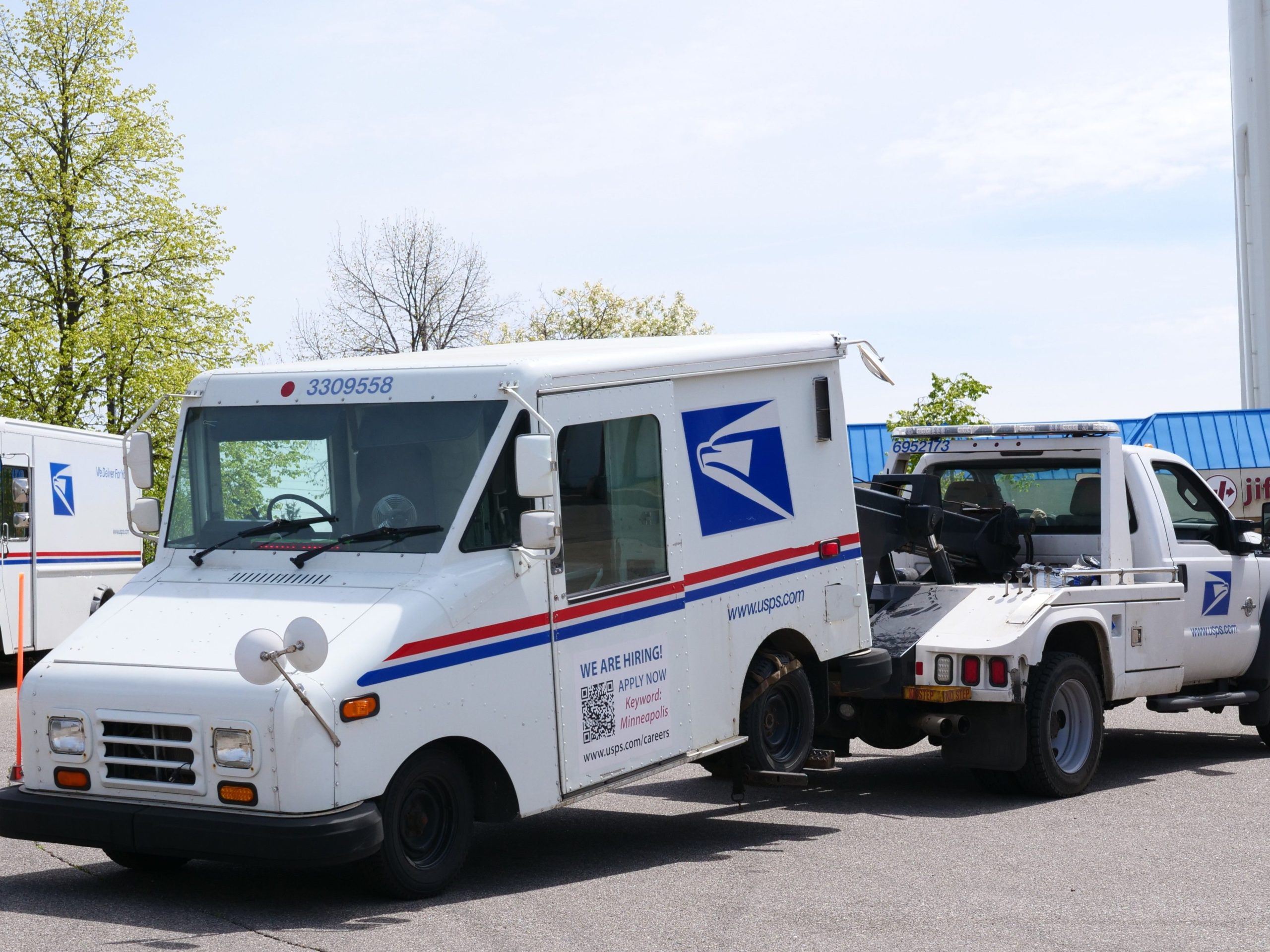
Software for Towing Companies: 9 Features That Simplify Dispatch and Fleet Operations
Software for towing companies helps towing and roadside assistance businesses manage service requests, dispatch drivers, track vehicles, communicate with customers, and handle billing from one system. Instead of relying on phone calls, paper records, spreadsheets, and separate navigation tools, towing teams can connect the full job workflow in one place. This becomes especially useful when dispatchers need to coordinate several drivers while responding quickly to changing roadside requests.
In this guide, we will look at nine important features of towing software, explain how digital dispatch towing software works, compare manual and digital workflows, and cover the key factors to consider before choosing a solution.
What Is Software for Towing Companies?
Software for towing companies is a business management platform designed around the needs of towing, recovery, roadside assistance, and vehicle transport operations. It brings information about customers, service requests, drivers, trucks, job status, locations, pricing, and payments into a shared system.
At the centre of the platform is usually dispatch management. A dispatcher can receive a request, capture the vehicle and customer details, check available drivers, assign the job, and monitor progress. Meanwhile, drivers can receive job information on a mobile device instead of depending on repeated phone calls.
For example, when a customer requests a tow, the dispatcher can create a job with the pickup location, destination, vehicle details, requested service, and customer contact information. The system can then assign the job to an available truck and keep the office updated as the driver accepts, travels to the scene, arrives, and completes the service.
The main value of towing software is not simply replacing paperwork. It connects dispatch, drivers, customers, vehicles, job records, and billing into one operational workflow.
How Does Digital Dispatch Towing Software Work?
Digital dispatch towing software turns a service request into a trackable job. The process can vary between platforms, but a typical workflow looks like this:
- Create the service request: A dispatcher records the customer, vehicle, pickup, destination, and service requirements.
- Check available resources: The dispatcher reviews drivers, trucks, current jobs, and relevant vehicle capabilities.
- Assign the job: The system sends the assignment to the selected driver.
- Navigate to the location: The driver receives the job details and uses location information to reach the pickup point.
- Update job status: The driver can mark stages such as accepted, en route, arrived, towing, and completed.
- Complete documentation: The team records service details, photos, notes, charges, and other required information.
- Close and bill the job: The office can use the completed job record to prepare an invoice or process payment.
Because every stage creates a digital record, dispatchers do not need to reconstruct what happened from separate notes and messages. As a result, the office can gain a clearer view of active and completed work.
9 Features to Look for in Towing Software
1. Digital Job and Dispatch Management
Dispatch is one of the most important parts of a towing operation. A good system should let dispatchers create jobs quickly, assign them to the right driver, and see which jobs remain open.
Instead of keeping assignments in notebooks or scattered messages, the dispatcher can work from a central dashboard. This makes it easier to manage emergency calls, scheduled towing, roadside assistance, vehicle transport, and recovery jobs.
The system should also make job status easy to understand. Clear statuses help dispatchers identify which drivers are available, which jobs are active, and which services still need attention.
2. GPS Tracking and Location Management
Towing depends heavily on location. A dispatcher needs to know where a driver is going, while the driver needs accurate pickup information.
GPS and map integration can connect job locations with driver information. For businesses that need more advanced routing, mapping platforms can also support route planning and optimisation. For example, Google Maps Platform’s Route Optimization API can assign tasks and routes to vehicle fleets based on objectives and constraints such as travel efficiency, time windows, driver work hours, and vehicle capacity.
For towing businesses, location features can help reduce confusion around pickup points, especially when a customer provides an unfamiliar address or roadside location.
3. Driver Mobile App
Drivers spend most of their working day away from the office. Therefore, towing software should give them access to the information they need from a mobile device.
A driver app can display new assignments, customer details, pickup and destination information, notes, navigation details, and job status options. Drivers may also use the app to upload photos, record service notes, collect signatures, or confirm job completion, depending on the system.
This reduces the need for dispatchers to repeat information over the phone. It also creates a more consistent record of each service.
4. Route Planning and Fleet Coordination
When several trucks operate across a service area, dispatchers need more than a list of available drivers. They also need to consider distance, current assignments, vehicle type, traffic, and job urgency.
Route planning tools can help dispatchers evaluate these factors before assigning work. In addition, route optimisation can support multi-stop operations when a driver has several scheduled tasks.
For example, a towing company may have one driver finishing a scheduled vehicle transport near the location of a new roadside call. A connected dispatch system can help the dispatcher evaluate whether that driver makes sense for the next assignment.
Businesses interested in the broader use of route planning can also explore route optimization software and how it supports fleet-based operations.
5. Customer Information and Communication
Customers calling for a tow often want two things immediately: confirmation that help is coming and a clear idea of what happens next.
Towing software can store customer information, service history, contact details, vehicle information, and job notes in one place. Some platforms can also support automated notifications through text messages, email, or other communication channels.
For instance, the system could notify a customer when a job gets assigned or when a driver starts travelling to the pickup location. Clear updates can reduce the number of calls that customers make simply to ask for a status update.
This communication layer can also connect with broader customer management processes. Businesses that need more advanced customer workflows can consider CRM for service businesses as part of a wider customer management strategy.
6. Digital Estimates, Invoices, and Payments
Billing becomes difficult when service details sit in one place and payment information sits somewhere else. Towing software can connect the completed job with its charges and billing record.
Depending on the platform, teams may be able to create estimates, generate invoices, record payments, apply service charges, and maintain customer billing history.
Digital records can also make it easier to review why a particular amount appeared on an invoice. This matters when a job includes multiple services, mileage charges, storage, recovery work, or other billable items.
Choose a billing workflow that matches how your towing company actually charges customers. A system with many payment features is not useful if dispatchers still need to re-enter every completed job manually.
7. Vehicle and Equipment Management
A towing company needs to manage more than drivers. Trucks, flatbeds, wheel lifts, recovery equipment, and other assets all affect which jobs a team can accept.
Towing software can store vehicle information and help managers track availability, assignments, maintenance records, and other operational details. This becomes especially useful when a company operates different truck types for light-duty, medium-duty, and heavy-duty work.
The goal is simple: give dispatchers enough information to assign the appropriate resource without relying on memory or separate spreadsheets.
8. Reporting and Performance Tracking
Once towing jobs move through a digital system, the company can turn those records into operational reports.
Useful reports may cover completed jobs, response times, revenue, driver activity, service types, cancellations, customer history, and fleet utilisation. The exact metrics depend on the business and the software.
For example, a manager may notice that certain job types take longer than expected. That information can support changes to scheduling, pricing, staffing, or dispatch procedures.
More importantly, reporting gives managers a way to review patterns instead of making decisions based only on individual incidents.
9. Integrations and Custom Workflows
Towing businesses often use more than one system. They may have accounting software, payment processors, GPS tools, customer databases, insurance or roadside assistance workflows, and communication platforms.
Integrations can reduce duplicate data entry by allowing systems to share relevant information. However, not every business needs dozens of integrations. The right approach depends on the tools the company already uses and the gaps it needs to solve.
When standard software cannot support a company’s workflow, custom CRM development can provide a way to build customer, dispatch, communication, and reporting workflows around specific operational requirements.
Manual Dispatch vs. Digital Dispatch
Both manual and digital processes can support a towing business. However, they handle information differently.
| Area | Manual Process | Digital Process |
|---|---|---|
| Job assignment | Phone calls, paper notes, or messages | Central dispatch dashboard |
| Driver updates | Manual calls or messages | Mobile status updates |
| Location information | Separate navigation tools | Connected maps and location data |
| Job records | Paper files or spreadsheets | Central digital records |
| Billing | Manual data transfer | Job data can flow into billing workflows |
| Reporting | Manual compilation | Reports generated from stored job data |
The difference becomes more noticeable as job volume grows. With more drivers and service requests, manual coordination can create more opportunities for duplicated work, missed updates, and inconsistent records.
What Should You Consider Before Choosing Towing Software?
Buying software based only on a feature list can create problems. Instead, start with the actual workflow of your towing company.
Map Your Current Dispatch Process
Write down what happens from the first customer call to final payment. Identify where dispatchers enter information, where drivers receive assignments, and where staff repeat the same data.
Check Mobile Usability
Drivers need fast access to job information. A system that works well in an office but feels difficult on a phone can create friction in the field.
Review Location and Routing Features
Check whether the platform supports the maps, GPS tracking, route planning, and location features your operation actually needs. Also, confirm whether traffic-aware routing or multi-vehicle optimisation matters for your service area.
Consider Integrations
List the systems your business already uses. Then check which integrations exist and whether they support two-way data sharing or only basic connections.
Ask About Data and Security
Towing software can contain customer contact information, vehicle details, addresses, payment records, and business data. Therefore, ask how the provider handles access controls, backups, data storage, and account security.
If your operation involves regulated commercial motor vehicle activity in the United States, compliance requirements also deserve attention. For example, FMCSA guidance includes specific rules and exceptions related to tow truck operations responding to certain emergency requests. Review the FMCSA guidance for tow truck operators responding to emergency requests and confirm applicable requirements for your operation and jurisdiction.
Common Mistakes When Choosing Towing Software
Choosing too many features: More features do not automatically create a better workflow. Focus on the functions your team will use every day.
Ignoring the dispatcher experience: Dispatchers need to work quickly. If creating or assigning a job takes too many steps, the software can slow down the operation instead of helping it.
Forgetting the driver’s workflow: A system should work in real field conditions. Complicated screens and excessive data entry can make adoption difficult.
Overlooking data migration: If your company already has customer, vehicle, or job records, ask how the provider will move that information into the new system.
Skipping the reporting requirements: Decide what management needs to know before selecting a platform. Otherwise, you may discover later that important reports require manual work.
Assuming every integration works the same way: Two systems may advertise an integration but provide different levels of data sharing. Ask exactly what information moves between systems and when.
When Should a Towing Company Invest in Software?
There is no single company size that determines when towing software makes sense. The better question is whether your current workflow creates avoidable operational problems.
If dispatchers struggle to track drivers, customers repeatedly call for updates, staff re-enter job information, or managers spend hours preparing reports, software may address those workflow gaps.
Smaller towing companies can also benefit when they want to establish consistent processes early. Meanwhile, larger operations may need more advanced dispatch, fleet, reporting, and integration capabilities.
Do not choose software simply because another towing company uses it. Your ideal setup depends on your service types, fleet size, dispatch model, geographic coverage, billing process, and existing technology.
Benefits of Software for Towing Companies
When the right system matches the workflow, towing businesses can gain several practical benefits:
- Faster dispatch coordination: Dispatchers can manage assignments from a central workspace.
- Better job visibility: Teams can see the current status of active service requests.
- Clearer driver communication: Drivers can receive digital assignments and send updates from the field.
- More organised records: Customer, vehicle, service, and billing information can stay connected.
- Improved routing decisions: Location and route data can support more informed assignments.
- Less duplicate entry: Connected workflows can reduce repeated data entry between dispatch and billing.
- Better reporting: Managers can analyse operational data from completed jobs.
However, software does not automatically fix an inefficient process. The company still needs clear procedures, trained staff, accurate data, and a system that fits the way the business operates.
Frequently Asked Questions
Frequently Asked Questions
What is software for towing companies used for?
It helps towing businesses manage dispatching, driver assignments, job tracking, customer information, GPS locations, billing, reporting, and fleet operations from a connected system.
What is digital dispatch towing software?
Digital dispatch towing software lets dispatchers create, assign, monitor, and update towing jobs electronically. Drivers can receive assignments and send job updates through a mobile device.
Can towing software track drivers?
Many towing platforms support GPS or location tracking. The exact tracking features vary, so businesses should confirm whether a system provides the level of visibility their dispatch team needs.
Can towing software handle billing?
Many platforms connect completed jobs with estimates, invoices, payments, or accounting workflows. Before choosing a system, confirm which billing functions it supports and whether it integrates with your accounting tools.
Is towing software useful for small towing companies?
Yes. Small companies can use towing software to organise dispatch, customer records, driver assignments, and billing. The key is choosing a system that matches the company’s current needs without adding unnecessary complexity.
Conclusion
Software for towing companies can connect the complete service workflow, from the first dispatch request to job completion and billing. The most useful systems combine dispatch management, GPS and routing, driver mobility, customer communication, fleet information, billing, reporting, and integrations.
Before choosing a platform, map your current workflow and identify the areas that create the most manual work. Then compare software based on those needs, not simply on the number of features listed on a product page. With the right fit, digital dispatch towing software can give dispatchers, drivers, and managers a shared view of daily operations while creating more consistent digital records.



