
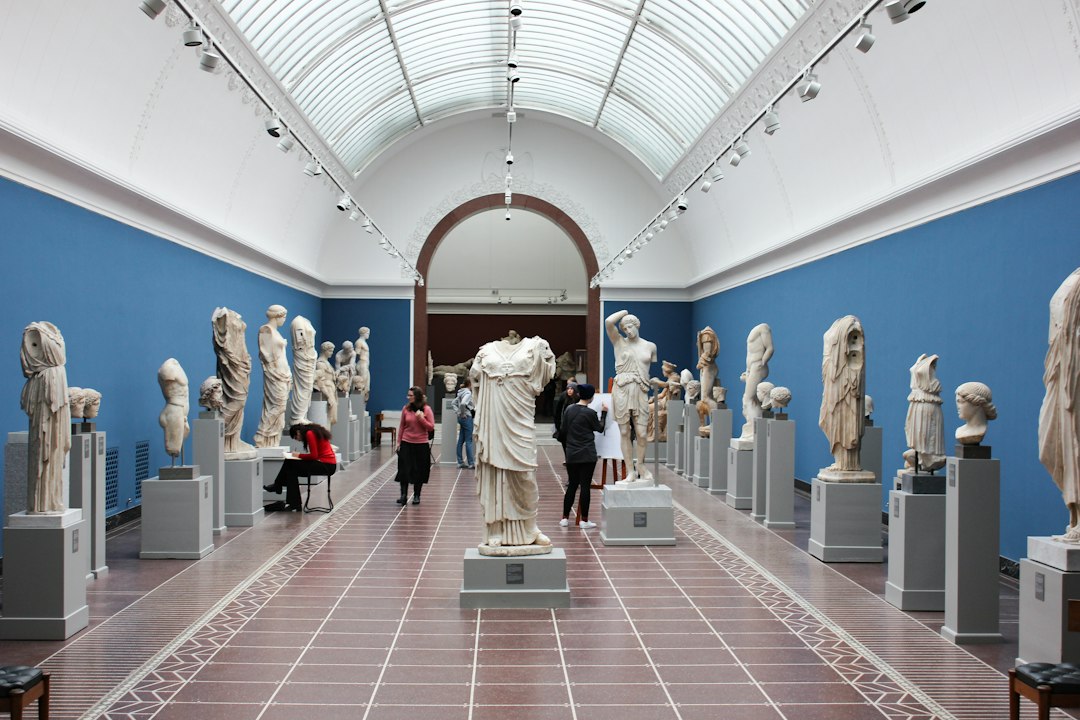
Museum Collection Management Software: Keep Objects, Locations, and Loans Connected
Museum collection management software connects object records with the activities that document their care and use. It can link accession details, locations, movements, condition records, loans, images, and rights. The useful test is whether staff can reconstruct an object’s history and identify its current status without searching several disconnected files.
This guide explains how to choose a system around collections work. It covers object identity, cataloging, storage, condition records, loans, publication, migration, and access. It also includes a worked loan example and a pilot plan for evaluating museum or art collection management software.
Start with collections procedures
A list of objects is only part of a collections system. Staff also need records of the events and decisions associated with them. First, map the procedures your institution follows and identify the records each produces.
For example, acquiring an object, moving it to storage, lending it, and publishing an image are distinct activities. Each may involve different people, dates, permissions, and supporting documents.
CollectionSpace’s features overview describes object and procedure records for diverse collections. Use that distinction when comparing products. A richly detailed catalog entry does not necessarily provide a complete movement or loan workflow.
Also name process owners. Registrars, curators, conservators, and other staff may contribute different facts. The software should clarify responsibility rather than assume one user owns the whole record.
Give objects stable identities
An object needs a reliable identifier that remains useful as descriptions and locations change. Define numbering rules and relationships before importing records. Avoid using a mutable title as the main link.
Next, test groups, sets, and parts. A collection may describe a whole object and several components. Staff should understand whether a movement applies to the whole set or selected parts.
Keep legacy identifiers where useful. Earlier catalogs, labels, and publications may use them. Preserving those references helps researchers and staff connect old records with the current system.
Also test duplicate detection and merges. Two similar titles do not prove two records describe the same object. A controlled review should preserve the source and reason for any merge.
Build catalog fields around your collections
Different collections need different descriptive detail. Art, natural history, archaeology, and social history may share some fields while using others differently. Start with your cataloging needs rather than every field the system offers.
Use controlled terms where they improve search and consistency. Also preserve uncertainty. A tentative attribution or approximate date should not become a definite fact because a field accepts only one simple value.
Next, define which fields are required at each stage. A minimal intake record and a fully researched catalog entry serve different purposes. The system should show completeness without blocking necessary initial documentation.
zetcom’s MuseumPlus overview illustrates configurable fields and collection workflows. During evaluation, ask the vendor to represent a difficult real object, not only a clean demonstration record.
Keep location and movement history distinct
The current location answers where an object should be now. Movement history explains how it reached that location. Both matter, and one should not replace the other.
Define the location hierarchy your institution uses, such as building, room, cabinet, and shelf. Use structured references where possible. Free-text locations can become inconsistent quickly.
Next, test a temporary move and a return. Staff should see the source, destination, date, reason, and responsible person under your procedure. A current-location edit alone may not preserve enough context.
Also review unresolved moves. An object may be in transit or awaiting confirmation. Keep those states visible rather than placing it in a final location before staff verify arrival.
Document condition as dated observations
A condition record should reflect an observation at a particular time. Link the object, author, date, purpose, and supporting images or documents as required. Do not silently overwrite the earlier report.
For example, a pre-loan check and a return check need separate records. Staff should compare them while retaining the original wording. The system should not imply that the latest report describes every earlier state.
Next, test image annotations and versions. A marked image needs a clear relationship to the relevant condition record. An unlinked image in a shared folder can lose its meaning.
Qualified staff remain responsible for condition assessment and treatment decisions. Software organizes the evidence and tasks; it should not turn a generic status label into a conservation judgment.
Manage loans as a sequence of controlled steps
A loan can involve objects, parties, dates, approvals, agreements, transport, condition checks, and return work. Map that sequence with the responsible team. A calendar reminder alone is not a loan management process.
First, distinguish a request from an approved loan. Next, distinguish approval from dispatch. Staff need to know which conditions remain open before the object moves.
Test a loan with several objects and a change to one item. The system should preserve each object’s status while keeping the overall loan record coherent. A partial return should not close everything accidentally.
Also record extensions and changed dates through the approved process. Keep the earlier terms and authorizations available for review. A new due date should not erase the reason for the change.
A worked outgoing loan
Imagine a museum considering three objects for a temporary exhibition elsewhere. Staff create the request and link the object records. The responsible people review suitability and required conditions under institutional policy.
After approval, staff record the agreement references, planned movement, and relevant condition checks. Dispatch changes the location state through the defined procedure. The loan record keeps the three object histories connected.
Next, one object returns before the others. Staff record its receipt and return check without closing the remaining loan items. A later extension affects only the objects still away.
This illustrative flow tests object-level and loan-level records together. A successful search for the borrower does not prove the system handles partial returns or changed terms correctly.
Connect images with rights and permitted use
An image record may need creator, source, rights, restrictions, and the object relationship. The exact fields depend on institutional policy. Keep the image’s rights distinct from assumptions about the object itself.
Next, define what staff can publish. An internal research image may not be approved for public access. A public catalog should use an explicit publication process rather than expose every attached file.
Test replacements and derivatives. A thumbnail, edited image, and master file can serve different purposes. Preserve the relationship so staff know which one they are using.
A broader document management workflow provides context for versions and access. Collection systems still need object, rights, and publication relationships that a generic file folder may not capture.
Design public access separately from staff records
A public collection browser can support discovery, but it should not reveal private locations, sensitive notes, or restricted information. Define the approved fields and publication rules.
Next, test a record with both public and internal content. Inspect search results, downloads, images, and linked records from an unauthenticated account. A hidden field on one page may appear elsewhere.
Also preserve context for uncertainty and attribution. Public wording should not make a tentative internal assessment appear definite. Review the publication template with the collections team.
For institutions with sales or consignments, art gallery software workflows provide a useful contrast. Museum stewardship records and commercial inventory have different purposes, even when both describe artworks.
Keep supporting documents linked
Agreements, acquisition files, correspondence, and reports can carry essential context. Link them to the correct object or procedure and control who can view them. A descriptive title alone may not identify the relationship.
Next, test a document used by several records. The system should support the relationship without creating uncontrolled copies. Staff need to know which version is current.
Also decide where master files live. The collection system may store some documents and link to another repository for others. Define responsibility for broken links, backups, and access changes.
Do not assume the collection database is a complete digital preservation environment. Evaluate storage and preservation needs separately with the responsible specialists.
Plan migration around meaning, not just columns
Legacy records often contain mixed formats, old terms, and uncertain relationships. Start with a sample that includes difficult cases. A clean spreadsheet import does not prove the meaning survived.
Map each source field and document any transformation. Preserve original values where needed for review. Avoid turning approximate dates, multiple creators, or uncertain locations into falsely precise entries.
Next, reconcile object counts and relationships. Check sets, parts, locations, images, loans, and supporting documents. A record count alone can match while links are missing.
Keep an exception list with owners. Some historical gaps may need research rather than a technical fix. Mark them clearly instead of filling them with guessed values.
Test access and change history
Different roles may catalog, approve movements, manage loans, or publish records. Test those roles with separate accounts. Give temporary staff the scope needed for their tasks.
Next, inspect significant edits. Staff should be able to identify who changed a location, identifier, or publication state and when. Keep a controlled correction process.
Also review exports. A broadly available export can expose internal storage details even when the main screens are restricted. Apply the same access thinking across reports and integration tools.
For a tailored public or partner interface, custom crm development may connect approved workflows. Keep the collection system’s object identities and authoritative history clear.
Run a collections-focused pilot
Choose objects that represent the difficult parts of your collection. Include a set, an uncertain attribution, a temporary movement, an outgoing loan, and restricted media. Ask several staff roles to use the system.
- Create and search current and legacy identifiers.
- Record a movement and a later correction.
- Add separate condition records with linked images.
- Dispatch several loan items and return one early.
- Publish selected fields while keeping internal data private.
- Import a difficult legacy record and inspect the result.
- Export records with useful relationships and references.
Measure unresolved data issues, repeated entry, and the time to reconstruct a history. A quick object search is helpful, but the pilot should prove the procedure records as well.
Compare total cost and long-term care
Include hosting, configuration, migration, training, support, integrations, and storage. An open-source option can still require substantial operational work. Compare the full support model rather than the license alone.
Name owners for terms, templates, access, and data quality. Review changes as collections practice evolves. A configurable system needs governance to stay consistent.
Finally, test export formats and the exit process. Preserve object identities, relationships, and source references in a usable form. The collection’s history should remain understandable after a vendor change.
Frequently Asked Questions
Is a spreadsheet enough for a small museum?
It may support a simple catalog for a time. Dedicated software becomes more useful when movements, loans, rights, and shared work make relationships hard to maintain.
Does the system preserve digital files automatically?
Do not assume so. Check storage, backups, integrity, and preservation arrangements separately. A metadata link is different from a managed preservation copy.
What should the pilot include?
Use a multi-part object and a loan with a partial return. These reveal whether the system preserves relationships and procedure history beyond a basic catalog entry.
Choose a connected collections history
Good museum collection management software preserves the links among objects, people, places, and procedures. Test those relationships with realistic exceptions. Then roll out the system with clear ownership and a careful migration plan.
Connect approved collection workflows with the right audience
Anomoz Softwares can help scope a tailored public or partner interface around your collection system’s authoritative records.



