
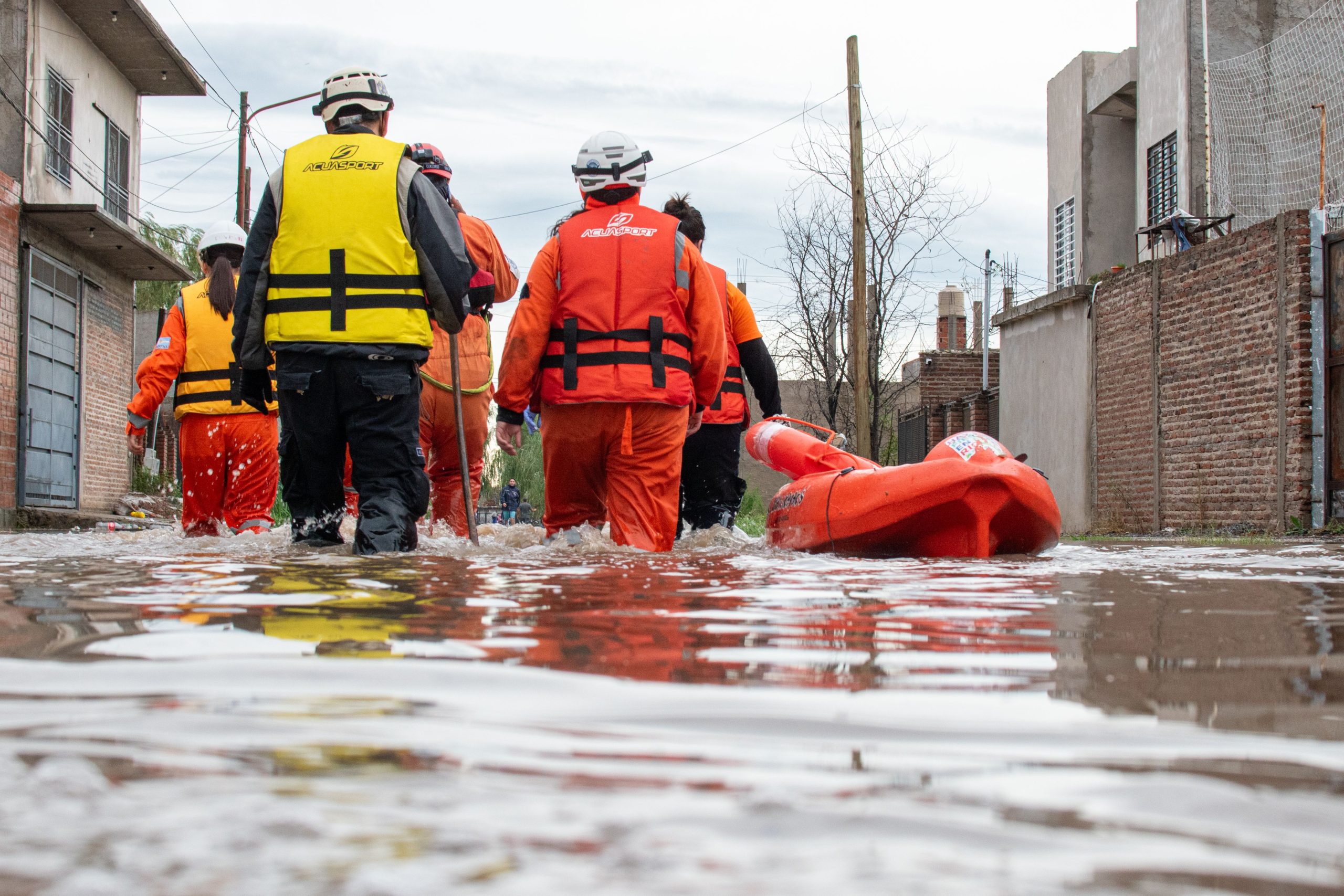
Disaster Management System: 9 Features That Improve Emergency Response and Recovery
A disaster management system gives organizations a structured way to prepare for hazards, coordinate emergency response, manage resources, and support recovery. Instead of relying on scattered spreadsheets, phone calls, emails, and paper records, teams can use a centralized platform to keep critical information, tasks, alerts, people, and response activities connected. This makes disaster management software useful for government agencies, emergency teams, nonprofits, healthcare organizations, municipalities, and businesses that need a clear response process.
In this guide, we’ll explain how a disaster management system works, the key features it should include, its main benefits, implementation considerations, common mistakes, and how organizations can decide whether they need a standard platform or a custom solution.
What Is a Disaster Management System?
A disaster management system is a software platform that helps organizations plan for, respond to, and recover from disasters and emergencies. It can bring together risk information, emergency plans, incident reports, alerts, response teams, resources, communication records, and recovery tasks in one place.
More importantly, the system supports the broader disaster management process rather than focusing only on what happens during an emergency. The UNDRR definition of disaster risk management includes actions that prevent new risks, reduce existing risks, and manage remaining risks.
In practice, organizations can use disaster management software across several stages:
- Prevention: Identify hazards and reduce avoidable risks.
- Preparedness: Create plans, assign responsibilities, and organize resources.
- Response: Coordinate teams, incidents, alerts, and urgent tasks.
- Recovery: Track restoration work, assessments, and follow-up activities.
A disaster management system should support the full emergency lifecycle. A platform that only records incidents may help with reporting, but it will not provide the same operational value as a system that connects planning, response, communication, resources, and recovery.
How Does Disaster Management Software Work?
Disaster management software typically works by bringing operational data into a centralized platform. Authorized users can then access the information they need, assign work, monitor incidents, communicate with relevant people, and update response activities as conditions change.
For example, suppose a municipality receives reports of severe flooding. Staff can create an incident, record affected locations, assign field teams, identify available equipment, send alerts, and track response tasks from the same system. Meanwhile, managers can review dashboards to understand the current situation without asking every team for a separate update.
The exact workflow depends on the organization. However, most effective systems connect people, information, communication, and action instead of treating each activity as a separate process.
9 Key Features of a Disaster Management System
1. Risk and Hazard Assessment
Risk assessment helps teams identify hazards before they become active incidents. A disaster management system can store hazard information, risk levels, affected areas, historical incidents, and mitigation activities.
For example, a local authority might track flood-prone areas, wildfire risks, severe weather threats, or infrastructure vulnerabilities. This information can help teams prioritize preparedness work and update response plans.
Organizations can also connect risk records with maps, documents, inspections, and mitigation tasks. As a result, decision-makers gain a clearer view of where resources and planning efforts may need attention.
2. Emergency Planning and Preparedness
Emergency plans often contain many moving parts. Teams need to know who takes action, which resources they need, which procedures apply, and how they should communicate.
Disaster management software can centralize emergency plans, checklists, standard operating procedures, contact information, and preparedness tasks. Managers can also assign responsibilities and monitor whether teams have completed required preparation activities.
This creates a more organized process than keeping separate documents across email accounts, local computers, and shared folders.
3. Incident Management
During an emergency, teams need a reliable way to record what happens. An incident management module can capture the incident type, location, severity, status, assigned personnel, updates, and actions taken.
Teams can then maintain a chronological record as the situation develops. This helps managers understand what has happened, what requires attention, and which tasks remain open.
For organizations handling several incidents at once, centralized incident tracking can also reduce confusion between separate response activities.
4. Real-Time Alerts and Notifications
Emergency communication depends on getting the right information to the right people quickly. A disaster management system can support alerts and notifications for incidents, assignments, status changes, deadlines, and other important events.
Depending on the system, notifications may connect with email, SMS, mobile applications, or other communication channels. The goal is not simply to send more messages. Instead, teams should receive relevant information based on their role and responsibilities.
Notification features should complement established emergency communication procedures. Software should not become the only communication channel for critical emergencies, especially when connectivity or system availability may become unreliable.
5. Resource and Asset Management
Disasters can create sudden demand for vehicles, equipment, supplies, facilities, personnel, and other resources. Without a central record, teams may struggle to determine what they have, where it is, and who currently uses it.
Disaster management software can maintain resource inventories and connect assets with incidents or response teams. For example, managers might track emergency vehicles, generators, medical supplies, shelters, communication equipment, or temporary facilities.
This visibility helps teams make better use of available resources and identify gaps during preparedness planning.
6. Team and Volunteer Coordination
Emergency response can involve employees, government teams, contractors, volunteers, nonprofit organizations, and external partners. A disaster management system can help coordinate these groups through assignments, schedules, roles, contact records, and status updates.
For instance, a coordinator could assign a field team to inspect damaged infrastructure and track the assignment until completion. Another manager could monitor available personnel and reassign resources when priorities change.
This approach reduces dependence on informal communication and makes responsibilities easier to follow.
7. Mapping and Location-Based Information
Location plays a major role in disaster response. Teams need to understand where incidents occur, which areas face risk, and where they can find critical resources.
A system with mapping capabilities can display incidents, affected zones, facilities, assets, shelters, infrastructure, and response teams on a map. This geographic view can provide useful context when managers need to prioritize activities.
However, mapping should support operational decisions rather than replace professional assessment. Data quality, location accuracy, and update frequency all affect how useful a map becomes.
8. Reporting and Dashboards
Disaster response creates large amounts of information. Managers need a practical way to turn that information into a clear operational picture.
Dashboards can show open incidents, response status, unresolved tasks, resource availability, affected locations, and recovery progress. Meanwhile, reports can help organizations review incidents after the event and identify areas for improvement.
A useful dashboard should focus on decisions rather than display every available data point. In other words, the system should help managers answer questions such as what needs attention now, which resources remain available, and which tasks are overdue.
9. Recovery and Post-Incident Tracking
Disaster management does not end when the immediate threat passes. Organizations may still need to assess damage, restore services, manage cleanup, document costs, and complete follow-up tasks.
A disaster management system can track these activities from the initial assessment through final closure. Teams can assign recovery tasks, upload documentation, record progress, and maintain an incident history.
This creates a more complete record and helps organizations learn from previous events.
Key Benefits of Using a Disaster Management System
The right platform can improve several parts of emergency operations. However, the value depends on how well the system matches the organization’s actual processes.
Teams can access incident details, plans, contacts, resources, and tasks from a shared system instead of searching across disconnected tools.
Managers can assign responsibilities, monitor progress, and communicate updates through connected workflows.
Organizations can track equipment, personnel, supplies, and facilities and connect them with response activities.
Assignments, updates, approvals, and completed tasks can create a clearer operational record.
Historical records can help teams review what happened, identify process gaps, and improve future preparedness.
For organizations that manage public infrastructure or municipal services, a municipal software platform can also provide useful context for connecting emergency workflows with broader local government operations.
Disaster Management System vs. Disaster Management Software
The terms disaster management system and disaster management software often describe the same general technology, but the emphasis can differ.
| Term | Typical focus |
|---|---|
| Disaster management system | The broader operational framework that combines processes, people, data, technology, and response activities. |
| Disaster management software | The digital platform used to support planning, incident management, communication, resource tracking, reporting, and recovery. |
Therefore, organizations should evaluate more than the software interface. A strong solution should fit the organization’s emergency procedures, governance structure, communication model, reporting requirements, and resource management process.
Disaster Management System Use Cases
Different organizations can use disaster management technology in different ways.
- Government agencies: Coordinate incidents, departments, emergency teams, public facilities, and resources.
- Municipalities: Track local hazards, infrastructure issues, field teams, and recovery work.
- Healthcare organizations: Coordinate emergency operations, facilities, staff, supplies, and communication.
- Nonprofit organizations: Manage volunteers, aid distribution, beneficiaries, field activities, and partner coordination.
- Businesses: Support business continuity, facility response, employee communication, asset protection, and recovery planning.
- Emergency response organizations: Manage incidents, dispatch activities, personnel, equipment, and operational updates.
For example, organizations with significant physical assets may also benefit from a government fleet management software workflow that connects vehicle availability and maintenance information with broader emergency resource planning.
How to Choose Disaster Management Software
Choosing a platform starts with the organization’s operational needs. Instead of selecting software based only on the number of features, define the workflows that the system must support.
- Map current processes: Document how your organization handles risk assessment, emergency planning, incident response, communication, and recovery.
- Identify user groups: Determine which employees, agencies, volunteers, partners, and managers will use the system.
- Prioritize critical features: Focus on incident management, alerts, resource tracking, reporting, mapping, and other functions that match your response model.
- Review integrations: Check whether the platform can connect with communication tools, mapping services, databases, identity systems, or other operational software.
- Check mobile access: Field teams may need to update incidents, complete tasks, upload photos, or view instructions away from an office.
- Evaluate security and permissions: Emergency systems may contain sensitive operational information, so role-based access and appropriate security controls matter.
- Test reporting: Make sure managers can produce the reports and dashboards they actually need.
- Plan for resilience: Consider how the system will operate during connectivity problems, power interruptions, or other disruptions.
Organizations that need specialized workflows may consider custom CRM development when stakeholder records, communication workflows, case tracking, or other CRM functions need to connect with a wider disaster management platform.
Common Mistakes to Avoid
Even a feature-rich platform can fail to deliver value if teams implement it without a clear operational plan.
Using software without defined procedures
Technology cannot replace emergency planning. First, define responsibilities and workflows. Then configure the software around those processes.
Adding too many unnecessary features
More features do not automatically create a better system. A complicated interface can slow users down when they need quick access to critical information.
Ignoring field users
Emergency teams often work outside the office. Therefore, organizations should test the system with the people who will actually use it during field operations.
Failing to test emergency workflows
A system may work during normal operations but behave differently under pressure. Regular exercises can help teams find gaps in procedures, permissions, communication, and data before an actual emergency occurs.
Treating recovery as an afterthought
Response is only one part of disaster management. Recovery tasks, damage assessments, documentation, and lessons learned should also have a place in the system.
What Should a Modern Disaster Management System Prioritize?
A practical system should make critical information easy to find and important actions easy to complete. More importantly, it should support coordination across departments rather than create another isolated database.
Current disaster risk guidance also emphasizes risk knowledge, governance, preparedness, resilience, and recovery readiness. For example, the UNDRR Strategic Framework 2026–2030 identifies risk knowledge, locally led disaster risk reduction, financing, and recovery readiness as interconnected areas of focus.
For health-related emergencies, organizations can also review the WHO Emergency Response Framework, which describes an all-hazards approach to assessing and responding to public health emergencies.
These frameworks highlight an important point: effective disaster management depends on coordination and preparedness, not software alone. Technology works best when it supports a clear operational structure.
When Should You Consider a Custom Solution?
Off-the-shelf disaster management software can work well when its workflows match an organization’s needs. However, a custom system may make more sense when the organization has unusual processes, multiple departments, specialized reporting requirements, or complex integrations.
A custom platform can combine modules such as incident management, risk assessment, resource tracking, communication, mapping, document management, workflow automation, and reporting. It can also connect with existing systems instead of forcing teams to replace every tool they already use.
The key question is not whether custom software has more features. Instead, ask whether the organization needs workflows that existing products cannot support without major compromises.
Start with the highest-value emergency workflows. Build the system around the actions teams must perform during preparedness, response, and recovery, then expand it as operational needs become clearer.
Frequently Asked Questions
What is the main purpose of a disaster management system?
Its main purpose is to help organizations prepare for hazards, coordinate emergency response, manage resources and communication, and track recovery activities through a centralized system.
What does disaster management software usually include?
Common capabilities include risk assessment, emergency planning, incident tracking, alerts, resource management, team coordination, mapping, dashboards, reporting, and recovery tracking.
Can businesses use disaster management software?
Yes. Businesses can use it for emergency planning, employee communication, facility incidents, asset protection, business continuity activities, and recovery management.
What should I look for when choosing disaster management software?
Focus on incident management, communication, resource tracking, reporting, mobile access, integrations, security, permissions, reliability, and how well the platform matches your existing emergency procedures.
Is custom disaster management software worth considering?
Custom development can make sense when standard products cannot support your workflows, integrations, reporting requirements, or organizational structure without significant compromises.
Final Thoughts
A disaster management system can give organizations a clearer way to prepare, coordinate, respond, and recover. By bringing incidents, plans, people, resources, communication, and reporting into connected workflows, disaster management software can reduce operational fragmentation and improve visibility.
However, technology should support a well-defined emergency management process rather than replace it. Start by identifying the risks, responsibilities, response procedures, and information your teams need. Then choose or build a system that supports those requirements in a simple, reliable way.
Build software around how your organization works
If your emergency management workflows require specialized processes, integrations, dashboards, or communication features, custom software can help bring those requirements into one connected platform.



