
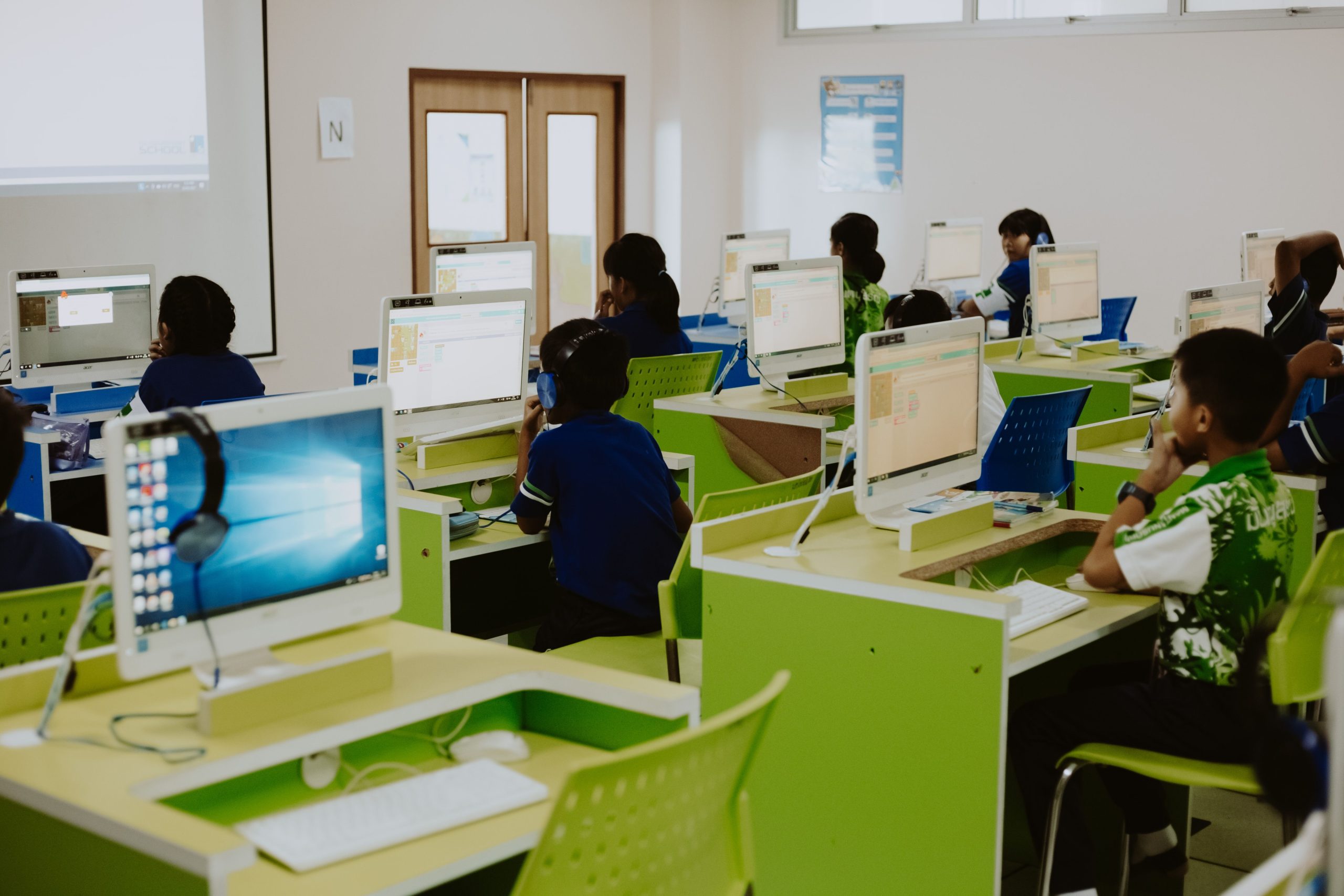
School Management Software: 10 Features for Smarter School Operations
School management software gives schools a central way to organize student records, attendance, classes, fees, communication, staff tasks, and daily administration. Instead of relying on disconnected spreadsheets, paper files, and separate tools, a school can use one system to keep important information easier to manage and access.
A modern school management system can also connect administrators, teachers, students, and parents through shared workflows. As a result, schools can reduce repetitive administrative work while improving visibility across academic and operational activities.
In this guide, we will cover 10 key features of school management software, its benefits, data security considerations, implementation tips, common mistakes, and situations where a custom solution may make sense.
What Is School Management Software?
School management software is a digital platform designed to help educational institutions manage administrative, academic, financial, and communication tasks. Depending on the product, it can support everything from student enrollment and attendance to examinations, fee collection, staff management, and reporting.
In practice, a school management system acts as a shared information hub. Administrators can manage school-wide information, teachers can handle classroom tasks, and parents can receive relevant updates without requiring every process to happen manually.
The exact feature set varies by school. A small private school may focus on admissions, attendance, fees, and parent communication. Meanwhile, a larger institution may need advanced reporting, multiple campuses, role-based access, integrations, and detailed academic records.
Key takeaway
The value of school management software comes from connecting related school processes, not simply replacing paper forms with digital screens.
10 Key Features of School Management Software
1. Student Information Management
A central student database gives administrators one place to manage essential student information. Depending on the school’s needs, records may include contact details, enrollment information, class assignments, academic history, attendance, documents, and other relevant records.
Instead of searching through multiple files, authorized staff can locate the information they need from a single profile. Therefore, administrators can spend less time moving data between systems.
For example, when a student moves to another class, staff can update the relevant record without maintaining several separate spreadsheets.
2. Admissions and Enrollment Management
Admissions can involve applications, document collection, reviews, interviews, approvals, and enrollment. A school management system can organize these steps into a more consistent workflow.
For instance, administrators can track an application from initial submission to final enrollment. The system can also store applicant information and help staff identify incomplete records.
As a result, schools can create a clearer admissions process for both staff and families.
3. Attendance Tracking
Attendance is a routine task, but it can become difficult to manage when schools rely on paper registers or disconnected spreadsheets. School management software can give teachers a digital way to record daily attendance and provide administrators with a broader view.
Depending on the system, schools may track attendance by student, class, date, subject, or academic period. Reports can then help staff identify attendance patterns that need attention.
Parents may also receive attendance updates through a connected portal or notification system when the selected software supports that feature.
4. Class, Course, and Timetable Management
Schools need to coordinate classes, subjects, teachers, rooms, and schedules. A school management system can bring these elements together so administrators can create and maintain timetables more efficiently.
For example, a timetable module can connect a teacher with assigned subjects, classes, rooms, and scheduled periods. If a schedule changes, authorized staff can update the central record instead of editing several documents.
This approach also helps teachers quickly understand their assigned schedules and reduces confusion around daily academic activities.
5. Examination and Grade Management
Managing examinations involves more than entering marks. Schools may need to create assessment schedules, assign subjects, record grades, calculate results, and prepare report cards.
School management software can organize these activities within student and class records. Teachers can enter results, while authorized administrators can review information and generate reports according to the school’s grading structure.
Furthermore, centralized academic records can make it easier to review a student’s progress over multiple terms.
6. Fee and Payment Management
Fee management is another important part of school administration. Schools may need to manage tuition, admission charges, transport fees, activity charges, discounts, outstanding balances, and payment records.
A school management system can keep these details in organized student accounts. Staff can review balances, record payments, issue receipts, and generate financial reports based on available features.
For schools that need broader financial workflows, accounting tools can also provide useful context. For example, accounting software for business financial management can help readers understand the wider role of digital financial processes, although school-specific requirements still need careful consideration.
7. Parent and Teacher Communication
Schools communicate with parents and students about attendance, schedules, academic progress, announcements, events, payments, and other updates. When communication happens through disconnected channels, important information can become difficult to track.
School management software can provide communication features such as announcements, notifications, messages, and parent portals. The exact options depend on the platform.
More importantly, communication can connect with school records. For example, a parent may receive an attendance notification based on information already recorded in the system.
8. Staff and Employee Management
School administrators also need to manage teachers and other employees. A school management system may store staff profiles, roles, schedules, assigned subjects, attendance, documents, and other employment information.
Some platforms also connect staff information with payroll or leave workflows. However, schools should confirm exactly which HR features a product provides before selecting it.
For broader workforce needs, schools can also review concepts covered in HR software for small businesses and compare those capabilities with their own staff management requirements.
9. Reports and Analytics
School administrators often need reports for attendance, enrollment, academic performance, fees, staff activity, and other operations. Without centralized data, preparing these reports can require significant manual work.
School management software can turn stored records into useful reports and dashboards. Administrators can then review information by student, class, grade, department, or other available filters.
For example, a school could use attendance reports to identify students with repeated absences or review fee reports to identify outstanding balances.
Pro tip
Before choosing a platform, list the reports your school creates every month. Then confirm that the software can produce those reports without extensive manual work.
10. Document and Record Management
Schools handle many documents, including admission forms, identification records, academic documents, certificates, policies, and administrative files. A centralized document feature can help staff organize these records alongside the appropriate student, employee, or institutional profile.
However, schools should treat student data as sensitive information. For example, in the United States, FERPA protects the privacy of student education records for schools covered by the law. The U.S. Department of Education also explains requirements and conditions around access to and disclosure of personally identifiable information from education records. Review the official FERPA guidance before designing workflows for schools subject to those requirements.
How Does a School Management System Work?
A school management system typically starts with structured records for students, staff, classes, subjects, and other school entities. Users then perform tasks through modules connected to those records.
For example, a teacher records attendance for a class. That information becomes part of the relevant student records. An administrator can then review attendance reports, while a parent portal may display an appropriate update if the system supports it.
The same approach can connect admissions, academic records, fees, communication, and reporting. Therefore, information entered once can support several related workflows instead of being copied into multiple files.
Benefits of School Management Software
The right system can improve school administration in several practical ways.
- Centralized information: Staff can manage related school records from connected modules.
- Less manual work: Digital workflows can reduce repetitive data entry and paperwork.
- Faster access: Authorized users can find records without searching through physical files.
- Better communication: Schools can send updates through supported communication channels.
- Improved reporting: Administrators can use centralized information to create operational and academic reports.
- Greater visibility: School leaders can review information across departments and activities.
- Scalable operations: A suitable system can support additional users, classes, students, or campuses as needs change.
School Management Software vs. Separate Tools
Some schools use separate applications for attendance, fees, communication, academic records, and documents. This approach can work, but it may create duplicate data and additional administrative effort.
| Area | Separate Tools | School Management System |
|---|---|---|
| Student records | May exist across several tools | Centralized student profiles |
| Attendance | May require separate entry | Connected to student and class records |
| Fees | Often managed separately | Can connect payments with student accounts |
| Reporting | May require manual consolidation | Can use data from connected modules |
| Communication | May use unrelated channels | Can connect updates with school workflows |
However, an integrated platform is not automatically the right choice for every school. A small institution with simple requirements may not need every available module. Therefore, schools should select software based on actual workflows rather than the size of a feature list.
School Management Software and Data Privacy
Student information requires careful handling. Schools should evaluate how a vendor stores, accesses, transfers, backs up, and deletes data before adopting a platform.
Access controls matter as well. Teachers may need access to classroom information, while finance staff may need access to payment records. Administrators may require broader access, but that access should still follow the school’s policies and applicable requirements.
The U.S. Department of Education notes that schools must use reasonable methods to ensure that school officials access only education records in which they have legitimate educational interests. See the official guidance on access to education records.
Important
Privacy requirements vary by country, state, and institution type. Do not assume that one compliance framework applies to every school. Review the rules that govern your institution and confirm how the software supports them.
How to Choose School Management Software
Start by documenting the school’s current processes. Identify where staff spend the most time, where duplicate data appears, and which tasks create frequent errors or delays.
Next, turn those findings into software requirements. Consider the following areas:
- Core modules: Confirm that the platform covers student records, attendance, academics, fees, communication, and other essential needs.
- User roles: Check whether administrators, teachers, parents, students, and finance staff can receive appropriate access.
- Ease of use: Ask staff to test common workflows rather than judging the system only from a product demonstration.
- Reporting: Verify that the system can produce the reports your school actually needs.
- Security: Review authentication, permissions, backups, data handling, and vendor policies.
- Integration: Check whether the platform can connect with existing payment, communication, learning, or accounting tools when required.
- Scalability: Consider future student numbers, additional departments, and possible campus expansion.
- Support: Confirm how the vendor handles onboarding, technical support, updates, and issue resolution.
Schools that also provide digital learning may benefit from reviewing e-learning platform features. Although an e-learning platform and a school management system serve different purposes, the two can complement each other when a school needs both administrative and online learning capabilities.
Common Mistakes When Choosing a School Management System
Choosing Too Many Features
A long feature list can look attractive, but unused features can add cost and complexity. Instead, prioritize the workflows that matter most to your staff, teachers, students, and parents.
Ignoring User Experience
A technically capable platform still creates problems if teachers or administrators struggle to use it. Therefore, test real tasks such as recording attendance, entering grades, creating a fee record, and generating a report.
Overlooking Data Migration
Existing student records often need to move into the new system. Ask the vendor how migration works, which formats it accepts, how duplicates are handled, and how the school can verify imported data.
Not Defining Access Rules
Different users need different information. Set clear permissions before launch so staff members can access what they need without receiving unnecessary access to sensitive records.
Skipping the Implementation Plan
Software adoption involves more than installation. Schools also need staff training, data preparation, testing, communication, and post-launch support. A phased rollout can make the transition easier to manage.
When Does Custom School Management Software Make Sense?
Off-the-shelf software can work well when a school’s processes match the available features. However, custom development may become useful when an institution has specialized workflows that standard products cannot handle efficiently.
For example, a school network may need custom roles, unique admission workflows, specialized reporting, multiple-campus rules, or integrations with existing systems. In that situation, custom development can provide greater control over how the platform works.
The key question is not whether custom software has more features. Instead, schools should ask whether customization solves a real operational problem that existing platforms cannot address without excessive workarounds.
Frequently Asked Questions
Frequently Asked Questions
What is school management software used for?
School management software helps schools manage student records, attendance, classes, exams, fees, communication, staff information, documents, and reports from a connected platform.
What is the difference between a school management system and an LMS?
A school management system focuses mainly on administration and school operations, while a learning management system focuses on delivering, managing, and tracking learning activities and course content. Some platforms connect both areas.
Can school management software handle student attendance?
Yes. Many school management platforms include attendance tools that let teachers record attendance and administrators review related reports. Available functions vary by product.
Does school management software include fee management?
Many platforms include fee and payment features for student accounts, invoices, receipts, balances, and reports. Schools should verify the exact payment workflows before choosing a product.
How secure is student information in school management software?
Security depends on the software, configuration, vendor practices, and school policies. Schools should review access controls, authentication, backups, data handling, and applicable privacy requirements before adoption.
Final Thoughts
School management software can bring student records, attendance, academics, fees, communication, staff workflows, and reporting into one connected environment. More importantly, it can help schools replace fragmented administrative processes with clearer digital workflows.
However, the right school management system depends on the institution’s actual needs. Start with the school’s daily processes, define the essential requirements, evaluate privacy and security controls, and test common tasks before making a decision.
For schools with specialized workflows, custom software can also provide a path to build features and integrations around existing operations. The goal should always be practical: make school administration easier to manage while giving authorized users timely access to the information they need.



