
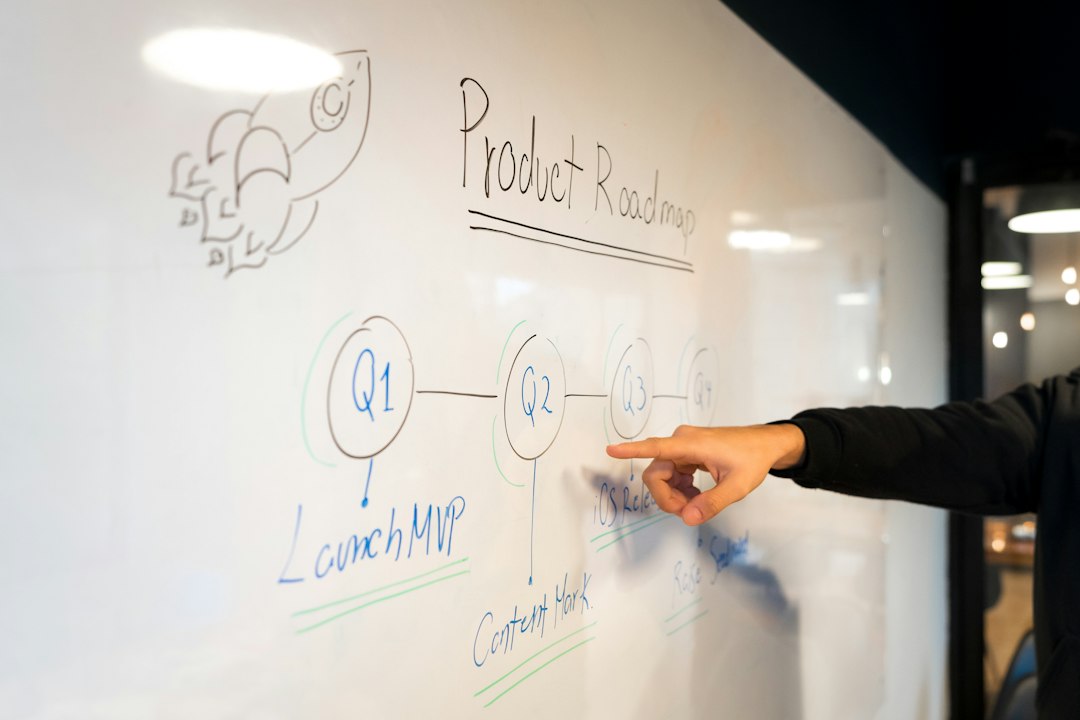
Product Roadmap Software: 9 Features for Clearer Priorities and Plans
Product roadmap software helps a team show what it plans to improve, why those changes matter, and how priorities fit together. It connects product direction to the work that may follow. However, a roadmap should communicate the current plan and its uncertainty, rather than turn every idea into a fixed delivery promise.
This article covers nine features to compare, the difference between a roadmap and a backlog, and a practical example for a business portal. It also explains how to prioritize with evidence and keep different audiences informed without creating conflicting plans.
What a product roadmap should tell people
A useful roadmap explains the outcomes the team wants to achieve and the major initiatives that support them. It helps leaders, delivery teams, sales, and customers understand the direction.
For example, a portal team may aim to reduce the time customers spend checking request status. The roadmap can show a status-view initiative, while the backlog holds the detailed screens and tasks.
Atlassian’s product roadmap template provides an example of a high-level plan that teams can review and update. The practical point is to keep the roadmap understandable while linking to detail where people need it.
Product roadmap planning tools should make decisions and changes easier to explain. They should not encourage a team to fill a timeline simply because the software offers a timeline view.
Roadmap, backlog, and delivery plan
| Record | Main question | Level of detail |
|---|---|---|
| Roadmap | What outcomes and initiatives come next? | High-level direction and priorities |
| Backlog | What work could the team do? | Features, fixes, and tasks |
| Delivery plan | How will agreed work reach release? | Resources, dates, dependencies, and checks |
The records should connect, but they should not contain the same detail. A large backlog can overwhelm an executive roadmap. Meanwhile, a high-level roadmap gives developers too little information to implement a feature.
These software product development stages help place planning, discovery, delivery, and review in the wider product process.
9 features to compare in product roadmap software
1. Goals linked to initiatives
Each initiative should have a reason beyond “someone asked for it.” Link it to an outcome, such as fewer support requests, better task completion, or a required operational change.
For example, “add customer status page” is a feature idea. “Help customers find the status of an open request without contacting support” explains the intended benefit.
Next, define how you will judge the outcome. The roadmap does not need a complex scorecard, but it should make the purpose clear.
2. Evidence attached to ideas
Store the information that supports a decision: customer interviews, support cases, usage findings, or a business constraint. However, avoid treating the loudest request as the strongest evidence.
For instance, one large customer may ask for a specialist feature. That request matters, but the team should also consider who else needs it and what work it would displace.
Ask the supplier to show how feedback links to an idea. Then check whether the team can trace the evidence without copying private customer details into a broadly shared view.
3. Prioritization with visible assumptions
A score can help compare ideas, but it does not remove judgment. Estimates of reach, value, confidence, and effort may all contain uncertainty.
For example, a feature may look attractive because its effort estimate is too low. Therefore, show the assumptions and let reviewers update them when they learn more.
Keep the method simple enough that staff can explain it. A formula with many inputs can create false precision without improving the decision.
4. Flexible time horizons
Some teams use “now, next, later.” Others need quarters, release windows, or specific dates. Choose the format that matches how much the team knows.
Near-term work can carry more detail because discovery and estimates are stronger. Later work may need a broader window and a clear uncertainty label.
However, changing a view from quarters to dates does not make an estimate more certain. The tool should help you communicate that distinction.
5. Dependencies and capacity context
An initiative may need data cleanup, an integration, or a shared platform change before it can deliver value. Show those dependencies where they affect priority or timing.
For instance, a customer dashboard may depend on reliable status updates from the operations system. Building the page first will not solve missing source data.
Also, account for maintenance and support work. A roadmap that allocates all capacity to new features leaves no room for defects or operational needs.
6. Links to delivery work
The team should be able to connect an initiative to tasks, requirements, and release work without maintaining two unrelated plans.
Jira Product Discovery’s roadmap documentation shows one approach to bringing initiatives into a shared roadmap view. When evaluating tools, test how progress and links behave in your own workflow.
However, do not let task progress become the only product status. An initiative can finish delivery and still need an outcome review after users try it.
7. Audience-specific views
Leaders may need goals and investment choices. Developers need dependencies and scope. Customers need relevant planned improvements with carefully worded timing.
Use different views of the same underlying records where possible. This reduces the chance that several separate slides drift apart.
Next, test permissions. A public or customer-facing view should not expose internal estimates, confidential feedback, or unapproved commitments through exports or links.
8. Decision and change history
Roadmaps change as teams learn. Record why an initiative moved, paused, or left the plan.
For example, a pilot may show that users need a different workflow. The history should explain the decision rather than make it look like the team forgot an earlier promise.
Also, name the owner who can approve major changes. A shared editing tool still needs a clear decision process.
9. Export and communication controls
Teams may need a roadmap for a board meeting, client discussion, or internal review. Check whether exports remain readable and include the relevant date.
However, static exports become stale. Add a clear reference to the current plan and label the export’s purpose. Also, make sure private fields do not appear in a shared file.
Ask how you can export the underlying ideas, evidence links, and decision history if you leave the platform. A visual chart alone may not preserve the planning record.
A practical business-portal roadmap example
Consider a fictional business portal whose customers often contact staff for request updates. The product owner wants to reduce that avoidable work.
First, the team reviews recent support questions and interviews a few users. It finds that customers mainly want to know whether a request needs action from them.
The roadmap then includes an initiative to make request status and required actions clear. It links to the outcome, evidence, and a discovery owner. However, the team does not promise every possible notification feature at this stage.
Next, discovery identifies a data dependency: operations staff must update status consistently. The team places that process work before the customer-facing page.
A first release shows current status and a clear action message. Later work may add reminders after the team sees how users respond. This MVP development approach helps test the smallest useful solution before expanding it.
After release, the team checks whether customers complete the task and whether status-related contacts change. The roadmap then reflects what the team learned, rather than treating launch as the end of the initiative.
Prioritize with a small set of clear questions
Before applying a scoring method, ask what problem the idea solves, who experiences it, and how strong the evidence is. Then consider the cost and the alternatives.
- Does this support an agreed business or product goal?
- What evidence shows that the problem matters?
- Which users need it, and how often?
- What dependencies could block the benefit?
- What could we test before committing to a full build?
- What other work would move if we choose this?
For example, a frequently requested dashboard may need data that the business does not yet collect. A smaller change to capture that data could be the right first step.
Meanwhile, keep required work visible even when a scoring method favors new features. Security, maintenance, and contract obligations may need a separate decision path rather than a low score in a growth-focused formula.
How to handle dates without creating false promises
Use specific dates when the team has enough evidence and capacity to support them. Otherwise, use a broader window or sequence.
Distinguish a target from a commitment. For instance, a discovery target may depend on access to users or a third-party interface. State those conditions clearly.
Next, give each audience the right level of detail. A customer-facing view may show planned themes, while internal teams track delivery milestones and risks.
Also, review dates after major scope or dependency changes. A timeline that stays fixed while the assumptions change can mislead everyone who relies on it.
A roadmap review meeting that leads to decisions
Keep the review focused on changed evidence, blocked initiatives, and choices that need agreement. Do not spend the whole meeting reading status labels aloud.
First, review the intended outcomes. Next, inspect initiatives where the evidence or effort estimate has changed. Then decide whether to keep, revise, pause, or remove the work.
Record the reason and the owner of the next action. For example, “pause until source-data quality meets the pilot check” is clearer than moving a bar to another quarter without explanation.
Finally, update shared views and tell affected stakeholders what changed. These document management practices can help keep formal plans and review records current.
Run a pilot with your existing ideas
Choose a small set of current initiatives and import their owners, goals, evidence, and status. Then create views for the audiences that need them.
- Map the current plan into a consistent record structure.
- Link each initiative to a goal and supporting evidence.
- Identify dependencies and uncertain estimates.
- Connect a few initiatives to delivery work.
- Run one real prioritization review.
- Publish or export the agreed audience views.
During the pilot, change one initiative and check whether every relevant view reflects it. In addition, test an archived idea and a confidential note to confirm that access rules work.
Ask a stakeholder to explain the plan without a guided tour. If they cannot tell why the team chose the work, improve the records before adding more visual features.
Costs and signs of a useful platform
Include licenses, contributor access, setup, migration, integrations, and owner time. Also, check whether advanced sharing, scoring, or portfolio views require a different plan.
Measure the time to prepare reviews, the number of conflicting roadmap copies, and how easily stakeholders find a decision’s reason. However, do not measure success by the number of ideas added.
More ideas can create more noise. A useful platform helps the team choose and explain a manageable plan.
If your roadmap needs information from an unusual mix of customer, support, and delivery systems, a focused integration may help. Compare that with configuring the tools you already have before building a custom platform.
Common mistakes to avoid
One mistake is placing every customer request on the roadmap. Record feedback first, then decide whether it represents a problem worth solving.
Another is treating a roadmap as a fixed contract when the work still needs discovery. Use clear commitment rules and separate uncertain ideas from approved scope.
Also, avoid leaving completed initiatives without an outcome review. A feature can ship on time and still fail to help users.
Finally, do not hide removed work. A short reason helps stakeholders understand the tradeoff and prevents the same proposal from returning without new evidence.
Frequently Asked Questions
Can a spreadsheet serve as a product roadmap?
Yes, for a small plan with clear ownership. Dedicated software becomes more useful when evidence, delivery links, permissions, and audience views become hard to maintain manually.
Should customers see the full roadmap?
Usually, share only relevant approved information with clear timing language. Keep confidential notes, internal costs, and uncertain commitments in restricted views.
How often should we review the roadmap?
Use a regular review cycle that fits your business, and revisit the plan when major evidence, capacity, or dependencies change. The right frequency is the one that keeps decisions current.
Choose a tool that makes decisions clearer
Evaluate product roadmap software by how well it connects goals, evidence, priorities, and delivery. Start with a focused plan and clear audience views. Then use the roadmap to explain what changed and what the team will learn next.
Plan useful releases for your business software
Anomoz Softwares can help turn business needs into a phased software plan with clear scope, dependencies, and delivery steps.



