
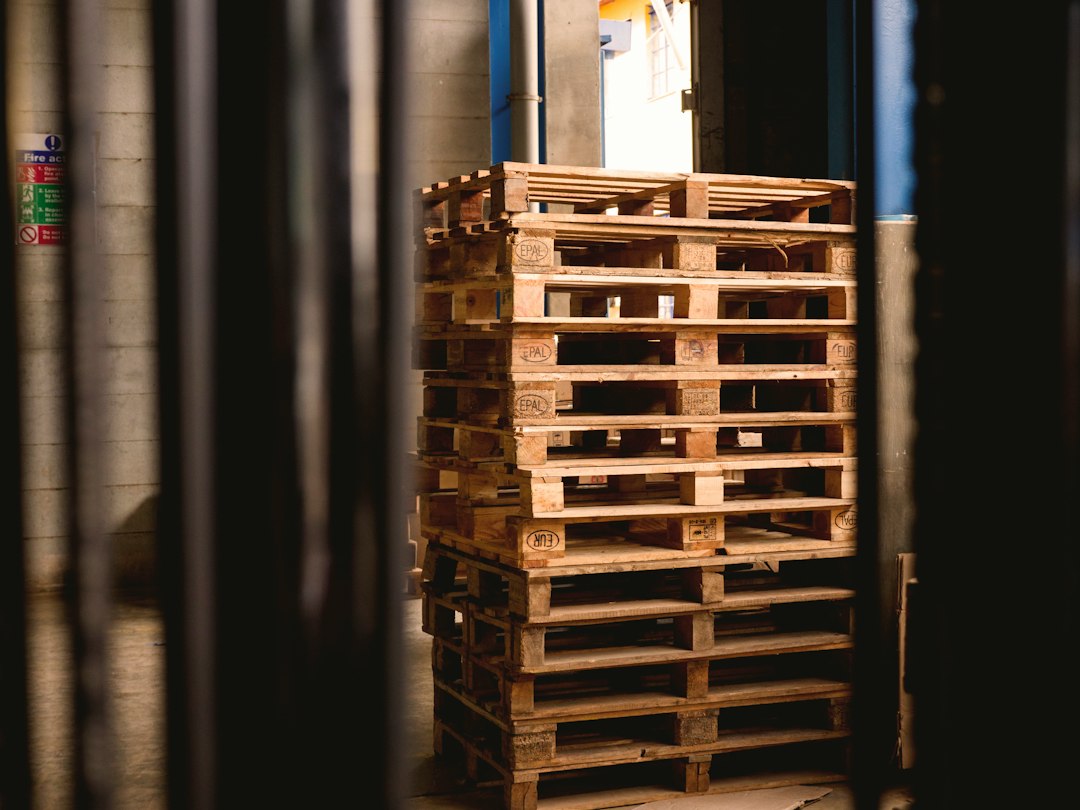
Pallet Software: 8 Controls for Yard Stock, Repairs, and Dispatch
Pallet software tracks the stock, production, and trading activity of a pallet business. It helps connect incoming cores, repair work, new builds, yard locations, customer orders, and dispatch records. A useful system explains how a physical pallet changes category and location, rather than only showing a total quantity.
This guide covers eight operational controls, a sample yard workflow, inventory reconciliation, and the questions to ask in a demo. It focuses on pallet manufacturers, recyclers, and repair businesses, where grades, units, and material conversion need more detail than a general stock list.
Why pallet stock needs more than an item count
A load of used pallets may contain ready-to-sell units, repairable cores, and material that cannot enter finished stock. But an incoming count alone does not explain how much usable inventory you have.
Similarly, a new build uses lumber, fasteners, labor, and a specification. The business needs to connect those inputs with finished pallets. Otherwise, materials disappear from one list while finished stock appears on another without a clear explanation.
Pallet Connect’s inventory overview describes separate stock categories for new and recycled pallets, lumber, and other supplies. That industry-specific structure offers a better starting point than treating every unit as the same product.
Before evaluating products, define your own categories. A grade label can mean different things to different buyers. So keep the specification or acceptance criteria behind the name rather than relying on staff memory.
8 controls to look for in pallet software
1. Product definitions that keep dimensions and grade
Record pallet dimensions, construction type, condition grade, and any customer-specific specification. Also identify whether you count an item by piece, bundle, or another unit.
For example, two products may share dimensions but differ in deck-board layout or repair condition. If staff combine them under one code, the sales team can promise stock that does not meet the buyer’s requirements.
Use clear product names and controlled fields. But leave room for notes and drawings when they help distinguish an unusual build. The system should not require a new product code for every minor comment.
Next, test a specification change. Old production and sales records should retain the version used at the time. Updating the current profile should not rewrite the history of a completed load.
2. Receiving that distinguishes counted and accepted quantities
Record the supplier, delivery reference, receiving date, yard location, and initial count. Then let the inspection or sorting team classify the load. This separates what arrived from what the business accepts into each stock category.
Suppose a hypothetical load contains 500 cores. After sorting, staff classify 300 as ready stock, 150 as repairable, and 50 as scrap. The software should keep all three outcomes against the original receipt.
But do not assume that every business uses those exact categories. Some yards sort later or purchase mixed loads under different terms. Ask the vendor to show your actual sequence rather than a simplified stock receipt.
3. Repair and production records that explain conversion
Repair work changes inventory state. A core may leave repairable stock and become a saleable pallet, while the crew consumes replacement boards and nails. So the system needs a controlled conversion record.
New builds need similar discipline. A build list can define expected material use for one finished pallet. Then actual production records can show differences, scrap, and completed quantities.
The Pallet Connect stock and services knowledge base includes build lists, recycled pallet production, lumber items, and stock adjustments. These are useful workflow topics to test, even if you choose a different system.
In practice, avoid relying only on theoretical consumption. If crews record output but no one checks material use, the system may display a tidy plan while the yard tells a different story.
4. Units that do not change meaning between departments
A purchasing team might buy lumber in one measure while production consumes boards by piece. Dispatch may handle pallets in bundles, but customers may order individual units. Those differences need explicit conversions.
For instance, a bundle containing a fixed number of pallets should have a clear conversion to pieces. But variable bundles need an actual count rather than an assumed standard.
Test rounding, partial bundles, and alternate units. Also ensure reports label the unit beside the quantity. A number such as “250 available” means little if the reader cannot tell whether it refers to boards or pallets.
General inventory tracking controls help with item and movement records. Pallet management software adds the industry-specific conversions that make those quantities trustworthy.
5. Yard locations and transfers with two-sided confirmation
Track stock by site, yard zone, or storage area at the level your staff can maintain. A detailed location map is useful only when crews reliably record movements.
For example, dispatch may transfer stock from a repair yard to a shipping yard. The system should distinguish stock sent, stock in transit, and stock received. Otherwise, both sites may count the same load as available.
Next, test a receiving difference. If the sending yard records 200 pallets and the receiving yard counts 198, staff need an exception process. A silent overwrite hides the event and makes later investigation difficult.
For broader location practices, Anomoz’s warehouse inventory tracking guide explains movement discipline. Apply those principles to the open-yard environment and its actual working conditions.
6. Orders that reserve the correct finished stock
An order should identify product, grade, quantity, promised date, and customer requirements. Then reservations should stop two orders from claiming the same ready stock.
But available stock should exclude units that still need repair or inspection unless your process clearly plans their completion. A large total count can create false confidence when only part of it meets the order specification.
For instance, a customer needs ready pallets on Tuesday. The software should reveal whether the order depends on Monday repair output. That connection helps the team discuss risk before a truck arrives.
7. Dispatch records that connect loading and billing
Record the loaded quantity, product breakdown, truck or carrier reference, and proof of delivery where your process uses it. Also keep shortages and substitutions rather than forcing the dispatch to match the original order.
For example, loading may reveal that some reserved pallets fail the final condition check. The team needs to update the delivered quantity and notify sales. Meanwhile, finance should invoice from the agreed dispatch outcome, not an outdated plan.
Capture any customer-specific documentation requirement in the order. But software cannot certify pallet quality or treatment merely by printing a document. The underlying inspection, authorization, and process still need to be valid.
8. Customer and supplier balances with clear ownership rules
Some businesses sell pallets outright, while others manage exchanges, returns, or customer-owned stock. So quantity balances and money balances should remain separate.
A customer may owe payment for a sale, have empty pallets due for collection, and own stock stored at your yard. Those are different relationships. Combining them into one generic account balance creates confusion.
Ask the vendor to show a customer return and an ownership transfer. Also test whether staff can distinguish your stock from third-party stock in the same location. A physical count should not automatically make all pallets company-owned inventory.
A sample workflow from mixed cores to delivery
Consider a fictional recycler that receives a mixed load of cores. Staff record the source and initial count, then sort the load into ready, repairable, and scrap categories. The receipt remains the parent record for those results.
Next, the supervisor creates a repair job for part of the repairable stock. The crew records completed pallets, boards used, and units that could not enter saleable stock. This explains the change in category rather than simply increasing the finished count.
Meanwhile, sales reserves finished stock for a customer order. If the reservation depends on planned repair output, the order shows that dependency. Dispatch can now see whether the stock is physically ready or still expected.
Finally, loading confirms the quantity and grade that leave the yard. The delivery record supports the invoice and any later return. A manager can trace the shipment back through stock movements and production without reconciling several notebooks.
Test stock conversion and ownership, not just barcode scanning. A scanned number is only useful when the software knows what changed and whose stock it represents.
Stock adjustments should remain exceptions
A stock adjustment helps correct a count difference. But frequent adjustments can hide missing receiving, production, or dispatch transactions. Review the cause before simply changing the number.
Use reason codes that reflect real events, such as count correction, damage, or write-off. Then require a note or approval for changes above a threshold that your business sets.
For example, an unexplained drop in ready stock may come from loading without a dispatch record. Increasing the next count to compensate does not solve the process. Instead, fix the missing movement and train the people who own it.
Also separate expected scrap from unexplained loss. Production scrap belongs to a production record when possible. This makes yield analysis more useful than a single monthly adjustment total.
Reports that help a pallet business make decisions
Review ready stock, repairable stock, work in progress, and committed orders separately. A combined inventory figure can conceal a shortage of the grade customers actually buy.
Next, compare planned and actual material use by build or repair process. Use the result to investigate waste, unsuitable inputs, or incorrect build lists. But do not treat an early variance as proof of worker error.
Also track slow-moving product definitions, outstanding transfers, customer returns, and delivery differences. These reports tell staff where to act. A dashboard full of total quantities may look impressive without answering those questions.
Define each measure in plain language. For instance, specify whether a stock figure includes reserved items or goods in transit. Otherwise, different departments may use the same report to reach conflicting conclusions.
How to compare products and plan the rollout
Give vendors the same fictional receiving, repair, transfer, and dispatch scenario. Then ask a yard supervisor to perform the steps on the proposed device. Check whether the screens work with the labels, scanners, and connectivity you actually have.
Also compare setup, data import, user licenses, support, hardware, and integration costs. Ask what happens when the network fails. Some systems may support offline tasks, while others need a manual fallback and later entry.
Before launch, clean product codes and agree on grade definitions. Count opening stock by location and state. Then reconcile customer-owned stock and open orders separately from your own available inventory.
Pilot one yard or product family first. In addition, test the month-end reports with finance before expanding. A successful operational demo does not automatically prove that the accounting export handles every transaction correctly.
When custom development can fill a specific gap
A specialist platform may already cover most of the business. But a custom portal or integration can help when customers need live balances, yards use unusual exchange rules, or an existing accounting system needs a controlled connection.
For example, custom crm development can connect customer agreements, dispatch requests, and account history. Keep the scope focused and decide which system owns each stock movement. Duplicated ledgers make reconciliation harder.
Frequently Asked Questions
Can pallet software track lumber and finished pallets?
Some specialist systems support both. Test the units, build lists, and actual material consumption. Tracking two stock categories does not automatically prove that production connects them correctly.
Do I need a barcode on every pallet?
Not necessarily. Your process may track individual units, batches, or bundles. Choose a level that supports traceability without creating a labeling burden the yard cannot maintain.
What is the most important migration check?
Reconcile stock by product, grade, location, state, and owner. An overall total can match while the available stock for a specific customer order remains wrong.
Start with one complete yard transaction
Good pallet software connects receipt, sorting, conversion, reservation, and dispatch. Use a real workflow to evaluate that chain, and make each quantity and ownership rule explicit. Then build the reporting and integrations around records the yard can reliably maintain.
Connect your pallet customers and yard workflows
Anomoz Softwares can help plan a custom portal or integration for customer balances, orders, and dispatch records.



