
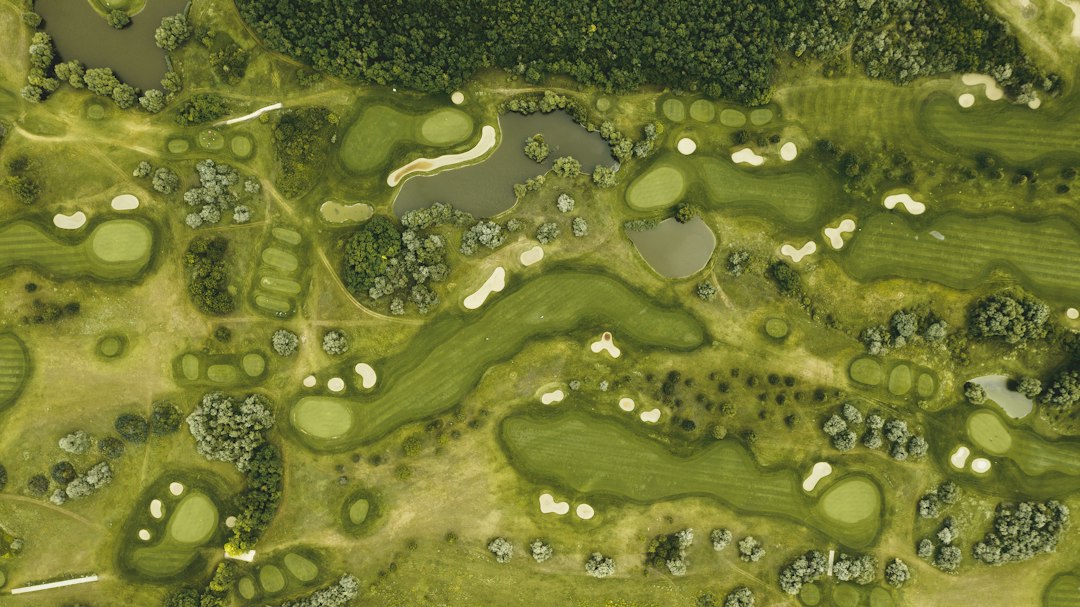
Golf course design program: Choose Tools for Routing, Terrain, and Design Handoffs
A golf course design program helps a design team map the site, explore hole layouts, model land, or present a proposal. However, these jobs need different tools. A polished image cannot tell you whether the survey, grading, drainage, and construction information agree.
The right choice starts with your role and next deliverable. This article explains the main tool types, the site data they need, and a practical way to test revisions and handoffs before buying software.
Start with the design task you need to complete
First, decide whether you need to explore a concept, prepare technical plans, or communicate an approved design. A club owner reviewing an early layout has different needs from a designer preparing detailed surfaces.
The American Society of Golf Course Architects design resources describe golf course design as a process that extends beyond drawing holes. That broader view matters when you choose tools. Software supports the work, while the project team supplies design judgment and site knowledge.
For example, an attractive routing may cross land that the project cannot use. A proposed green may also affect drainage, access, and nearby features. Therefore, compare programs against the decisions they must support, rather than the quality of one sample rendering.
Write a short brief before viewing demonstrations. Name the project stage, required outputs, available data, and people who will review the result. Also identify the specialist work that sits outside your own role.
Understand the main software categories
No single label guarantees a complete design workflow. Some products focus on drawing, while others focus on land data or visual presentation. In practice, a team may use several connected tools.
- GIS tools organize mapped site information and support spatial analysis.
- CAD tools produce precise drawings, layouts, and coordinated plan sets.
- Civil design tools model terrain, grading, and related engineering information.
- Three-dimensional visualization tools explain form and appearance.
- Project systems track documents, review comments, and approvals.
Meanwhile, a course editor for a golf game serves a different purpose. It may help a player build a virtual experience, but that does not establish survey accuracy or construction-ready output.
Ask vendors to show which category their product actually covers. Then list the other tools, formats, and specialist services your project will still need. This prevents a low purchase price from hiding a large handoff burden.
Check the site information before drawing
A useful golf course design program needs trustworthy inputs. Begin with the site boundary, survey, terrain, and known constraints. Record each source, date, coordinate reference, units, and limits of use.
For example, a broad elevation dataset may suit early discussion but lack the detail needed for later design. Similarly, a visual property line may not establish the project boundary. Ask the responsible professional which information suits each stage.
Next, check whether the program preserves coordinates and units when importing files. A drawing that looks correct at first glance can still sit at the wrong scale or location.
Also distinguish measured facts from assumptions. Mark uncertain features clearly and give them an owner for confirmation. If teams copy assumptions into later drawings without context, those assumptions can become hard to detect.
The same input checks apply across civil engineering software workflows. A detailed model cannot repair an unclear survey source by itself.
Use mapping to understand constraints
Before adjusting individual holes, build a clear view of the whole property. Relevant layers may include existing terrain, water features, access, vegetation, utilities, and areas that need further review.
Then agree how the team will maintain those layers. A map should show what each feature means, where the information came from, and whether the project has confirmed it.
For instance, QGIS terrain analysis documentation explains tools for working with terrain rasters, including slope analysis. Such analysis can help the team explore the site, but its usefulness depends on the input data and method.
However, a colored slope map does not decide design suitability on its own. Review results with the relevant professionals and other site information. Also check units and output settings before comparing alternatives.
Keep routing alternatives easy to compare
Early routing work explores how holes, circulation, practice areas, and supporting facilities fit together. The software should let you compare options without losing the reason for each choice.
First, save a baseline. Then create named alternatives with clear dates and authors. Use consistent layers, labels, and measurement rules across versions so reviewers can compare like with like.
For example, one option may change a hole sequence to improve the relationship with the clubhouse. Another may keep the sequence but alter an access route. Record those decisions separately rather than bundling every change into one unexplained drawing.
Also capture unresolved questions. A reviewer should know whether a layout represents a rough possibility or a coordinated proposal. Clear status labels help prevent an early concept from circulating as an approved plan.
Separate existing land from proposed terrain
Terrain work needs a clear distinction between the ground you started with and the changes you propose. Otherwise, teams may compare the wrong versions or lose the basis of a quantity estimate.
Autodesk’s introduction to Civil 3D surfaces explains surface models used to represent terrain. When evaluating a civil tool, ask the vendor to show how it manages source data, surface edits, and proposed conditions.
Next, check breaklines, boundaries, and other controls that affect the model. A smooth-looking display can hide missing or unsuitable source information. Ask a competent reviewer to inspect the underlying model, not only the shaded view.
Earthwork comparisons also need context. Record which surfaces, boundaries, and assumptions produced the result. A software volume alone does not establish a final construction quantity or cost.
Meanwhile, drainage and irrigation work require their own design inputs and specialist review. A program that displays water features does not necessarily design the complete systems behind them.
Use visualizations to explain decisions
A good visual helps people understand a proposal. It can show the relationship between a hole, nearby land, paths, and buildings more clearly than a plan alone.
However, explain what the visual represents. Label concept images and identify any elements that remain illustrative. Trees, landforms, or buildings added for presentation should not quietly become project facts.
Also test how the visualization updates after a design revision. If staff must rebuild the scene by hand, budget for that effort and the risk of showing an old version.
For broader planting and presentation needs, consider how the workflow connects with professional landscape design software. The useful question is whether both teams can maintain the same current site information.
Run a realistic change test
Use a small, authorized sample of project data during the demonstration. Choose an area with enough detail to expose import, editing, and export problems.
- Import the site data and confirm coordinates, units, and boundaries.
- Create a concept with named layers and a saved baseline.
- Change the position of a proposed feature.
- Review the affected terrain, access, and related drawings.
- Export the revised files for another team member.
- Ask that reviewer to identify the current version and open questions.
For example, moving a proposed green may require the team to revisit nearby surfaces and paths. The test should reveal those relationships without pretending that the software can approve the design.
Next, open the exported files in the receiving tool. Check geometry, labels, references, and coordinate settings. A successful export message does not prove a successful handoff.
Agree file and revision rules
Most design problems cross tool boundaries. Therefore, agree naming, folder, revision, and issue rules before the project grows.
Decide which file holds the authoritative model and which files serve as published outputs. Also identify who may edit source geometry and who may comment on a review copy.
When you issue a plan, record its purpose and status. Keep the issued copy available even after the working model changes. This lets the team explain what a contractor or reviewer received at a particular point.
For external collaboration, test references and linked files as well as the main drawing. Missing background data can make an otherwise valid file difficult to review.
Finally, check ownership and export rights. The project should retain usable information when a consultant leaves or a subscription ends.
Compare the full cost of the toolset
License price is only one part of the decision. Include training, suitable hardware, data preparation, specialist extensions, file conversion, rendering, support, and ongoing model maintenance.
Also ask how licensing works for occasional reviewers and external collaborators. A tool may suit the core design team while requiring a simpler review format for everyone else.
Then compare the total workflow, rather than counting features. A smaller toolset with reliable handoffs may suit one team. Another project may need more advanced terrain and coordination capabilities.
Request current product and support details directly from the supplier. Avoid basing a purchase on an old feature list or a demonstration that uses cleaner data than your project has.
Prepare a pilot that can fail usefully
Choose one bounded task and define success in advance. For example, the pilot might test whether the team can import a survey, compare two concepts, and issue a coordinated review package.
Include the people who will receive the outputs. If a consultant cannot use the export without extensive rebuilding, that finding matters even when the authoring team likes the interface.
Also keep a record of manual repairs. Repeated fixes reveal training gaps, unsuitable settings, or a weak connection between tools. Resolve those issues before expanding the workflow.
Finally, make the buying decision against the pilot brief. Attractive visuals and extra features should support the required deliverables, rather than distract from them.
Check review access before buying more licenses
Some people need to edit models, while others only need to review a proposal. List those roles separately and test the review format with a real recipient. Ask whether they can measure, comment, identify a revision, and return useful feedback without the full authoring package.
For example, a club committee may need a clear plan and selected views, while an engineering consultant needs usable geometry and source references. Sending both groups the same export can leave one overwhelmed and the other short of detail.
Also check how comments return to the design team. Give each decision an owner and keep it linked to the relevant version. Otherwise, staff may apply a suggestion to a later layout that already solves the original problem.
Finally, retain a simple issue log for the pilot. Record missing data, import repairs, unanswered design questions, and export problems separately. This helps the team see whether a difficulty comes from the software, the source material, or an unresolved project decision.
Frequently Asked Questions
Can a golf course design program replace a course architect?
Software supports drawing, analysis, and communication. It does not replace professional judgment, project coordination, site investigation, or the specialist work that a real course project requires.
Is free mapping software enough for course design?
It can support some mapping and analysis tasks. However, detailed design, terrain modeling, documentation, and collaboration may require other tools and qualified specialists.
What should I test before choosing a program?
Test your own data, one meaningful revision, and the full export handoff. Ask another team member to review the output in the tool they actually use.
Choose for the next design handoff
The best golf course design program fits the work you need to deliver. Start with reliable site information, separate concepts from technical outputs, and test a real change across the toolset. Then choose the software your team can maintain and share with confidence.



