
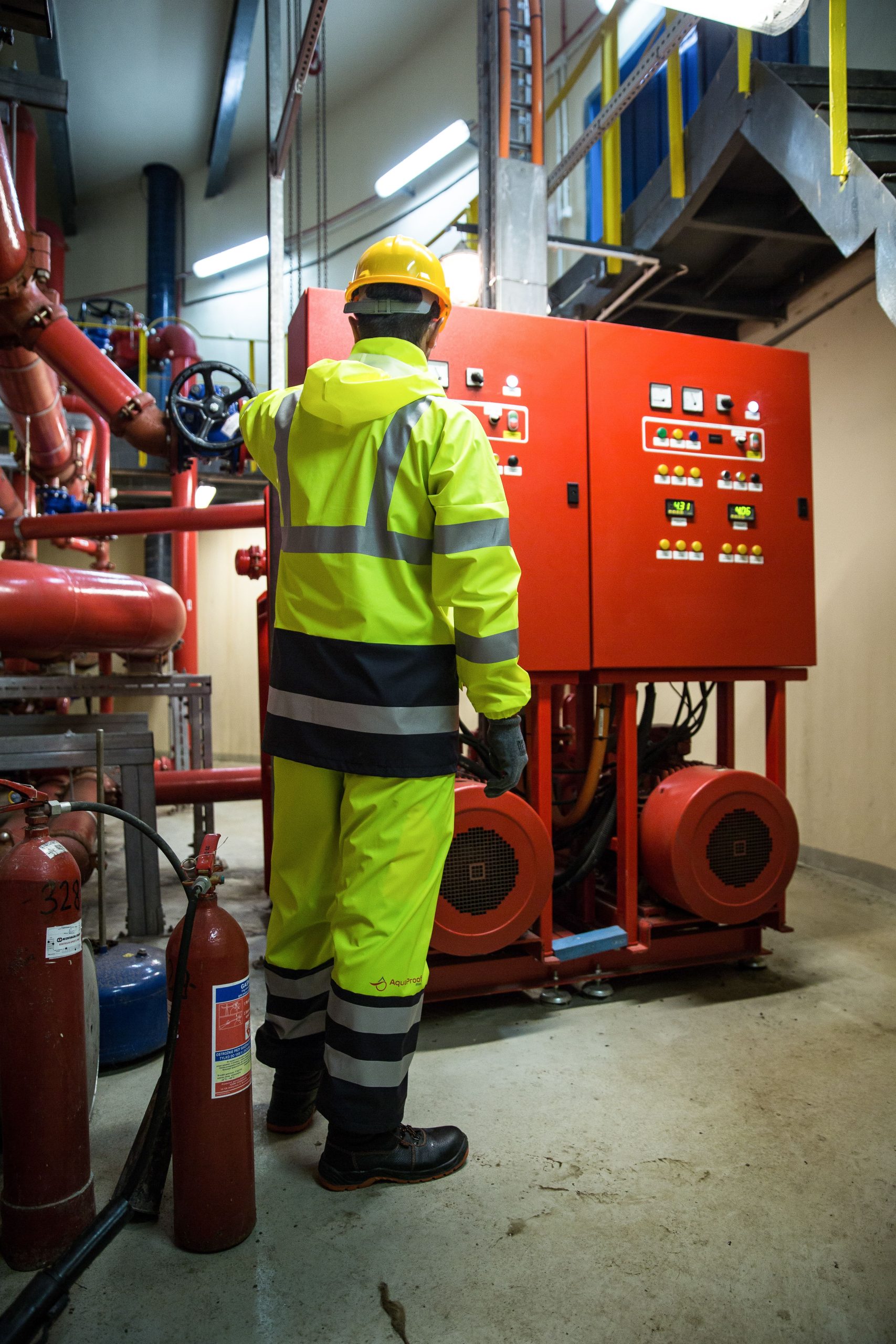
Fire Sprinkler Inspection Software: 9 Features That Simplify Inspections and Estimating
What Is Fire Sprinkler Inspection Software?
Fire sprinkler inspection software helps fire protection contractors manage inspections, testing, maintenance, field reports, scheduling, deficiencies, and customer records in one system. Instead of relying on paper checklists, spreadsheets, emails, and disconnected files, teams can organize inspection work from the initial service request through the final report.
This matters because sprinkler inspection work involves more than checking equipment. Technicians need accurate system information, clear inspection steps, reliable documentation, timely follow-ups, and organized records. In addition, contractors may need to prepare estimates when an inspection identifies repairs, replacements, or other service needs.
In this guide, we will look at nine useful features of fire sprinkler inspection software, explain how fire sprinkler estimating software fits into the workflow, and cover the key factors contractors should consider before choosing a platform.
Why Do Fire Sprinkler Contractors Need Inspection Software?
Fire sprinkler inspection teams often manage many properties, technicians, recurring appointments, inspection forms, deficiencies, and customer requests at the same time. Without a centralized system, small gaps can create larger workflow problems.
For example, a technician may find a damaged sprinkler head during an inspection. The company then needs to record the deficiency, notify the customer, create a repair estimate, assign the follow-up work, and keep the documentation connected to the correct property.
Fire sprinkler inspection software brings these steps into one workflow. As a result, office staff can see what technicians completed, what issues remain open, and which jobs require additional action.
The main value of inspection software is not simply replacing paper forms. It connects inspections, documentation, scheduling, estimates, follow-ups, and customer records into one repeatable process.
9 Features of Fire Sprinkler Inspection Software
1. Digital Inspection Checklists
Digital checklists give technicians a structured way to complete inspection tasks in the field. Instead of carrying paper forms and entering information again later, technicians can work from a mobile device and record findings as they inspect the system.
The software can organize forms around the equipment and inspection process. Depending on the contractor’s workflow, forms may include fields for sprinklers, piping, valves, alarms, water supplies, pumps, and other relevant components.
More importantly, standardized forms help teams follow the same workflow across different properties. This makes inspection records easier to review and reduces the risk of missing basic documentation fields.
Contractors should still configure their software around the standards and requirements that apply to their jurisdiction and system type. The NFPA 25 Inspection, Testing, and Maintenance Handbook provides current guidance and references for water-based fire protection system ITM work.
2. Mobile Field Inspections
Inspection teams rarely spend their entire day at a desk. Therefore, fire sprinkler inspection software should support field work from smartphones or tablets.
A mobile workflow can allow technicians to open the correct property record, review previous information, complete inspection forms, add notes, capture photos, and record deficiencies while they are on site.
For example, if a technician finds corrosion around a component, they can attach a photo and written observation to the inspection record. The office team can then review the information without waiting for a technician to return to the office.
Mobile access also reduces duplicate data entry. When technicians enter information directly into the system, office employees do not need to manually transfer every detail from handwritten forms.
3. Inspection Scheduling and Recurring Work
Fire sprinkler inspections often involve recurring service schedules. As a result, scheduling should form a central part of the software rather than remain a separate calendar task.
A scheduling feature can help teams organize upcoming inspections, assign technicians, track appointment status, and manage rescheduling. Recurring jobs can also remain connected to the property’s history.
For instance, an office manager could open a property record and see previous inspections, open deficiencies, upcoming appointments, and completed service work. This gives the team more context before the next visit.
Good scheduling also helps contractors balance technician availability with service requirements. Meanwhile, customers can receive clearer appointment information and updates.
4. Deficiency Tracking
An inspection becomes much more useful when the software can clearly track what happens after a deficiency appears.
Instead of storing a deficiency only inside a completed report, the system can create a follow-up workflow. Staff can record the issue, attach supporting photos, communicate with the customer, assign a responsible employee, and monitor the status until the matter reaches its next stage.
This distinction is important because inspection, testing, and maintenance programs involve more than collecting observations. The National Fire Sprinkler Association explains that NFPA 25 addresses periodic inspection, testing, and maintenance requirements for water-based fire protection systems and includes actions related to deficiencies and impairments.
Therefore, contractors should look for software that keeps deficiency information visible after the technician submits the inspection.
5. Photo and Document Management
Photos can provide useful context for inspection findings. Fire sprinkler inspection software should therefore make it easy to attach images and documents to the correct customer, property, inspection, or service record.
A technician might photograph a damaged component, an obstructed sprinkler, a valve condition, or another issue that requires attention. Later, office staff can review the image while preparing a report or discussing the required work with the customer.
Document management can also keep inspection reports, estimates, service records, customer correspondence, and other files organized. As a result, employees spend less time searching through email attachments and local folders.
6. Automated Inspection Reports
Report creation can take significant administrative time when technicians submit information on paper or through disconnected tools. Automated reporting allows the system to turn structured inspection data into professional reports more efficiently.
A useful reporting workflow can include customer details, property information, inspection findings, deficiencies, technician notes, photos, dates, and other relevant information.
For example, once a technician completes an inspection, the office team can review the record and generate the appropriate report without manually retyping the field notes.
However, automation should support accurate reporting rather than replace professional judgment. Contractors should configure report templates carefully and review them against the requirements that apply to their work.
7. Fire Sprinkler Estimating Software
Inspection and estimating often connect at the point where a technician identifies work that requires correction. That makes fire sprinkler estimating software a useful part of a broader inspection workflow.
Estimating tools can help contractors turn inspection findings into repair or replacement estimates. Instead of starting a separate estimate from scratch, staff can use information from the inspection record as the starting point for the next step.
For example, an inspection may identify several components that need replacement. The estimator can review the technician’s notes and photos, select the appropriate items, add labor and material costs, and prepare an estimate for the customer.
Look for a workflow that connects inspection findings directly to estimates. This reduces duplicate entry and makes it easier to understand why an estimate was created.
Estimating should also remain flexible. Different contractors may use different labor rates, material costs, markup rules, and pricing structures. Therefore, software should let businesses configure these elements instead of forcing every company into the same pricing model.
8. Customer and Property Management
Fire protection contractors may service multiple locations for the same customer. Consequently, the software should separate customer information from individual property and system records while keeping those relationships connected.
A strong property record can contain location details, inspection history, service records, equipment information, documents, open deficiencies, estimates, and future appointments.
This structure helps technicians prepare before arriving on site. It also gives office employees a clearer view of the customer’s service history.
Contractors that need deeper customer workflows can also connect inspection operations with broader custom CRM development. A tailored CRM can help connect customer communication, sales activity, service history, and operational data when standard software does not fit the company’s process.
9. Dashboards and Service History
A dashboard gives managers a quick view of current inspection activity. Instead of opening individual records, they can review upcoming appointments, completed inspections, open deficiencies, pending estimates, and other workflow information from a central screen.
Historical records are equally important. A technician visiting a property for the first time may benefit from seeing previous findings, service activity, and documentation before starting the current inspection.
In addition, management can use historical information to identify recurring issues. For example, repeated findings at the same property may indicate that the team needs a different follow-up approach or that the customer requires additional service work.
How Fire Sprinkler Inspection Software Works in Practice
A typical workflow can connect the entire service process:
- Create the customer and property record: Store the location and relevant system information in one place.
- Schedule the inspection: Assign the job to an available technician and set the appointment.
- Complete the inspection: The technician uses a digital checklist on a mobile device.
- Record findings: The technician adds notes, photos, deficiencies, and other required information.
- Generate the report: The office team reviews the inspection and prepares the required documentation.
- Create an estimate: When corrective work requires pricing, staff can use the inspection information to prepare an estimate.
- Schedule follow-up work: Approved repairs can move into the service schedule.
- Close the workflow: Completed work and supporting documents remain attached to the property history.
This connected process gives the contractor a clearer chain from inspection to corrective action. More importantly, it reduces the need to move information manually between separate systems.
Inspection Software vs. General Field Service Software
General field service software can handle common tasks such as scheduling, dispatching, invoices, and customer management. However, fire sprinkler contractors may need more specialized inspection workflows.
| Capability | General Field Service Software | Fire Sprinkler Inspection Software |
|---|---|---|
| Job scheduling | Usually available | Built around inspection workflows |
| Digital inspections | May require customization | Core workflow |
| Deficiency tracking | May be basic | Designed for inspection follow-up |
| Inspection reporting | Often general-purpose | Focused on inspection documentation |
| Estimating | Often available | Can connect estimates to inspection findings |
| Property history | Depends on the system | Central to recurring inspection work |
The right choice depends on the contractor’s workflow. A smaller company with straightforward service operations may need only general field service features. On the other hand, a contractor managing recurring sprinkler inspections, detailed reports, deficiencies, estimates, and multiple properties may benefit from a more specialized platform.
How Sprinkler Design Software Fits Into the Workflow
Inspection software focuses on the operational condition and service history of an existing system. Design software addresses a different part of the fire protection lifecycle.
For example, teams working on system layouts or fire protection design may benefit from sprinkler design software features that support planning and design activities.
Keeping these workflows distinct matters because inspection does not automatically replace design analysis. In fact, NFPA 25 focuses on inspection, testing, and maintenance of water-based fire protection systems, while installation and design requirements can involve other standards.
Therefore, contractors should choose tools based on the specific stage of the fire protection workflow they need to manage.
Important Considerations When Choosing Software
Standards and Compliance Workflow
The software should help your team document work consistently, but it should not be treated as a substitute for applicable codes, standards, qualified personnel, or professional judgment.
NFPA 25 establishes minimum requirements for periodic inspection, testing, and maintenance of water-based fire protection systems. However, local authorities may adopt different editions or additional requirements. Therefore, contractors should confirm which requirements apply to each project and jurisdiction.
Mobile Usability
Test the mobile experience before committing to a platform. Technicians should be able to open jobs, complete forms, add notes, capture photos, and review relevant information without struggling with a complicated interface.
Customization
Every contractor does not manage inspections in exactly the same way. Look for configurable forms, workflows, fields, report templates, user permissions, and pricing settings when your process requires them.
Integrations
Consider whether the software needs to connect with accounting, CRM, payment, email, mapping, or other business systems. Integrations can reduce duplicate entry, but each connection also adds complexity. Therefore, only integrate systems that support a clear business need.
Data and Reporting
Ask how the platform stores inspection history and whether managers can retrieve records easily. A system that collects large amounts of information but makes that information difficult to find will not solve the underlying workflow problem.
Common Mistakes to Avoid
- Choosing software based only on scheduling: Inspection work requires documentation, deficiencies, reporting, and follow-up as well.
- Ignoring mobile usability: A complicated field interface can slow technicians down and reduce adoption.
- Separating estimates from inspections: This can force employees to re-enter information when corrective work is needed.
- Using rigid forms: Different systems and customers may require different information.
- Skipping historical data: Previous inspection and service records can provide valuable context for future visits.
- Treating software as a compliance authority: Software can organize documentation, but qualified professionals must apply the standards and requirements relevant to the work.
Who Should Use Fire Sprinkler Inspection Software?
Fire sprinkler contractors are the most obvious users, especially teams that manage recurring inspections across multiple properties. However, other organizations involved in fire protection service and building operations may also use these platforms.
For example, facilities teams can use centralized records to coordinate inspection schedules and follow up on deficiencies. Service companies can use the same data to manage technicians, estimates, reports, and customer communication.
Meanwhile, contractors that perform both inspections and corrective work can benefit from connecting the inspection, estimating, and service processes instead of treating them as separate activities.
Frequently Asked Questions
Frequently Asked Questions
What does fire sprinkler inspection software do?
It helps contractors manage sprinkler inspection schedules, digital checklists, field notes, photos, deficiencies, reports, customer records, and follow-up work from one system.
Can fire sprinkler inspection software create estimates?
Yes. Software with estimating features can use inspection findings as the starting point for repair or replacement estimates, reducing duplicate data entry.
What is fire sprinkler estimating software?
Fire sprinkler estimating software helps contractors calculate and organize pricing for materials, labor, repairs, replacements, and related service work.
Can inspection software work on mobile devices?
Many platforms support mobile workflows so technicians can complete digital forms, add photos, record findings, and access property information while working in the field.



