
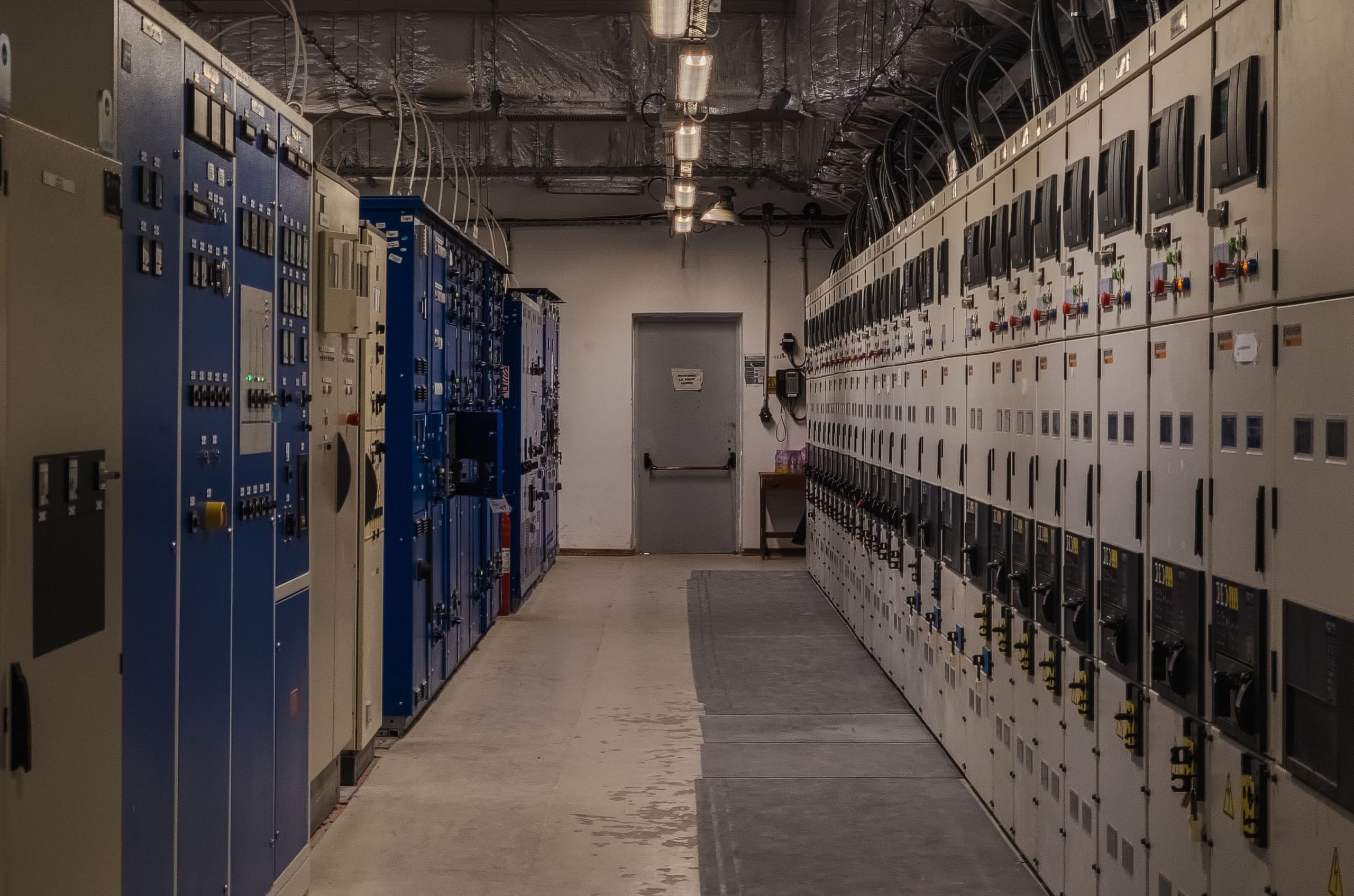
Facilities Management System: 10 Features That Improve Building Operations
A facilities management system helps organizations coordinate the people, processes, assets, and services that keep buildings safe, functional, and efficient. Instead of relying on spreadsheets, emails, paper records, and disconnected tools, teams can use one system to manage maintenance, work orders, assets, inspections, vendors, space, and facility-related tasks. The International Facility Management Association (IFMA) describes facility management as an organizational function that integrates people, place, and process within the built environment. IFMA’s facility management definition provides useful context for understanding the wider role of FM.
For that reason, modern facilities teams need more than a simple maintenance tracker. The right facilities management software can connect daily tasks with schedules, records, communication, and performance data. In this guide, we will cover what a facilities management system is, how it works, the key features to look for, its benefits, common implementation mistakes, and when a custom solution may make sense.
What Is a Facilities Management System?
A facilities management system is a software solution that helps organizations plan, coordinate, monitor, and document facility operations. It can bring maintenance requests, work orders, asset records, inspections, vendors, schedules, and other facility information into one central platform.
Facilities management covers a wide range of activities. For example, a facility team may oversee building maintenance, cleaning, security, grounds, emergency planning, space planning, budgeting, and sustainability. IFMA also identifies areas such as operations and maintenance, project management, real estate management, security, and business continuity as part of facility management. The IFMA facility management glossary provides a formal definition of the discipline.
In practice, facilities management software gives teams a structured way to manage these responsibilities. Instead of asking employees to remember when equipment needs servicing or searching through old emails for a repair request, managers can record the task, assign it, track its status, and keep the related information in one place.
A facilities management system connects daily facility tasks with the information teams need to plan work, respond to problems, maintain assets, and monitor operations.
How Does a Facilities Management System Work?
Most systems follow a simple workflow. First, someone creates a request or task. Next, the facility team reviews it, assigns responsibility, schedules the work, and tracks progress. Finally, the team records the result so managers have a history of what happened.
For example, imagine an employee reports a leaking air-conditioning unit. The system can create a maintenance request, record the location, assign the job to a technician, set a priority, and track completion. Once the technician finishes the repair, the team can store notes, costs, parts used, and follow-up requirements.
This process becomes even more useful when the request connects to an asset record. Managers can then see the equipment’s service history and identify recurring problems instead of treating every repair as an isolated event.
10 Key Features of Facilities Management Software
1. Work Order Management
Work order management gives teams a central place to create, assign, schedule, and track maintenance tasks. Managers can set priorities and deadlines while technicians can see the work assigned to them.
As a result, teams spend less time searching through emails or messages to determine what needs attention. A clear status such as open, assigned, in progress, or completed also gives managers better visibility into outstanding work.
2. Preventive Maintenance Scheduling
Reactive repairs can disrupt operations, especially when teams only respond after equipment fails. Preventive maintenance scheduling helps organizations plan recurring inspections, servicing, cleaning, and equipment checks.
For example, a facility manager can schedule recurring HVAC inspections or generator checks based on an organization’s maintenance plan. The system can then create upcoming tasks so staff do not have to rely on memory or separate calendars.
Set recurring maintenance schedules around actual equipment requirements and operating conditions rather than creating the same schedule for every asset.
3. Asset Management
Facilities often contain hundreds or thousands of assets, from HVAC units and generators to lighting systems, elevators, pumps, and safety equipment. An asset management feature keeps important details connected to each item.
A useful asset record may include the asset name, location, serial number, purchase information, service history, warranty details, maintenance schedule, and current status. This information helps teams make better decisions about repairs, replacement, and long-term planning.
For organizations that manage a large number of physical assets, dedicated asset management software concepts can also provide useful guidance when evaluating asset-related functionality.
4. Inspection and Checklist Management
Routine inspections help facility teams identify issues before they become larger problems. Facilities management software can replace paper checklists with digital inspection forms.
Managers can create standardized checklists for different areas, buildings, equipment, or inspection types. Staff can then record findings, attach notes, and create follow-up tasks when they discover an issue.
This approach also creates a clearer record of completed inspections. Therefore, managers can review inspection history instead of relying on scattered paper documents.
5. Facility and Space Management
Facility teams often need to manage more than equipment. They may also track rooms, floors, work areas, buildings, parking areas, and other spaces.
A facilities management system can organize information around locations so employees know where an issue exists and which assets or services belong to that area. This structure becomes particularly useful for organizations with multiple buildings or sites.
6. Vendor Management
Many organizations rely on external contractors for cleaning, repairs, security, landscaping, HVAC services, and other work. A facilities management system can keep vendor details, assignments, service records, contracts, and related tasks in one place.
Consequently, managers can see which vendor handles a specific service and review previous work before assigning a new request. This can also make communication easier when several contractors work across the same facilities.
7. Mobile Access
Facility work rarely happens entirely behind a desk. Technicians and maintenance staff may move between rooms, floors, buildings, or sites throughout the day.
Mobile access allows staff to view assigned work, update task status, add notes, and record completed jobs from the field. As a result, information can reach managers without requiring technicians to return to an office after every task.
8. Notifications and Automated Workflows
Automation can handle repetitive steps in the facility workflow. For instance, the system can notify a supervisor when a high-priority request arrives or alert a technician when a task becomes due.
More advanced workflows can route requests based on location, category, priority, or assigned team. This reduces manual coordination and helps standardize how teams respond to recurring requests.
9. Reporting and Dashboards
Facility managers need more than a list of open tasks. They also need to understand patterns across maintenance, assets, costs, response times, inspections, and recurring issues.
Dashboards can bring this information together. For example, a manager may review open work orders, overdue maintenance, recurring equipment problems, or maintenance spending within a selected period.
These reports can support planning because managers can use historical information when deciding where to focus resources.
10. Integration With Other Business Systems
Facilities operations often connect with other parts of an organization. Finance may need maintenance costs, HR may submit workplace requests, procurement may manage parts and vendors, and customer service teams may receive requests from tenants or occupants.
Integrations can connect these processes instead of forcing employees to enter the same information into multiple systems. However, organizations should choose integrations based on real workflow needs rather than adding connections simply because they are available.
Benefits of Using a Facilities Management System
The value of facilities management software depends on how well it supports actual workflows. When teams use the system consistently, several practical benefits can follow.
Teams can keep work orders, asset records, inspections, vendors, and facility details in a shared system rather than across disconnected files.
Recurring maintenance schedules help teams plan work in advance and keep important tasks visible.
Assigned work orders make it easier to see who owns a task and whether the work remains open or has been completed.
Dashboards and reports give managers a clearer view of facility activity, maintenance workloads, and recurring issues.
Digital requests, notifications, checklists, and workflows can reduce repetitive data entry and coordination.
Facilities Management System vs. Manual Processes
Many small facility teams begin with spreadsheets, shared calendars, email, messaging apps, and paper forms. These tools can work for simple operations. However, problems often appear as the number of assets, employees, buildings, requests, and contractors grows.
| Area | Manual approach | Facilities management system |
|---|---|---|
| Maintenance requests | Email, calls, or paper forms | Centralized digital requests |
| Work assignment | Manual coordination | Assigned and tracked work orders |
| Asset history | Separate records | Asset-linked maintenance history |
| Inspections | Paper checklists | Digital inspections and follow-up tasks |
| Reporting | Manual spreadsheet reports | Dashboards and automated reports |
The goal is not to replace every existing tool. Instead, organizations should identify where information gets lost, duplicated, or delayed and then use software to improve those specific processes.
How to Choose Facilities Management Software
Choosing a system should start with the organization’s actual facility workflows. Before comparing vendors, document the tasks your team performs each week and identify the information managers need to access.
- List your facility types and locations. Determine whether the system needs to support one site, multiple buildings, or multiple regions.
- Map your maintenance workflow. Document how requests arrive, who reviews them, how technicians receive assignments, and how teams close completed work.
- Identify critical assets. Decide which equipment needs detailed records, recurring maintenance, inspections, or warranty tracking.
- Review mobile requirements. If technicians work throughout the facility, check whether they need mobile access to tasks and records.
- Check reporting needs. Identify the operational and financial information managers need before selecting dashboards.
- Evaluate integrations. Check whether the system needs to connect with accounting, HR, procurement, communication, or other business platforms.
- Consider user adoption. A system with many features can still fail if employees find it difficult to use. Keep the daily workflow simple.
In addition, organizations should consider data security, permissions, backups, support, customization, implementation requirements, and the total cost of ownership.
Common Mistakes When Implementing a Facilities Management System
Software alone does not solve poorly defined processes. Therefore, implementation requires planning as well as technology.
Choosing Features Without Mapping Workflows
Buying a system because it has a long feature list can create unnecessary complexity. Instead, map current processes first and select features that solve real operational problems.
Ignoring Data Quality
Old spreadsheets may contain duplicate assets, missing locations, outdated vendor information, or inconsistent naming. Moving poor-quality data into a new system can create new problems. Clean important records before migration.
Overcomplicating Automation
Automation works best when the underlying process makes sense. Start with straightforward workflows such as maintenance requests, recurring inspections, and task notifications. Then expand automation after the team understands the system.
Failing to Train Users
Facility managers, technicians, administrators, vendors, and occupants may interact with the system differently. Provide role-specific training and keep instructions simple.
Do not measure implementation success only by how many features the software offers. Measure whether the system improves the workflows your facility team actually uses.
When Should You Consider a Custom Facilities Management System?
Off-the-shelf facilities management software can meet many common requirements. However, some organizations have workflows that do not fit standard software, especially when they operate across multiple sites, manage specialized assets, or need unusual approval and reporting processes.
A custom system can combine facility management workflows with other business processes. For example, an organization might connect facility requests with customer records, contracts, billing, procurement, or internal service teams.
Custom CRM development can also become relevant when facility operations depend heavily on customer, tenant, contractor, or account information. The right approach depends on the organization’s processes, integration needs, budget, and long-term plans.
Before choosing customization, compare the cost and complexity against the value of changing existing workflows to fit an off-the-shelf platform.
Facilities Management System and ISO 41001
Organizations that take a structured approach to facility management may also encounter ISO 41001. The standard specifies requirements for an FM management system and applies across organizations regardless of sector, size, or location. ISO currently lists ISO 41001:2018 as the published edition while a replacement edition is under development. ISO 41001:2018 provides the official standard information.
A software platform does not automatically make an organization compliant with a standard. Instead, software can support the processes, records, responsibilities, monitoring, and documentation that an organization uses within its management system.
Therefore, teams should treat ISO requirements and software functionality as related but separate considerations.
Frequently Asked Questions
Frequently Asked Questions
“`
What is a facilities management system?
A facilities management system is software that helps organizations manage building operations, maintenance, work orders, assets, inspections, vendors, schedules, and facility-related information.
What is the difference between facilities management software and a facilities management system?
The terms often describe the same type of solution. Facilities management software usually refers to the application, while a facilities management system can refer to the broader software-supported process used to manage facilities.
What features should facilities management software include?
Important features can include work order management, preventive maintenance, asset tracking, inspections, space management, vendor management, mobile access, workflow automation, reporting, and integrations.
Can a facilities management system manage preventive maintenance?
Yes. Many systems support recurring maintenance schedules, assigned tasks, reminders, inspection checklists, and service histories for equipment and facilities.
Is facilities management software useful for multiple buildings?
Yes. A system can organize buildings, rooms, assets, work orders, and staff by location, which can help teams manage operations across multiple sites.
“`
Conclusion
A facilities management system gives organizations a structured way to manage the many tasks involved in keeping buildings and their systems operational. From work orders and preventive maintenance to asset records, inspections, vendors, reporting, and mobile access, the right facilities management software can bring fragmented processes into one operational view.
However, successful implementation starts with workflow planning. Identify the tasks that consume the most time, determine where information gets lost, and then select features that address those specific problems. For organizations with specialized processes or complex integrations, a custom solution may provide another option when standard software cannot fit the required workflow.
Build software around how your business works
When standard platforms do not fully match your facility workflows, a custom software approach can connect facility operations with the other systems your organization already uses.



