
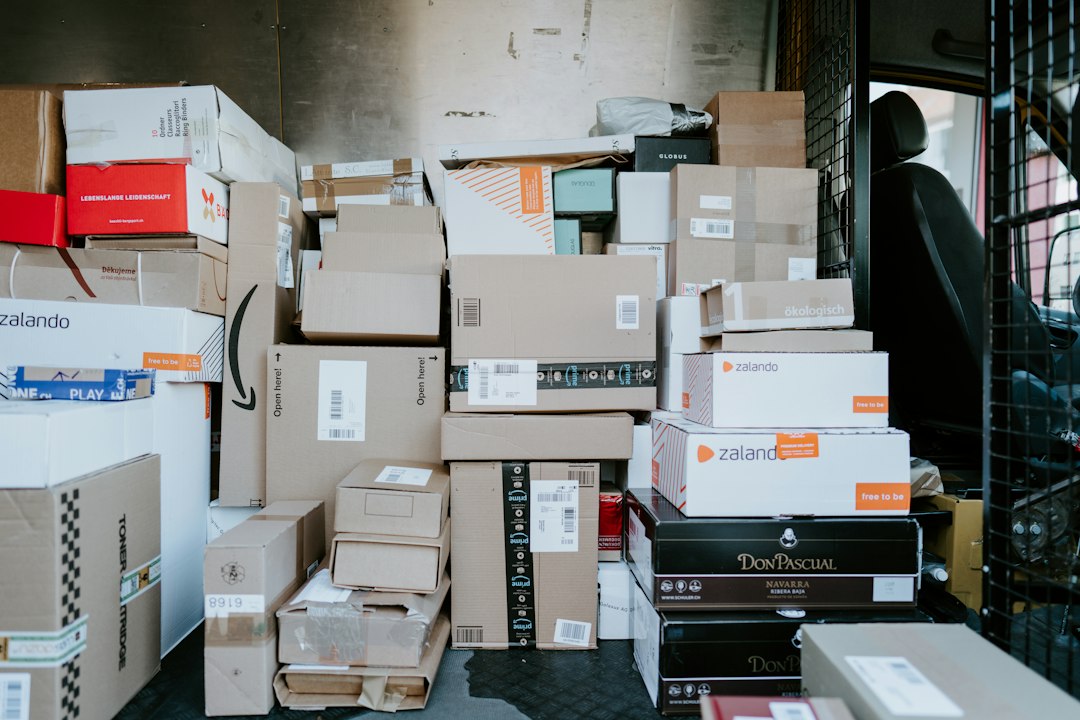
Courier Software: 8 Checks from Order Entry to Proof of Delivery
Courier software connects delivery orders, dispatch, driver work, tracking, proof of delivery, and billing. It helps a courier business manage the whole job rather than only draw a route. A useful tool shows what the client requested, what the driver did, and how the business should handle any exception.
This article covers eight checks for courier management software, a failed-delivery demo, and a practical rollout. It also explains linked pickups, customer notices, billing rules, and the limits of estimated arrival times.
What does courier software manage?
A courier order may include a pickup, delivery, time window, parcel details, service level, and rate. It also needs an order ID that remains stable as the job moves between staff and systems. Without that link, dispatch and finance may describe the same job differently.
For example, a client may request a same-day collection from one office and delivery to another. The driver must finish the pickup before the delivery, and both events need their own record. A route planner alone may not manage that chain.
Onfleet’s courier suite page describes client order entry, routing, dispatch, tracking, and billing functions. It offers a current product reference, but operators should test their own service rules and needed evidence.
8 checks before choosing courier management software
1. Order entry that catches missing details
Clients should supply the details dispatch actually needs. That may include pickup and delivery addresses, contact names, parcel count, size, and time constraints. Also capture access notes without burying them in a long email.
Next, test an incomplete address and a missing contact. The system should flag the issue before the driver starts. A map pin does not prove that the driver has the correct unit, entrance, or recipient.
Check client-specific forms and repeat orders. A saved address can cut typing, but staff need a way to review changed details. Do not let a stale saved instruction override a new request.
2. Linked pickups and deliveries
The software should keep the sequence between collection and delivery. Test whether a driver can mistakenly finish the delivery before recording the pickup. Then check how staff handle an order split across drivers.
For example, one driver may collect a few parcels and pass them to another route at a depot. Record that handoff explicitly where the service needs it. The final delivery record should not hide the intermediate transfer.
Also split parcels from stops. A few parcels may share one address but need split IDs or evidence. The data model should match the service rather than treating every address as one undifferentiated job.
3. Dispatch with realistic constraints
A route should reflect pickup readiness, delivery windows, driver availability, vehicle capacity, and service rules. The shortest distance is not always a feasible plan. Therefore, ask the vendor to explain which constraints the routing engine actually uses.
Next, insert an urgent order into an active day. Dispatch should see the impact on existing commitments before approving it. A fast assignment has little value if it makes a few promised deliveries late.
Test manual control as well. Dispatchers need to move work when a driver has a breakdown or a site changes access. The system should keep the reassignment history and update the needed driver views.
4. Driver workflows that handle field conditions
The driver app should make pickup, arrival, completion, and exception actions clear. Drivers need the latest instructions and a simple way to report a problem. Avoid screens that need long notes for routine events.
The Onfleet proof-of-delivery overview describes photo, barcode, and signature evidence in the driver app. Use that workflow to question vendors about your own driver needs.
Next, test weak signal and a phone restart. Ask which actions work offline, how pending evidence syncs, and how staff know it reached the server. A driver marking a task complete is not enough if the record never arrives.
5. Proof of delivery that matches the service
Choose evidence based on the job. A parcel photo, signature, barcode scan, name, and timestamp support different needs. Also define when a driver should not leave a parcel without direct handover.
For example, a photo outside a building may not prove delivery to the intended office. Staff should be able to check the evidence alongside the address, instructions, and task history. Keep the record tied to the correct order.
Test corrections carefully. A driver may upload the wrong photo or select the wrong recipient name. The system should keep the change history rather than quietly replace evidence after a dispute.
6. Failed deliveries and return work
A failure needs a reason, next action, owner, and client notice. Possible causes include no access, recipient absence, wrong address, or damaged goods. Keep those categories clear enough for reporting.
Next, test a second attempt and a return to sender. The software should link them to the original order while recording the new work and any approved charge. A failed task should not disappear when dispatch creates a replacement.
Also define who authorizes a changed address. A driver should not follow an unverified instruction that changes the recipient or service. The tool needs a way to record approval and communicate the change.
7. Client visibility and useful notices
Clients need a clear view of their own orders, not access to every route. A tracking link should show the details your service promises while protecting unrelated customer and driver details.
Estimated arrival times can help, but they remain estimates. Traffic, access delays, and route changes can affect them. Therefore, tell clients what the estimate means and update it when the situation changes.
Test notice timing. A pickup notice should not imply delivery, and a failed attempt should not trigger a success message. Also check opt-outs, message costs, and the process for contacting a human when the link does not answer the question.
8. Rates and billing that staff can explain
Courier rates may depend on service type, distance, zones, parcel size, waiting time, or account terms. The system should show the rule behind the charge and keep approved adjustments.
For example, a client may have a contract rate while a one-off order uses a standard tariff. Test both, then add a return or waiting charge. Finance should see the supporting event rather than only an unexplained invoice line.
Keep order completion, invoicing, and payment split. A delivered order may remain unbilled, while a prepaid order may still be active. Distinct status fields help staff find the right queue.
Courier tool or route planner?
A route planner focuses on the order of stops. A broader courier tool may also handle client accounts, order intake, proof, exceptions, and billing. The right choice depends on where your latest workflow breaks.
| Need | Route planning focus | Courier workflow to test |
|---|---|---|
| Daily sequence | Order the stops | Respect service and pickup rules |
| Client request | Import a destination | Capture the full order |
| Failed delivery | Move or repeat a stop | Record approval and next action |
| Billing | May sit elsewhere | Link rate and evidence to the order |
Anomoz’s delivery tracking software article covers the visibility layer. A courier business should connect that layer to order ownership and exception handling.
A failed-delivery demo worth running
Create a fictional order with a pickup and a delivery window. First, assign a driver and record the collection. Next, simulate a failed delivery because the recipient cannot give access.
Dispatch should receive the reason and supporting record. Then have the client approve a second attempt at a different time. The system should update the plan, driver instructions, and client status without losing the first attempt.
Finally, finish delivery and create the invoice under the account’s rules. Ask finance to explain the amount using the order history. If the team needs to search a few chat threads, the workflow remains incomplete.
How to roll out courier software
Start with one service type and a small driver group. Add repeat clients, one-off orders, linked pickups, and a few common exceptions. Also involve dispatch, customer service, and finance.
First, clean the client and address records. Next, check rate tables and order IDs. Then train drivers on the actual task steps and evidence rules, not just how to open the app.
Run the pilot through a full billing cycle. Compare done jobs, failed attempts, invoices, and payments with the old process. That reveals gaps that a one-day routing test misses.
For operations that also manage freight handoffs, Anomoz’s TMS logistics article explains wider transport planning. Keep the courier’s last-mile order record clear even when another system manages upstream movement.
Data access, integrations, and cost
Ask about charges per task, driver, vehicle, account, or location. Add messages, maps, integrations, support, and migration. Then test the quote against a realistic busy month, with retries and returns.
Review data access by role. Drivers need assigned jobs, while clients need their own orders. Managers may need wider reports. Also define how long the business keeps photos, signatures, and location history under its reviewed needs.
For integrations, choose one authoritative order record. Use stable IDs and a process for failed updates. Repeated imports should not create duplicate deliveries or invoices.
Custom work may fit a client portal, special order form, or account-specific service workflow. Custom crm development can connect client relationships and order intake around a supported delivery tool. Keep live dispatch and completion records synchronized through defined interfaces.
Measure outcomes with clear definitions
Track on-time completion, failed attempts, dispatch changes, evidence completeness, and billing corrections. Define the promised window and the event that counts as complete. Otherwise, reports may compare different meanings of on time.
Also review results by client, service, and zone. A dense route differs from a long rural journey. Use that context before changing rates or judging driver performance.
Agree service rules with clients before setup
Record the client’s service level, booking cutoff, pickup readiness rule, and delivery evidence needs. Then translate those promises into order fields and dispatch checks. Do not assume that every account uses the same workflow.
For example, a scheduled office collection may allow a broad window, while a time-sensitive job needs a narrower commitment. The tool should find the difference before dispatch assigns work. Otherwise, both orders look equally urgent or equally flexible.
Next, define waiting time and access problems. Staff need to know when to contact the client, how long to wait, and who approves a charge or return. Those decisions should appear in the order history.
Also test a client instruction that conflicts with a standing account rule. A new note should not quietly override an agreed service limit. Give dispatch a review step for the conflict and a way to record the approved outcome.
Keep special handling explicit where it applies. A parcel’s size, fragility, or other needs may affect the driver, vehicle, and service. The software can route that details, but the operator must define the suitable process.
Finally, review the client portal’s wording. It should explain which requests the business accepts and which need staff notice. A successful form submission should not promise a pickup that dispatch has not yet approved.
Frequently Asked Questions
Can courier software handle same-day changes?
Many products can, but test the effect on active routes and promised windows. Dispatch should keep control and see which existing jobs the change may affect.
Is a delivery photo enough proof?
That depends on the service and agreement. A photo may support one delivery type, while another needs a signature or barcode. Define the evidence rule and test it in the app.
What should the pilot include?
Add pickup, delivery, a failed attempt, a second attempt, and billing. Those steps show whether the tool supports the full order rather than only the route.
Choose around a complete order
Courier software should connect what the client asked for with what the driver completed and what finance bills. Test a failed delivery as well as a successful one. Then choose a tool that keeps the full job clear across the team.
Build software around your daily workflow
Talk with Anomoz Softwares about connecting your client records, staff tasks, and existing business tools.



