
Coupa Procurement: 10 Capabilities to Evaluate Before You Buy in 2026
Coupa procurement refers to the procurement tools inside Coupa’s business spend management platform. It helps companies control how employees request, approve, and buy goods and services, and it connects those purchases to suppliers, invoices, and payments. For finance and procurement teams, the goal is simple: spend less time chasing approvals and paperwork, and gain clear visibility into where money goes. Coupa is one of the best-known names in eprocurement software, so it often appears on shortlists for mid-market and enterprise buyers.
In this guide, we explain what Coupa procurement does, ten capabilities to evaluate, how eprocurement software works in general, the strengths and limitations of Coupa, implementation tips, and the alternatives worth comparing.
What Is Coupa Procurement?
Coupa is a cloud-based business spend management (BSM) platform. According to Coupa’s official website, the platform covers procurement, invoicing, expenses, payments, and supplier management. Procurement is one of its core modules.
In February 2023, Coupa was taken private. The company announced in its press release on the Thoma Bravo acquisition that the software investment firm completed the purchase in an all-cash deal valued at about $8.0 billion. As a result, Coupa no longer trades on the stock market, but it continues to develop its platform.
What Is Eprocurement Software?
Eprocurement software moves purchasing online. Instead of email requests and paper purchase orders, employees use a guided buying portal. The system routes requests for approval, creates purchase orders, sends them to suppliers, and matches invoices against orders and receipts. In other words, it digitizes the full procure-to-pay cycle.
Coupa procurement is part of a broader spend management platform. Its value comes from connecting requisitions, approvals, purchase orders, suppliers, and invoices in one system.
How Coupa Procurement Works: The Procure-to-Pay Flow
Most eprocurement software, including Coupa, follows a similar flow.
- Requisition: An employee searches catalogs or submits a free-form request.
- Approval: Rules route the request based on amount, category, department, or budget.
- Purchase order: The approved request becomes a PO sent to the supplier.
- Receiving: The requester confirms that goods or services arrived.
- Invoice matching: The system compares invoice, PO, and receipt before payment.
- Payment and reporting: Finance pays the supplier, and spend data flows into analytics.
For a closer look at the PO step, see our guide to purchase order programs.
10 Coupa Procurement Capabilities to Evaluate
Guided buying steers employees to preferred suppliers and approved items. As a result, spending stays within policy without constant procurement involvement.
Hosted catalogs and supplier punchout catalogs let employees shop with negotiated prices. In addition, catalogs reduce free-text requests that are hard to analyze.
Flexible approval chains based on amount, cost center, and category keep spending under control. Our article on approval workflow design explains how to structure these rules.
Approved requests turn into POs automatically and reach suppliers by email, portal, or electronic integration.
Suppliers can receive POs, confirm orders, update their details, and submit invoices online. Meanwhile, procurement teams spend less time on supplier emails.
Two-way and three-way matching compare invoices to POs and receipts. Exceptions go to the right person for review before payment.
Requesters and approvers can see remaining budget before committing spend. This prevents surprises at month end.
Linking purchases to contracts helps teams enforce negotiated terms and track renewals.
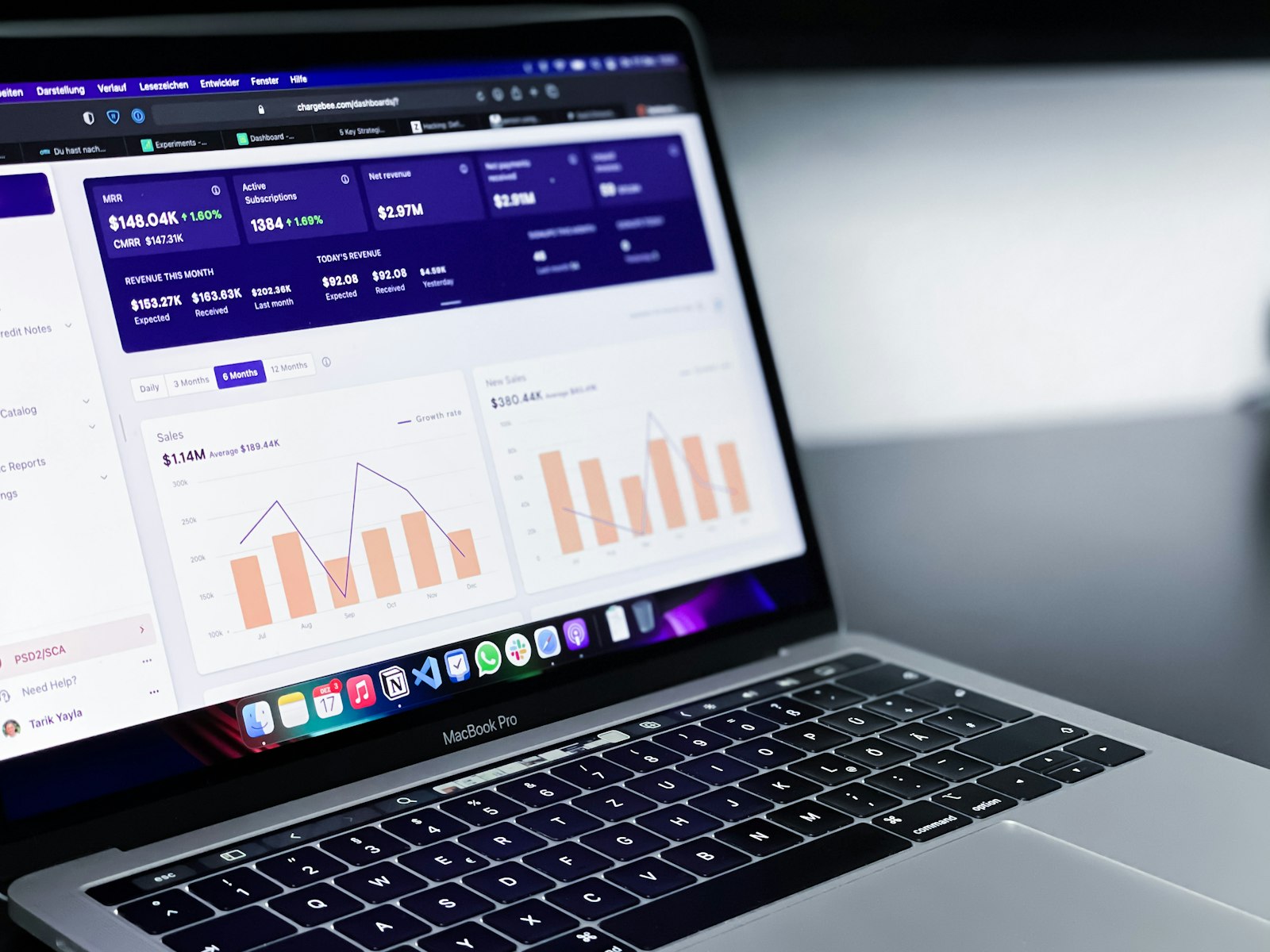
Dashboards show spend by supplier, category, and department. For example, procurement can spot duplicate suppliers or off-contract buying.
Procurement data must flow into your ERP for accounting and payments. Therefore, check integration options for your specific ERP carefully.
Benefits of Coupa and Other Eprocurement Software
- Spend visibility: Leaders see committed and actual spend in one place.
- Policy compliance: Guided buying and approvals reduce maverick spending.
- Faster cycles: Automated routing shortens the time from request to PO.
- Fewer payment errors: Invoice matching catches overbilling and duplicates.
- Stronger supplier relationships: Clear POs and faster payments build trust.
Coupa Procurement Strengths and Limitations
| Area | Strengths | Limitations |
|---|---|---|
| Scope | Broad spend management suite | May be more than smaller teams need |
| User experience | Guided buying aimed at casual users | Advanced setup still needs trained admins |
| Pricing | Modular purchase options | Quote-based, not publicly listed |
| Integration | Connectors for common ERPs | Complex ERPs may need extra work |
| Fit | Mid-market and enterprise | Heavy for small businesses |
Overall, Coupa suits organizations with significant indirect spend, multiple departments, and a dedicated procurement function. On the other hand, a small company with a few dozen suppliers may find the cost and setup effort hard to justify.
Request a detailed quote that lists modules, user types, supplier enablement, and implementation services. Spend management platforms are often priced by module and volume, so total cost can differ widely from initial estimates.
Implementation Tips for Coupa Procurement
Start With Policy, Not Software
Define approval limits, preferred suppliers, and category owners before configuration. Software enforces policy well, but it cannot invent one.
Clean Supplier Data
Duplicate and inactive suppliers make analytics unreliable. Therefore, review your supplier master file before migration.
Enable Key Suppliers Early
Focus first on suppliers that receive the most POs. When they use the portal or catalogs, adoption improves quickly.
Train Requesters With Short Guides
Most employees buy only occasionally. Short, task-based guides work better than long training sessions.
Track the percentage of spend that goes through approved POs before and after launch. This single metric shows whether the new system is truly changing buying behavior.
Coupa Alternatives to Consider
Before choosing Coupa, compare it with other options:
- SAP Ariba: Common in large enterprises that already run SAP.
- Oracle Procurement Cloud: A natural fit for Oracle Cloud ERP customers.
- Mid-market procurement tools: Lighter platforms aimed at smaller finance teams.
- ERP purchasing modules: Built-in purchasing may be enough for simple needs.
- Custom procurement portals: Useful when approvals, categories, or supplier rules are unusual.
For a broader look at platform features, read our guide to a B2B procurement platform. If your purchasing process ties closely to customer projects or sales commitments, a tailored system built with custom CRM development can connect buying decisions to customer data.
Frequently Asked Questions
What is Coupa procurement used for?
Coupa procurement is used to manage purchase requests, approvals, purchase orders, supplier interactions, and invoice matching. It helps companies control spending and see where money goes.
Is Coupa an ERP?
No. Coupa is a business spend management platform. It typically integrates with an ERP, which remains the system of record for accounting, general ledger, and payments.
How much does Coupa cost?
Coupa does not publish standard list prices. Pricing is quote-based and depends on modules, user counts, spend volume, and implementation scope.
Is eprocurement software worth it for small businesses?
It can be, if purchasing volume and approval complexity justify it. Small businesses often start with simpler PO tools or ERP purchasing modules and upgrade as spend grows.
Conclusion
Coupa procurement gives larger organizations a structured way to manage requisitions, approvals, purchase orders, suppliers, and invoices in one cloud platform. Its guided buying and spend analytics help enforce policy and improve visibility. However, cost and setup effort mean it fits best where indirect spend and organizational complexity are significant.
Start by documenting your purchasing policy and measuring how much spend goes through POs today. Then compare Coupa with alternatives using your real approval scenarios and supplier mix.
Build software around how your business works
Anomoz builds custom procurement, approval, and CRM workflows for companies whose purchasing rules do not fit standard platforms.



