
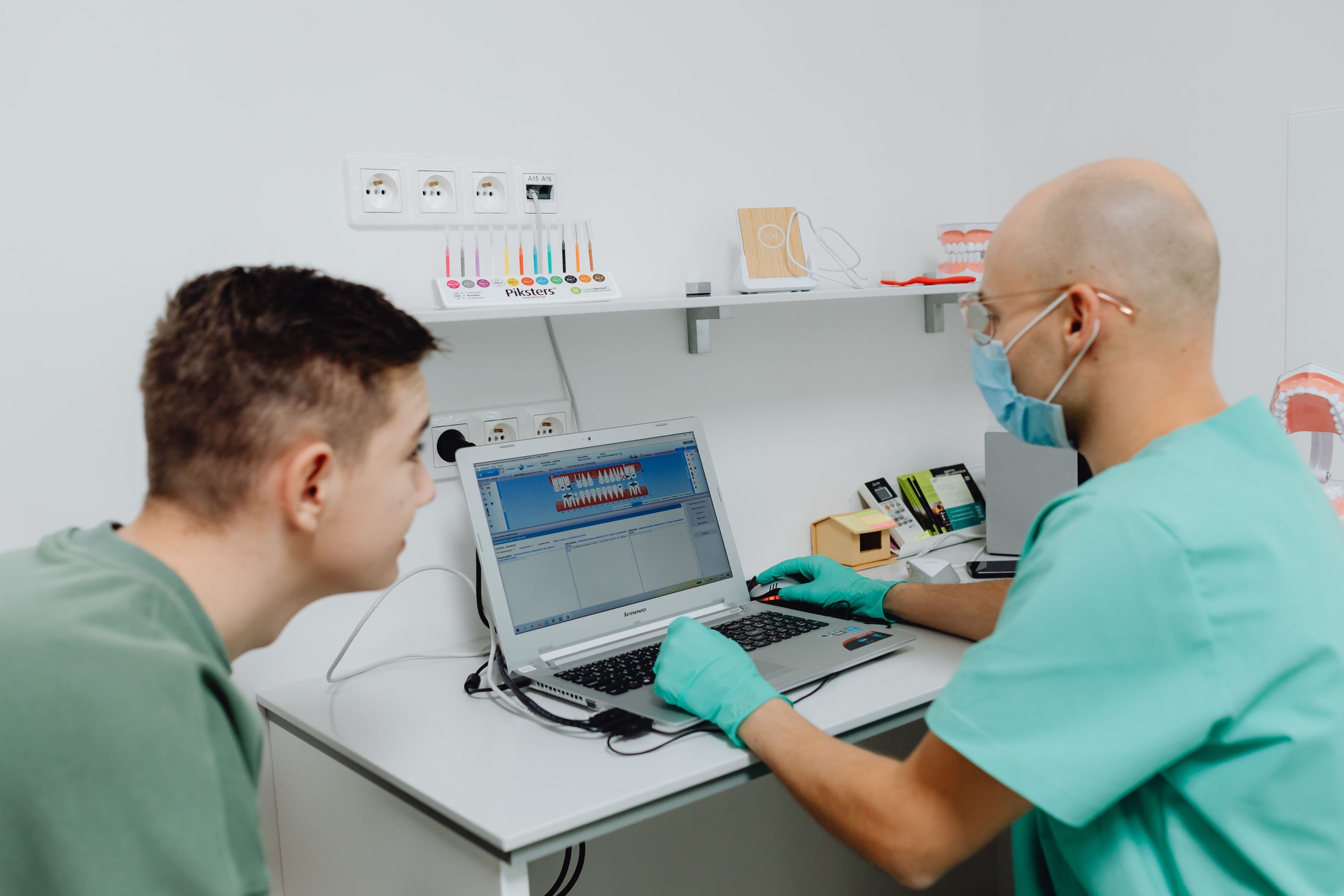
Cloud Based Dental Software: 9 Features Modern Dental Practices Need
Dental practices handle patient records, appointments, treatment plans, billing, insurance information, and daily communication at the same time. When these tasks depend on disconnected systems, staff may spend more time searching for information and managing routine work. Cloud based dental software brings these workflows into a connected environment that authorized users can access through the internet.
Cloud technology also gives dental practices more flexibility. Instead of relying only on software installed on a specific office computer, teams can work with centralized data and connected tools from supported devices. According to the NIST definition of cloud computing, cloud computing provides convenient, on-demand network access to shared computing resources.
For dental practices, the value goes beyond remote access. A well-designed system can connect clinical workflows, patient communication, scheduling, billing, reporting, and security. This guide explains the key features to look for and how cloud-based technology can support everyday dental operations.
What Is Cloud Based Dental Software?
Cloud based dental software is a dental practice management system that stores and processes data through cloud infrastructure rather than depending entirely on local computers. Authorized users can typically access the system through an internet-connected device, depending on the provider’s design and security controls.
This approach can reduce dependence on individual workstations and make information easier to access across different areas of a practice. It can also support multiple locations when the software is designed for centralized management.
Before choosing a platform, practices should understand how data is stored, backed up, protected, and accessed. Cloud deployment does not automatically make software secure. The provider’s architecture, access controls, encryption, backup processes, monitoring, and compliance practices all matter.
For a broader look at cloud technology, our guide to cloud based software features explains how cloud systems can support modern business operations.
9 Features to Look for in Cloud Based Dental Software
1. Centralized Patient Records
A dental practice needs quick access to accurate patient information. Cloud based dental software can bring patient profiles, contact information, medical history, treatment notes, appointments, and other relevant records into one system.
Centralized records can help reduce duplicate data entry and make information easier for authorized staff to find. Dentists can review patient details before treatment, while administrative staff can handle scheduling and other tasks without switching between disconnected systems.
The system should also provide clear permissions so that users only access information appropriate for their roles.
2. Dental EMR Integration
Dental EMR software helps practices organize electronic medical records and clinical information. When EMR capabilities are integrated into a broader cloud platform, clinical and administrative workflows can work together more efficiently.
For example, a patient’s appointment can connect with their record, treatment information, notes, and billing workflow. This reduces the need to enter the same information repeatedly.
A useful system should make clinical documentation simple without creating unnecessary steps for dentists and assistants. Custom fields, templates, treatment notes, document management, and structured patient information can make the system easier to adapt to different dental workflows.
3. Online Appointment Scheduling
Appointment scheduling is one of the most important administrative processes in a dental practice. Cloud based dental software can provide centralized scheduling for reception teams, dentists, hygienists, and other staff.
Depending on the system, patients may also be able to request or book appointments online. Automated reminders can help reduce manual communication and keep patients informed about upcoming visits.
- Centralized provider calendars
- Appointment creation and rescheduling
- Patient appointment requests
- Automated reminders
- Cancellation and availability management
These features can help reception staff manage schedules while giving patients more convenient communication options.
4. Treatment Planning and Clinical Workflows
Dental treatment often involves several steps. A patient may require an examination, diagnosis, treatment plan, follow-up appointment, and billing process. Software can connect these stages so information remains organized.
A strong system should allow dentists to document treatment plans and clinical notes without forcing them to work through complicated screens. It should also make relevant information available to authorized staff when needed.
Practices evaluating broader systems can also review our guide to best dental practice software for an overview of capabilities that support modern dental clinic operations.
5. Billing and Payment Management
Financial workflows are closely connected to patient care. A dental practice may need to manage invoices, payments, outstanding balances, insurance information, and transaction records.
Cloud based dental software can bring these processes into the same environment as patient and appointment data. This can reduce duplicate entry and give authorized staff a clearer view of account activity.
Useful billing features may include:
- Patient billing and invoices
- Payment recording
- Outstanding balance tracking
- Insurance-related information
- Financial reporting
- Payment status updates
Automating routine billing tasks can give administrative teams more time for patient-facing work.
6. Patient Communication
Communication does not end when a patient leaves the practice. Dental teams may need to send appointment reminders, follow-up messages, treatment information, or other notifications.
A connected cloud platform can centralize communication workflows and reduce the need to manage patient interactions across multiple disconnected tools.
Depending on the software, communication features may include email, SMS, automated reminders, notifications, and message history. Practices should also consider consent, privacy, access permissions, and the types of information shared through each channel.
7. Reporting and Practice Analytics
Dental practice managers need visibility into daily operations. Reporting tools can help them understand appointment activity, revenue, outstanding balances, patient activity, and other operational information.
Cloud based reporting can be especially useful for practices with multiple locations because management may be able to view information from a centralized system.
Good reporting should focus on useful information rather than simply providing a large number of dashboards. Custom reports and filters can help managers focus on the metrics that matter to their workflow.
Cloud systems can also support broader operational workflows. Our article about healthcare management software covers how connected software can help organize different areas of healthcare operations.
8. Security and Access Controls
Dental practices manage sensitive patient information, so security should be a core requirement rather than an optional feature.
The U.S. Department of Health and Human Services explains that the HIPAA Security Rule establishes standards for protecting electronic protected health information through appropriate administrative, physical, and technical safeguards. Practices should therefore examine how a software provider handles access control, authentication, encryption, audit records, backups, and other security measures.
HHS also explains that covered entities and business associates can use cloud services to store or process electronic protected health information when applicable HIPAA requirements are met, including appropriate business associate arrangements with cloud service providers. Practices should review their specific legal and compliance responsibilities before selecting a provider.
Read the HHS guidance on cloud computing and HIPAA for additional information.
Important security features can include:
- Role-based access controls
- Strong authentication
- Data encryption
- Audit logs
- Regular backups
- Session and device controls
- Secure data transmission
Security requirements can vary by location and practice type, so dental organizations should confirm applicable regulations and contractual requirements with qualified compliance professionals.
9. Multi-Location and Remote Access
Cloud deployment can be useful for dental groups operating across multiple offices. Instead of maintaining completely separate systems at each location, a centralized platform can provide access to shared information for authorized users.
Remote access can also support certain administrative activities outside the practice. Managers may be able to review reports, check schedules, or monitor operational information without being physically present at a particular location.
However, remote access should always be controlled. Device security, user permissions, authentication, and activity monitoring should be part of the system design.
Cloud Based Dental Software vs. Traditional Desktop Software
The main difference between cloud and traditional desktop software is where the application and data infrastructure are hosted and how users access them.
| Area | Cloud Based Dental Software | Traditional Desktop Software |
|---|---|---|
| Access | Usually accessible through supported internet-connected devices | Often tied to specific computers or local networks |
| Data management | Centralized cloud environment | Often managed through local infrastructure |
| Updates | Can be managed by the software provider | May require local installation or manual updates |
| Multi-location use | Can support centralized access when designed for it | May require additional infrastructure |
| Remote administration | Can support authorized remote access | May require additional remote-access solutions |
Neither model should be selected based on deployment type alone. Practices should compare security, reliability, integrations, usability, support, compliance requirements, total cost, and workflow fit.
Benefits of Cloud Based Dental Software
The right cloud platform can support several operational improvements.
Better Accessibility
Authorized users can access relevant information from supported devices without depending entirely on a single office workstation.
Centralized Information
Patient, scheduling, clinical, and financial information can remain connected in one system instead of being spread across multiple applications.
Easier Collaboration
When users work from the same centralized system, teams can coordinate appointments, patient information, and administrative tasks more easily.
Scalability
Cloud systems can be designed to support growing practices, additional users, and multiple locations. The actual scalability depends on the provider’s infrastructure and software architecture.
Reduced Local Infrastructure
Because the main application infrastructure can be hosted by a cloud provider, practices may not need to maintain the same level of local server infrastructure. However, they still need reliable internet access, secure devices, and appropriate backup and continuity plans.
How to Choose the Right Cloud Dental Software
Choosing software should start with the practice’s actual workflow. A long feature list does not guarantee a useful system.
- Map current workflows: Identify how the practice currently handles registration, scheduling, treatment documentation, billing, communication, and reporting.
- List essential features: Separate must-have functions from features that would simply be convenient.
- Review security: Ask how data is encrypted, backed up, accessed, monitored, and restored.
- Check integrations: Confirm compatibility with imaging, payment, communication, accounting, and other systems used by the practice.
- Test usability: Let dentists, assistants, reception staff, and managers test the workflows they will use most often.
- Review support: Understand onboarding, training, technical support, maintenance, and response procedures.
- Understand pricing: Compare subscription costs, implementation fees, user charges, integrations, storage, and other potential expenses.
Practices should also ask how they can export their data if they change providers in the future. Clear data ownership and portability terms can reduce uncertainty during a future transition.
Common Mistakes to Avoid
Moving to cloud software can improve workflows, but poor planning can create new problems.
- Choosing based only on price: A low subscription cost may not reflect implementation, support, integrations, or migration expenses.
- Ignoring staff workflows: Software that looks impressive but slows down daily work may create frustration.
- Skipping security reviews: Practices should understand how sensitive information is protected before adopting a platform.
- Using too many disconnected tools: Adding separate applications for every task can create duplicate data and fragmented workflows.
- Failing to plan migration: Existing patient data should be reviewed, cleaned, backed up, and migrated carefully.
- Not testing before rollout: A pilot or structured testing period can reveal workflow issues before the entire practice moves to the new system.
Can Cloud Based Dental Software Be Customized?
Yes. The level of customization depends on the platform and its architecture. Some systems offer configuration options, while custom-built platforms can be designed around specific workflows.
A dental group may need custom dashboards, specialized forms, unique appointment workflows, custom billing rules, role-based permissions, integrations, or reporting tools. In these cases, customization can help the software match the practice rather than forcing the practice to change every process around the software.
Custom development should still follow strong security and usability principles. Adding more features does not automatically create a better system. Each feature should solve a real workflow problem and be easy for the intended users to operate.
Final Thoughts
Cloud based dental software can connect clinical, administrative, and financial workflows in a centralized environment. Features such as patient records, dental EMR capabilities, appointment scheduling, treatment planning, billing, communication, reporting, security, and remote access can help practices manage daily operations more efficiently.
The most important step is to evaluate the software against the practice’s real requirements. Look beyond the feature list and examine security, usability, integrations, support, scalability, data portability, and compliance needs.
Build software around how your business works
If your dental workflow requires features that off-the-shelf software cannot provide, a custom platform can be designed around your specific operational needs.Talk to our team
Frequently Asked Questions
What is cloud based dental software?
Cloud based dental software is a dental management system hosted on cloud infrastructure. Authorized users can access the system through supported internet-connected devices instead of relying entirely on software installed on a local computer.
Is cloud based dental software secure?
It can be secure when the provider uses appropriate administrative, physical, and technical safeguards. Practices should review authentication, access controls, encryption, backups, audit logs, and applicable compliance requirements before selecting a platform.
What is dental EMR software?
Dental EMR software helps dental practices create, store, manage, and access electronic patient and clinical records. It may include treatment notes, medical history, documentation, and other clinical information.
Can cloud based dental software support multiple locations?
Yes. A properly designed cloud platform can provide centralized access for authorized users across multiple dental offices. The available multi-location features depend on the software provider and its architecture.
Can dental software integrate with other systems?
Many modern dental platforms can integrate with other systems through APIs, connectors, or built-in integrations. Common integration areas include payments, imaging, communication, accounting, and other healthcare technologies.
How should a dental practice choose cloud software?
Start by documenting current workflows and identifying essential requirements. Then compare security, usability, integrations, support, scalability, pricing, data portability, and compliance considerations before making a decision.



